Removal and replacement of ADU modules
8-34 Chapter 8: Service & maintenance 98-137654-A
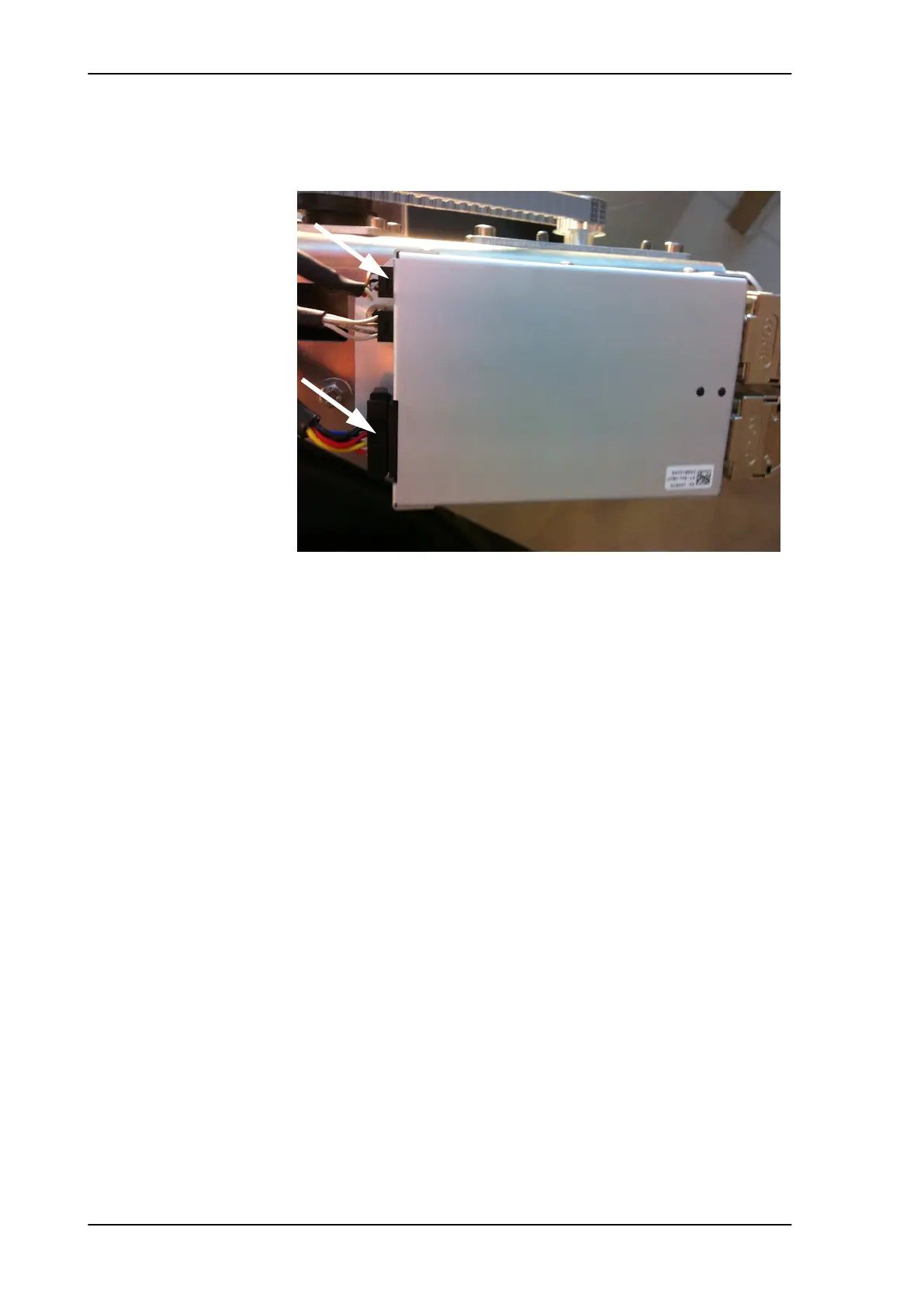
5. Disconnect the 8-pin connector and the 6-pin connector (colored
wires) from the Elevation DDM.
6. Loosen the 4x4 mm Allen screws (thread size M5) from the motor
assembly.
7. Slide free in the key holes of the motor assembly and remove the
motor.
8.5.6.2 Inserting a new Elevation Motor and Encoder
To insert a new Elevation Motor and Encoder follow the instructions
above in reverse order — while observing the following guidelines:
1. Mount motor and tighten the 4x4 mm Allen screws (thread size
M5) from the motor assembly.
2. String the Elevation belt around the pulley of the motor assembly.
3. While compressing the belt tensioner pully, push belt below the
belt tensioner, possibly while moving elevation mechanism back
and forth to aid belt alignment.
Figure 8-34: Elevation DDM, disconnect 2 connectors
SAILOR100TM.book Page 34 Tuesday, January 29, 2013 2:44 PM



 To Next Page