Configuration with the Control Panel
6-44 Chapter 6: Configuration 98-137654-A
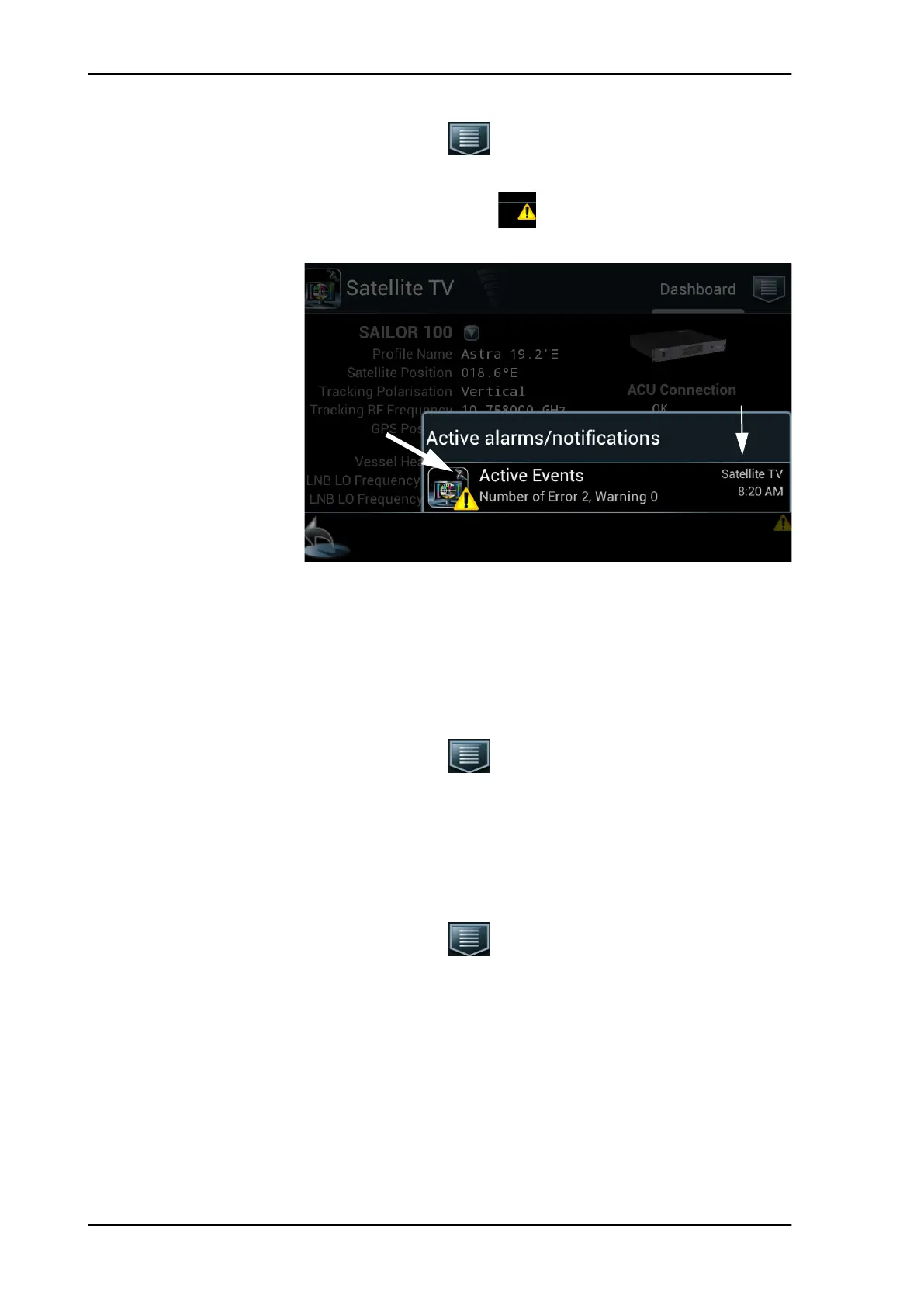
Tap the menu icon and tap Event list.
or
1. Tap the yellow triangle in the lower right corner of the
Control Panel.
2. Tap Active Events.
6.4.6 Help
Tap the menu icon and tap Help.
Help describes how to handle satellite profiles. Scroll through the
help or use the links at the start to jump to a specific topic.
6.4.7 About
Tap the menu icon , scroll down and tap About.
About provides the following information:
• Software version of the SAILOR 100 Satellite TV application.
Software version of the ACU is shown on the Dashboard page in
the section Unit information.
• IP address of the Control Panel.
• Legal Information with software licence information.
Figure 6-35: Control Panel, active events
SAILOR100TM.book Page 44 Tuesday, January 29, 2013 2:44 PM



 To Next Page