Introduction to the configuration tools
6-2 Chapter 6: Configuration 98-137654-A
No installation of software is necessary. The web interface is built
into the SAILOR 100 Satellite TV ACU.The Control Panel has the
application software installed on delivery. You access the web
interface from a computer with a standard Internet browser.
6.1.2 Connecting to the web interface
To connect to the web interface of the ACU do as follows:
1. Power up the SAILOR 100 Satellite TV system, i.e. switch on the
ACU. Wait until the LEDs on the front plate of the ACU show that
the system is ready to be configured.
• Power LED: Green
• TV Ready LED: Off
• Fail/Pass LED: Flashing green, during power-on self test, after
that steady green.
2. Connect a PC to LAN interface 3 (Service port, standard Ethernet)
of the ACU or to the front LAN connector of the ACU.
3. Open your Internet browser and enter the IP address of the ACU.
The IP address is http://192.168.0.1 (default).
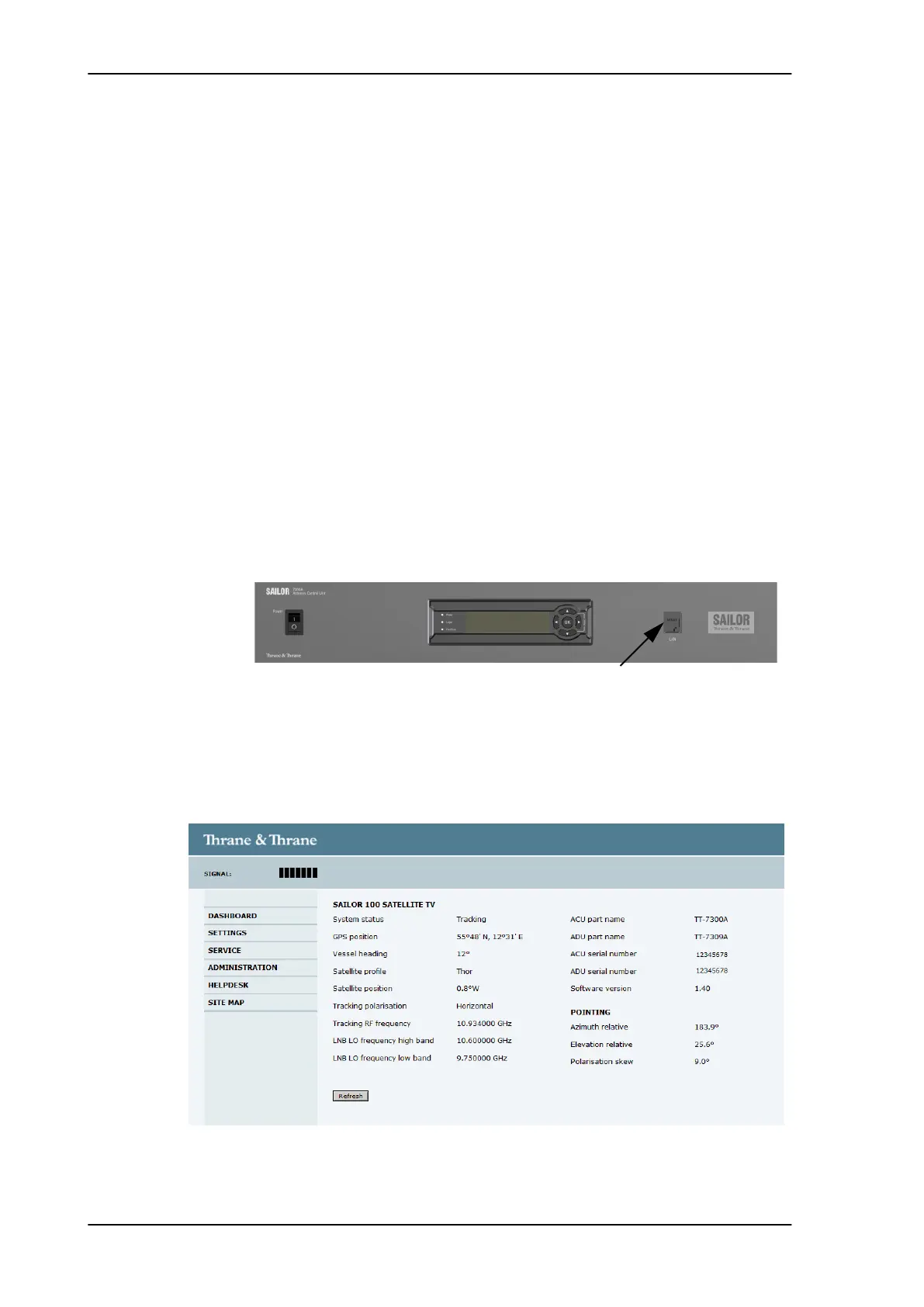
4. The web interface shows with the DASHBOARD page.
Figure 6-1: LAN 3 connector used for configuring the SAILOR 100 Satellite TV
Figure 6-2: SAILOR 100 Satellite TV Dashboard
SAILOR100TM.book Page 2 Tuesday, January 29, 2013 2:44 PM



 To Next Page