Removal and replacement of ADU modules
98-137654-A Chapter 8: Service & maintenance 8-55
8888
Service & maintenance
8.5.7.4 Inserting a new Elevation Drive Belt
To insert a new Elevation Belt follow the instructions above in
reverse order — while observing the following guidelines:
Follow the instructions in Inserting a new Elevation Motor and
Encoder on page 8-34.
8.5.7.5 Removing the Azimuth Drive Belt
1. Open the service hatch by releasing the two latches with Torx
screws.
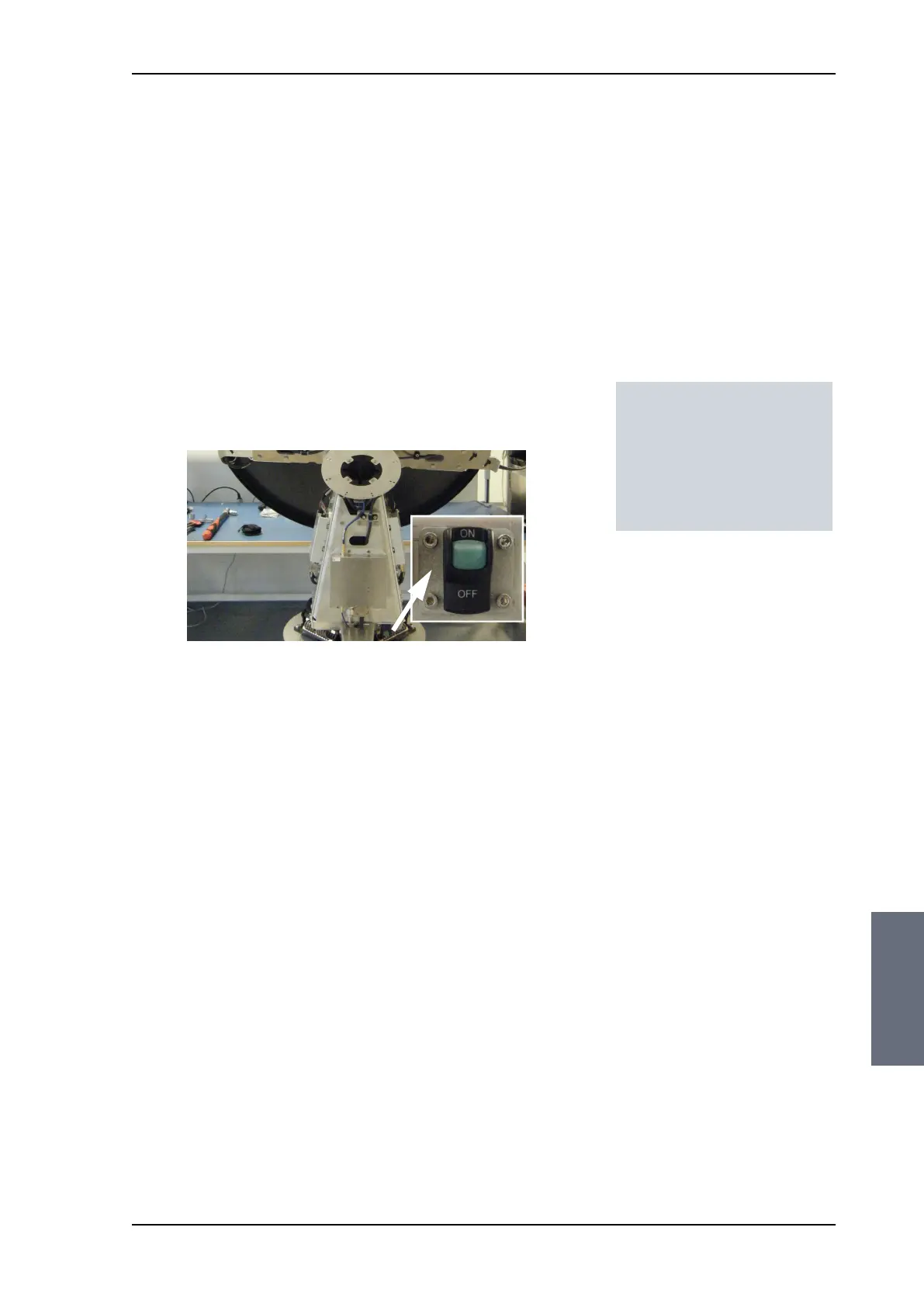
2. Switch off the power to the antenna on the service switch.
3. Rotate the antenna pedestal so that the arm with the GPS module
faces the service hatch and
4. Rotate the Antenna Dish to top position.
5. Press in and turn the elevation locking pin (available in some
antennas) to locked position.
Tools needed:
• 4 x 150 mm Allen key
(located inside the
service door of the ADU)
• Acoustic frequency meter
SAILOR100TM.book Page 55 Tuesday, January 29, 2013 2:44 PM



 To Next Page