Configuration with the web interface
98-137654-A Chapter 6: Configuration 6-17
6666
Configuration
6.3.4 TV satellites
When creating a satellite profile, you select a satellite from the list
of TV satellites. Disabled TV satellites will not be selectable in the
satellite profile.
6.3.4.1 When to update the list of TV satellites
The system comes with a list of TV satellites pre-installed. Usually,
the data describing a satellite does not change during the lifetime of
that satellite and the data will typically not need to be updated. It is
however possible to manually edit the data or e.g. add a new entry
in case a new satellite has been launched and TV reception is
required from the satellite.
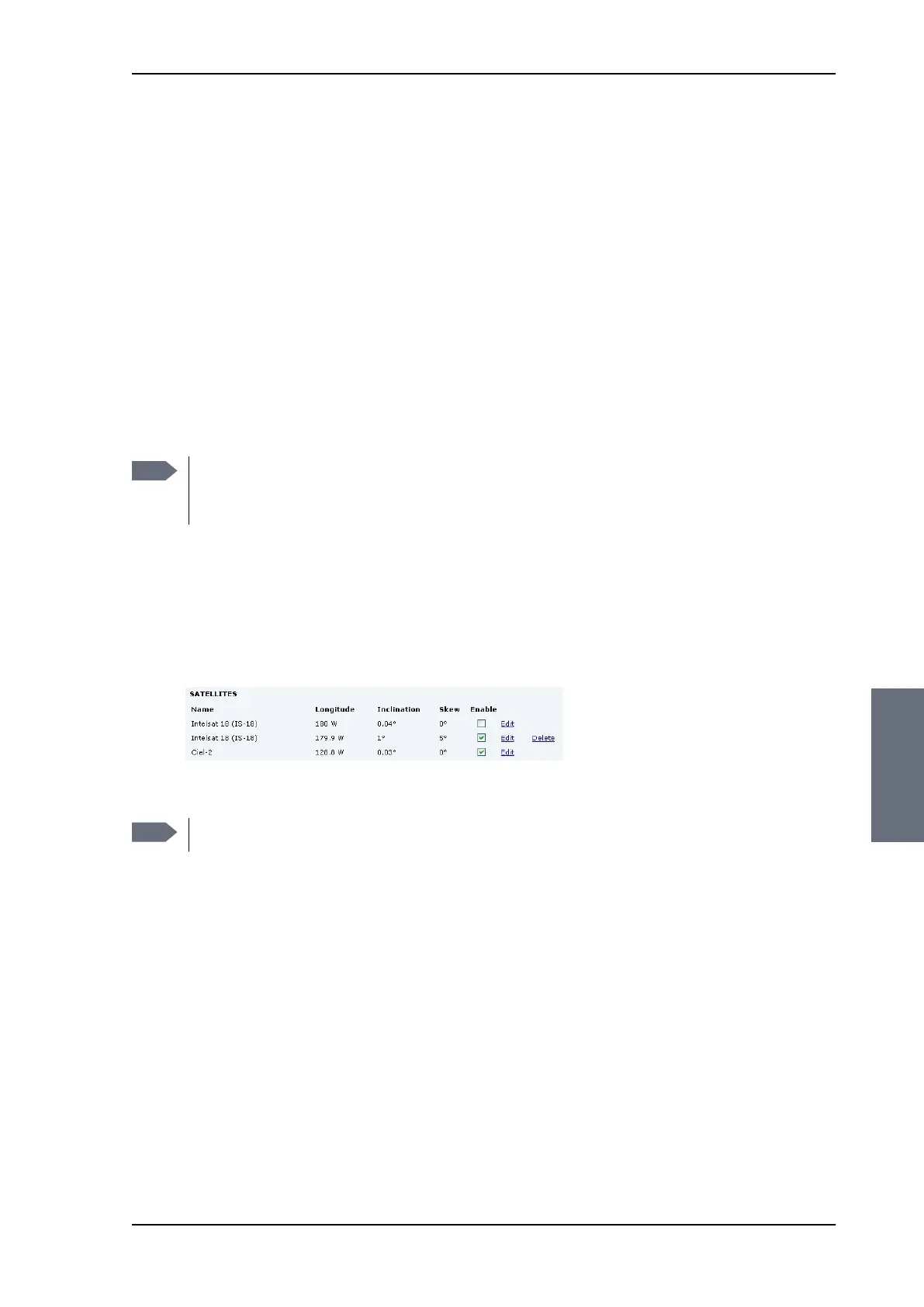
6.3.4.2 Removing and disabling entries in the list of TV
satellites
You can only delete user defined entries. If a pre-installed entry is
unwanted, it can be disabled.
6.3.4.3 Adding and editing entries in the list of TV satellites
Editing a pre-installed entry will disable that entry and add a new
user-defined entry. The new user-defined entry includes the
changes made. The pre-installed entry remains unchanged and
disabled.
Note
An up-to-date version of the database is included in each
software release. When updating the software of the
system the database is automatically updated.
Figure 6-10: TV satellite, remove and disable
Note
Only user defined entries have the delete link.
SAILOR100TM.book Page 17 Tuesday, January 29, 2013 2:44 PM



 To Next Page