Updating TIM/PCM calibration data
8-78 Chapter 8: Service & maintenance 98-137654-A
8.6 Updating TIM/PCM calibration data
After installing a new TIM (Television Interface Module) or PCM
(Pedestal Control Module) you must update the calibration data.
The ACU does not know which of the two modules (PCM or TIM) has
been replaced. The ACU needs to know which set of data to keep.
You must select the module that was not exchanged so the
calibration data can be copied to the module that was exchanged
during service.
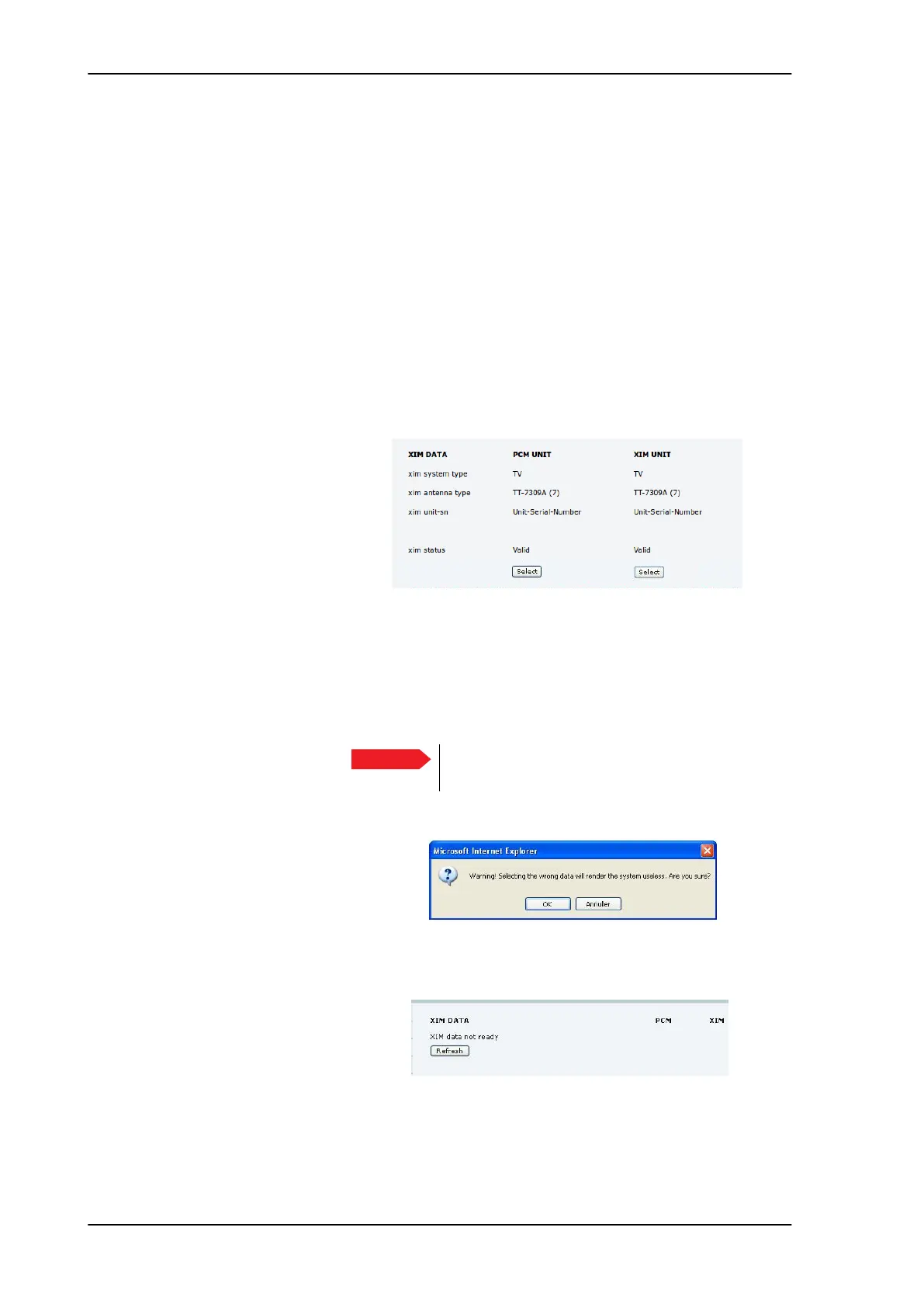
1. Enter the web interface (http://192.168.0.1) and click SERVICE >
XIM DATA. A screen similar to the one in the figure below will
appear:
2. The figure shows at Unit-no Unit-Serial-Number for the PCM,
because this module was exchanged during service. In this case
the user must press the select button below the TIM module in
order to copy the current calibration data to the new PCM
module.
3. Click Select, then a warning will appear.
4. Click OK to continue, the data is copied into the replaced module.
5. Click Refresh. When the XIM data has been successfully copied
from one module to the other, the web interface displays a
Figure 8-101: Updating TIM/PCM calibration data (example)
Important
Select always the XIM data for the module that
was not exchanged.
Figure 8-102: XIM data, warning
Figure 8-103: XIM data not ready
SAILOR100TM.book Page 78 Tuesday, January 29, 2013 2:44 PM



 To Next Page