Keypad and menus of the ACU
6-46 Chapter 6: Configuration 98-137654-A
6.5.2 Navigating the menus
Use the keypad to navigate the menus.
•Press OK or to select a menu item.
• Use the arrow keys and to go through
the menu items or enter a number, digit by digit.
• Use the arrow keys and to go through the settings and
move from one digit to the next.
•Press OK to select a setting.
• Press again to move one level up. If applicable, confirm to
store the new setting by pressing OK.
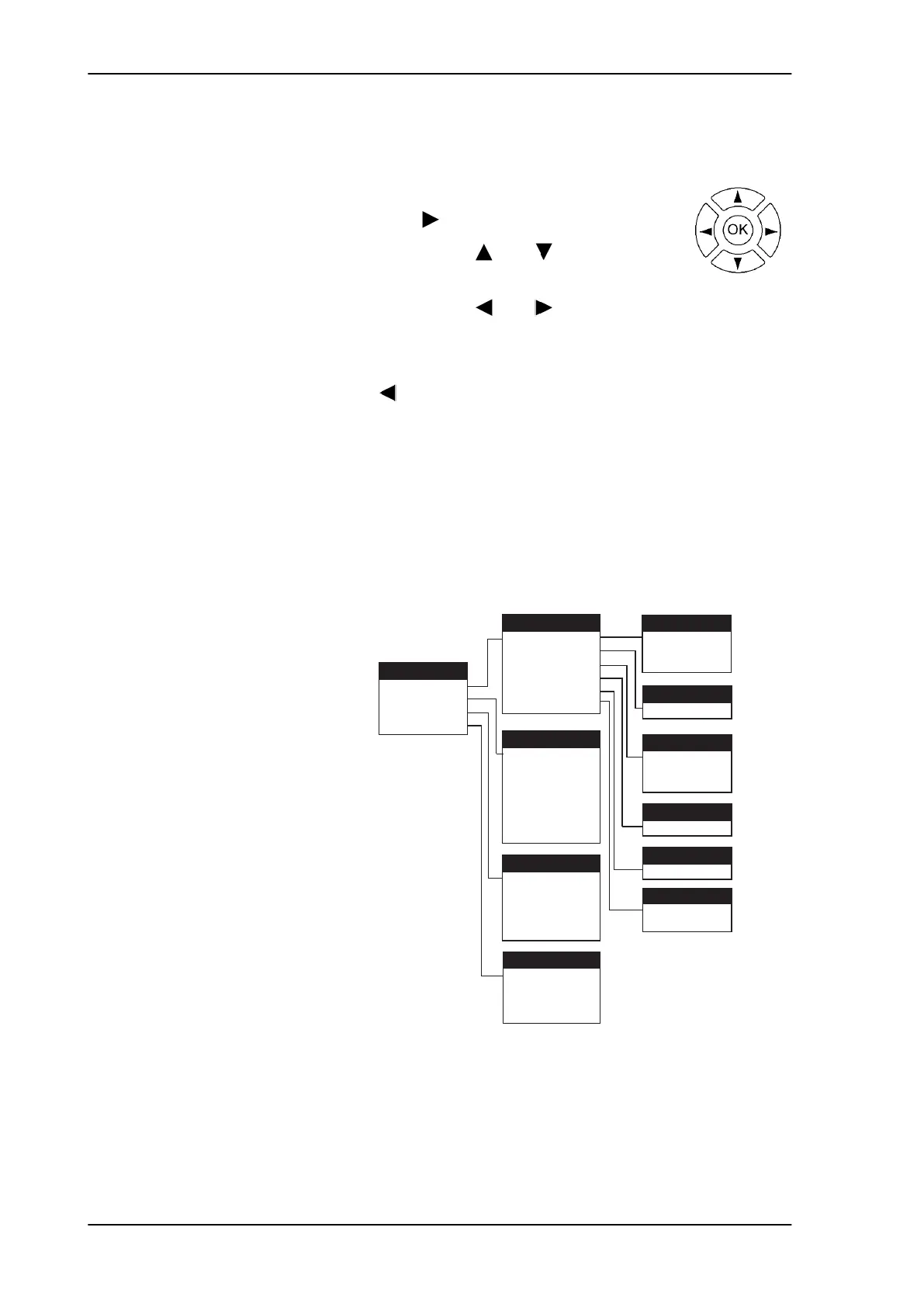
6.5.3 The menu tree
In the menu tree you can see how the system has been configured.
You can also enter satellite information directly, if it is necessary to
change the satellite information and you cannot use a connected PC
and the web interface.
Figure 6-37: ACU menu tree
MAIN
ANT
ANTENNA
NETWORK
SATELLITE
EVENTS
POINTING
POLARISATION
GPS
HEADING
VERSIONS
SERIAL NUMBERS
EVENT
<EVENT 1>
<EVENT 2>
<EVENT ...>
<EVENT n>
POSITION
RX POLARISATION
RX FREQUENCY
LNB LO HIGH
LNB LO LOW
NET
PORT 1/2 IP
PORT 1/2 MASK
PORT 3 IP
PORT 3 MASK
PORT 4 IP
PORT 4 MASK
DEFAULT GATEWAY
ANT-2
RX POLARISATION
ANT-1
ANTENNA STATE
ELEVATION
AZIMUTH
ANT-3
LATITUDE
LONGITUDE
FIX TYPE
TV*
ANT-5
SW VERSION
ANT-6
ACU
ADU
SAT
ANT-4
HEADING
SAILOR100TM.book Page 46 Tuesday, January 29, 2013 2:44 PM



 To Next Page