Configuration with the web interface
98-137654-A Chapter 6: Configuration 6-11
6666
Configuration
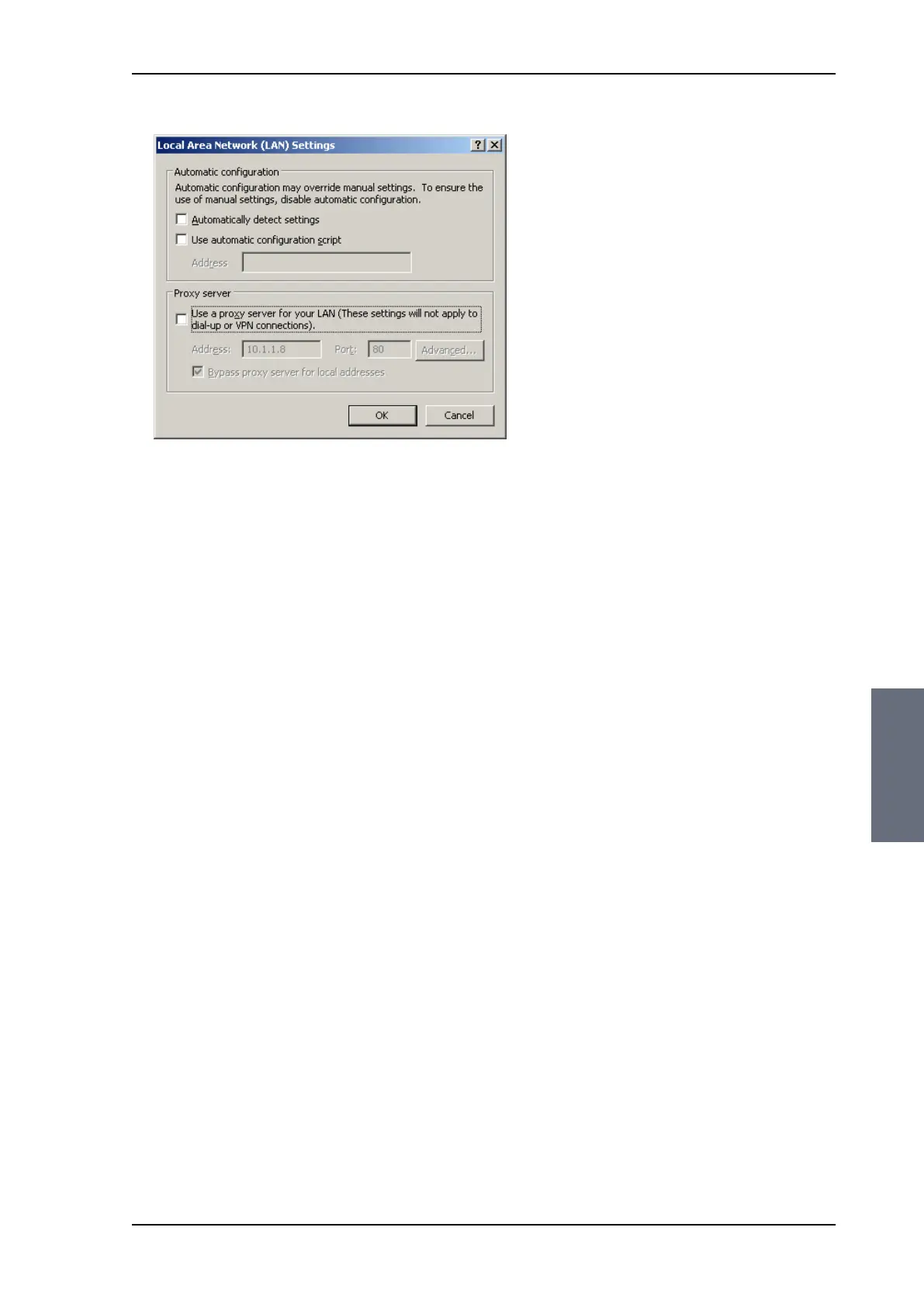
2. Clear the box labeled Use a proxy server for your LAN.
3. Click OK.
When the proxy server settings are disabled, close and restart your
browser.
You may need to change this setting back on return to your Internet
connection.
6.3.1.6 Connecting a PC
To connect your PC to the ACU see Connecting to the web interface
on page 6-2. If you want to use another LAN port than LAN 3 you
must configure it according to your network requirements. For
information how to configure the 4 LAN connectors see Configuring
the LAN network on page 6-25.
6.3.2 Using the Dashboard
The Dashboard is the first screen that is displayed when the user or
administrator enters the IP address of the web interface of the ACU.
The Dashboard is used for viewing properties and status of the ACU
and ADU.
SAILOR100TM.book Page 11 Tuesday, January 29, 2013 2:44 PM



 To Next Page