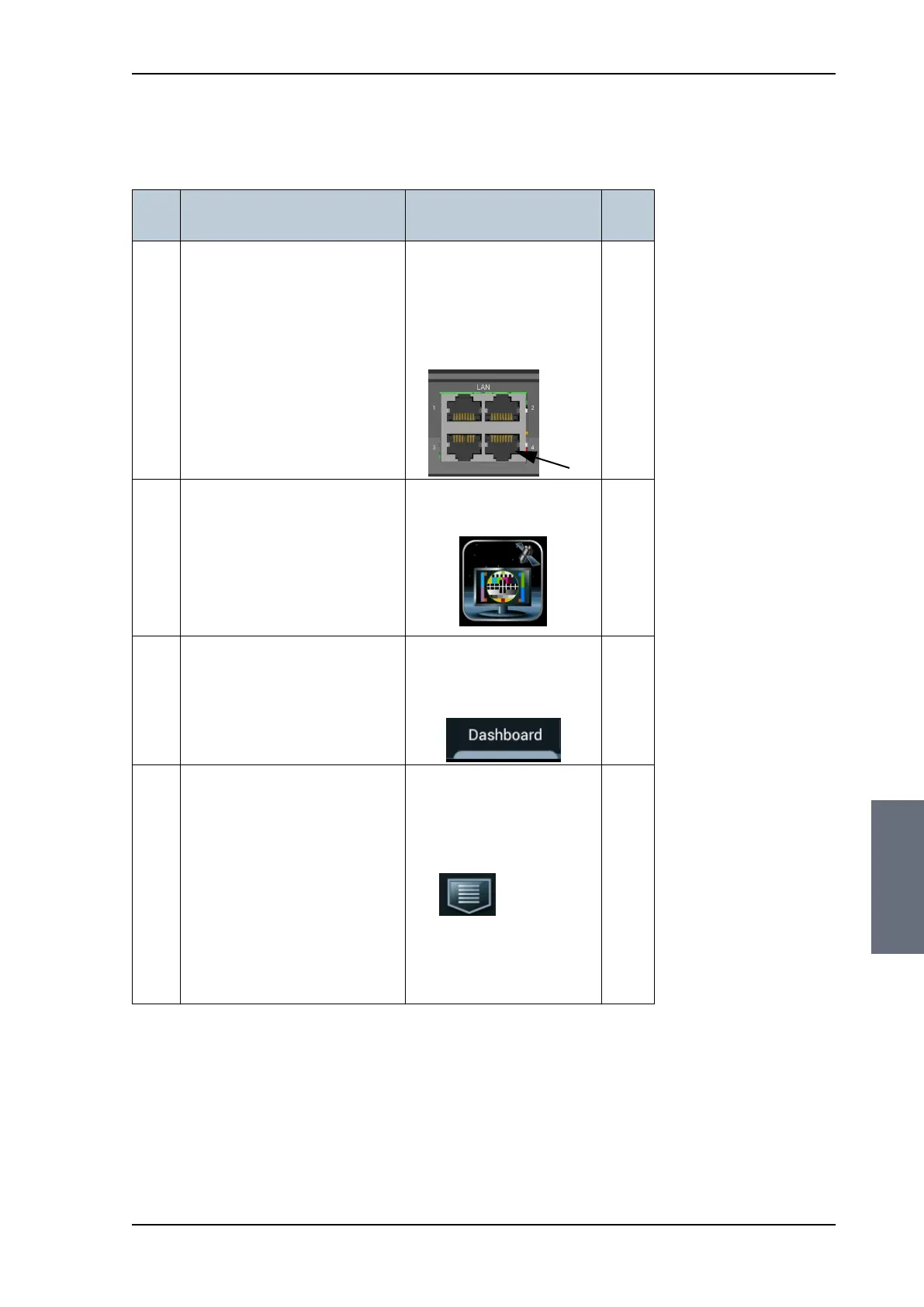
Installation check list: Control Panel
98-137654-A Chapter 7: Installation check 7-5
7777
Installation check
7.3 Installation check list: Control Panel
Step Task
Verification and further
information
Done
1.
Check that the Control Panel
is connected to the ACU at
LAN 4, possibly through a
switched network.
If the Control Panel is
connected directly to the ACU,
verify that DHCP server has
been enabled on LAN 4.
See Configuring the LAN
network on page 6-25.
Visual inspection of the
Control Panel and the
ACU.
2.
Switch on the Control Panel
and check that the start-up
picture contains the
application for SAILOR 100
Satellite TV (TV icon).
Visual inspection of the
Control Panel display:
3.
Select the icon for SAILOR 100
Satellite TV and wait for the
status indication on the
Dashboard saying Status ACU
Connection OK.
Visual inspection of the
Control Panel display:
Dashboard.
4.
Check that you have created
all required satellite profiles.
Visual inspection of the
Control Panel display for
satellite profiles
available:
•
• Activate profile.
See Selecting the active
profile on page 6-42
Table 7-3: Installation check list: Control Panel, connectors and wiring
SAILOR100TM.book Page 5 Tuesday, January 29, 2013 2:44 PM



 To Next Page