Power up
98-137654-A Chapter 5: Connecting power 5-5
5555
Connecting power
5.4 Power up
1. Connect power to SAILOR Transmodulator or multi switch (if
installed).
2. Switch on the ACU. The unit starts up and goes through an
initialization procedure:
•ACU POST
• ADU Initializing
• ADU POST
• READY
This may take some time (up to a couple of minutes).
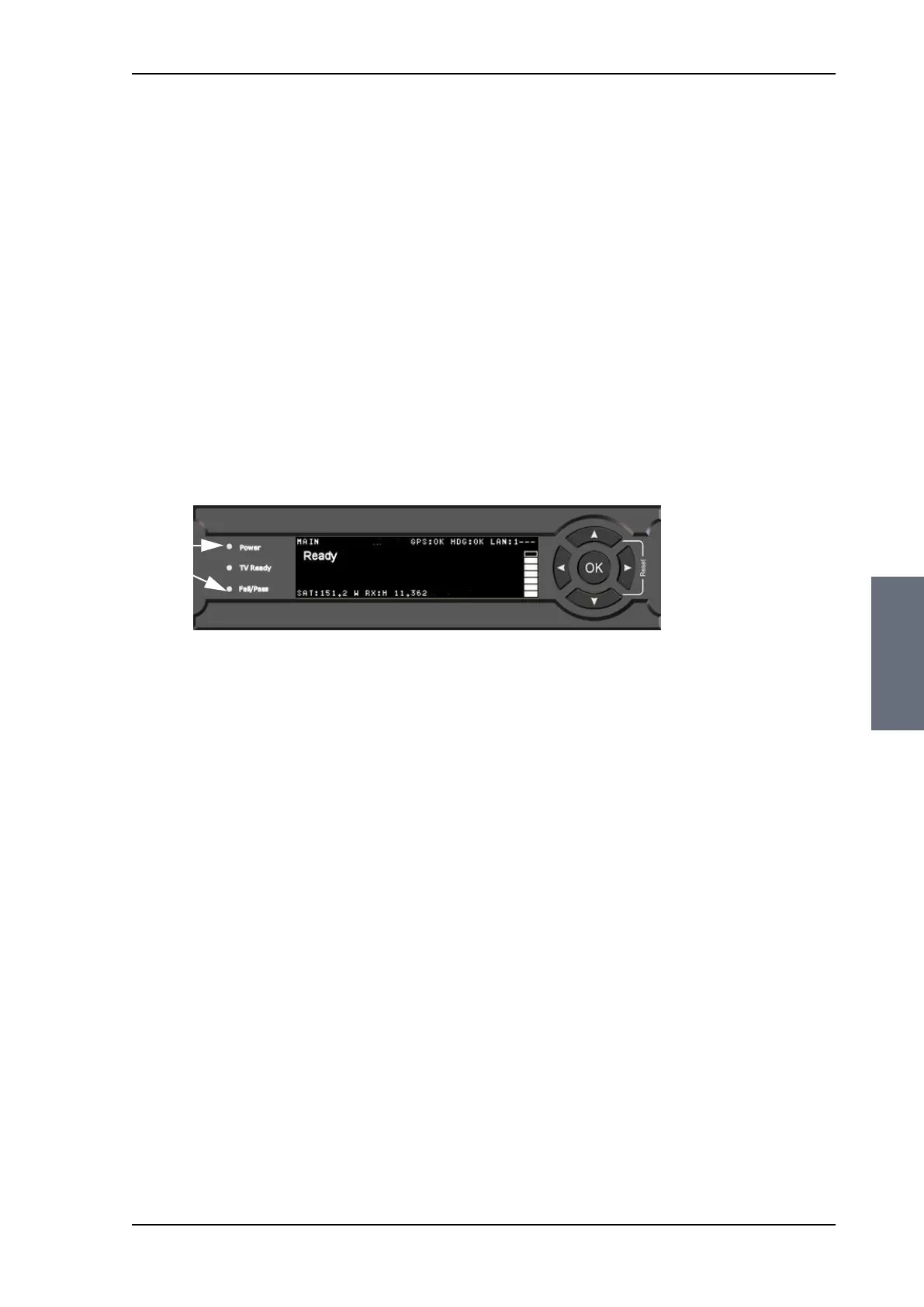
3. The SAILOR 100 Satellite TV is ready to be calibrated (for first time
power up). The ACU display shows the following message:
The LEDs Power and Fail/Pass are steady green, the TV Ready is
off. For further information on status indicators see Status
signalling with LEDs and status messages on page 8-8.
Make sure there are no hardware failures or error codes present,
check the display of the ACU for events. For more information on
error codes and events see Troubleshooting on page 8-80 and
System messages on page C-1.
4. Continue to get the SAILOR 100 Satellite TV system operational,
do the following:
• Make an azimuth calibration.
• Configure the SAILOR Transmodulator (if installed).
• Create one or more satellite profiles.
For step-by-step instructions, see Introduction to the configuration
tools on page 6-1.
For installation check lists see, Installation check on page 7-1.
Figure 5-3: ACU display after first power on (example with LAN port 1 used)
Steady
green
SAILOR100TM.book Page 5 Tuesday, January 29, 2013 2:44 PM



 To Next Page