Configuration with the web interface
98-137654-A Chapter 6: Configuration 6-37
6666
Configuration
3. In the web interface click the button Upload.
To clone a system configuration, do as follows:
1. Reset to factory default, see the following section for details.
2. Import a configuration from file, see section above.
6.3.13.5 Resetting to factory default
When resetting SAILOR 100 Satellite TV to factory default, the
following settings are deleted:
• All satellite profiles
• Blocking zones
• Heading settings
• Azimuth adjustment
• Changes made to the satellite lists (reference satellites and TV
satellites)
• Network setup
• User permissions
• ACU display: brightness setting
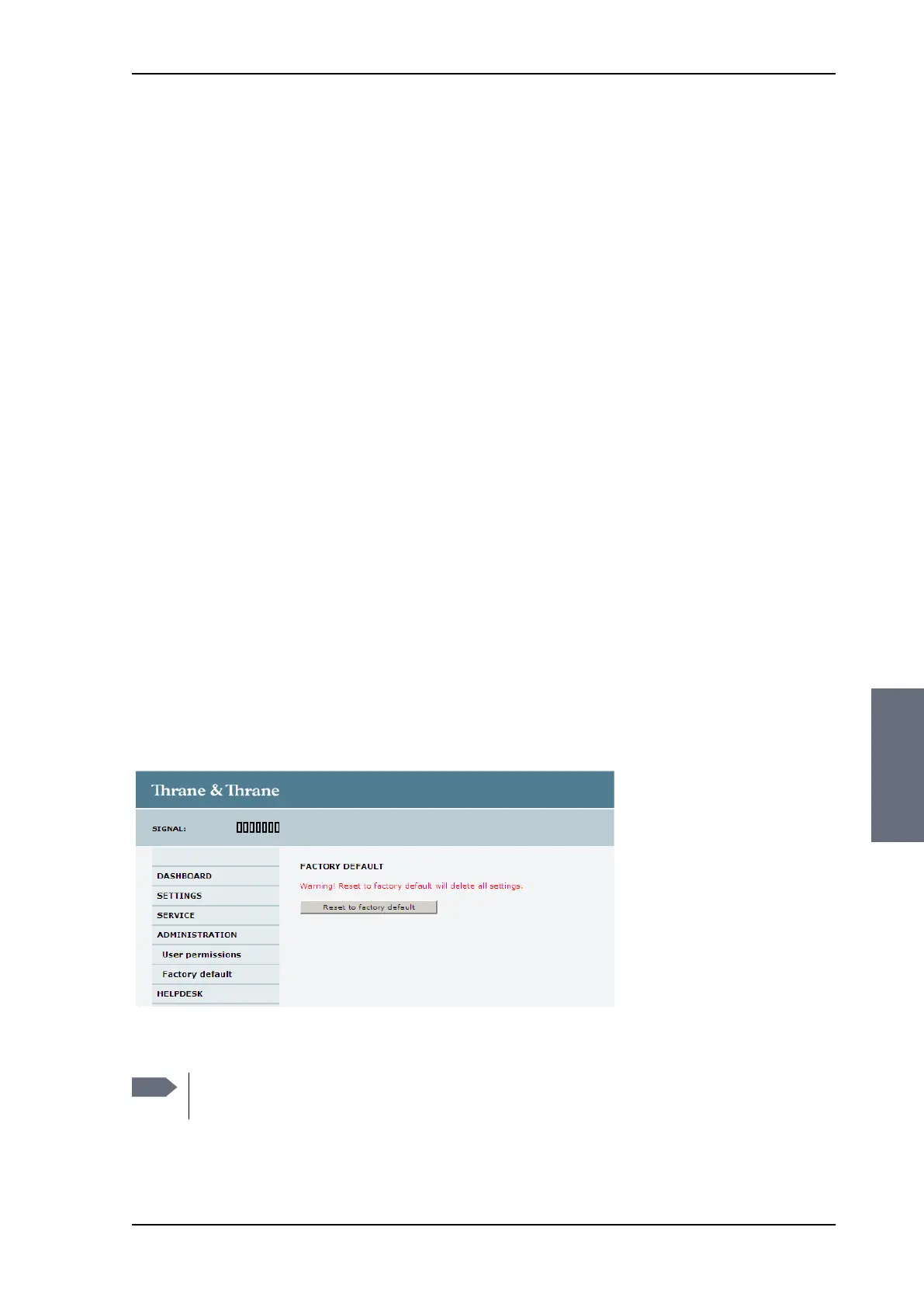
To reset to factory default settings, do as follows:
1. From the left navigation pane, select ADMINISTRATION > Factory
default.
2. Click Reset to factory default.
Figure 6-30: Web interface: ADMINISTRATION, Factory default
Note
Calibration data for azimuth and cable calibration are not
reset during factory default.
SAILOR100TM.book Page 37 Tuesday, January 29, 2013 2:44 PM



 To Next Page