Configuration with the web interface
98-137654-A Chapter 6: Configuration 6-19
6666
Configuration
For satellite data see documentation from your service provider
or from online databases, e.g. www.lyngsat.com or
www.satbeams.com.
4. Click Apply to save the data.
6.3.5 Reference satellites
Reference satellites are used during Azimuth adjustment function
(see Azimuth adjustment on page 6-21). They may also be used for
Azimuth calibration.
6.3.5.1 When to update the data of a reference satellite
The data of a reference satellite should not be edited and new data
should not be added. The Reference satellites and their transponder
data have been carefully selected. They have some rare attributes
and properties that makes them uniquely identifiable throughout
the globe.
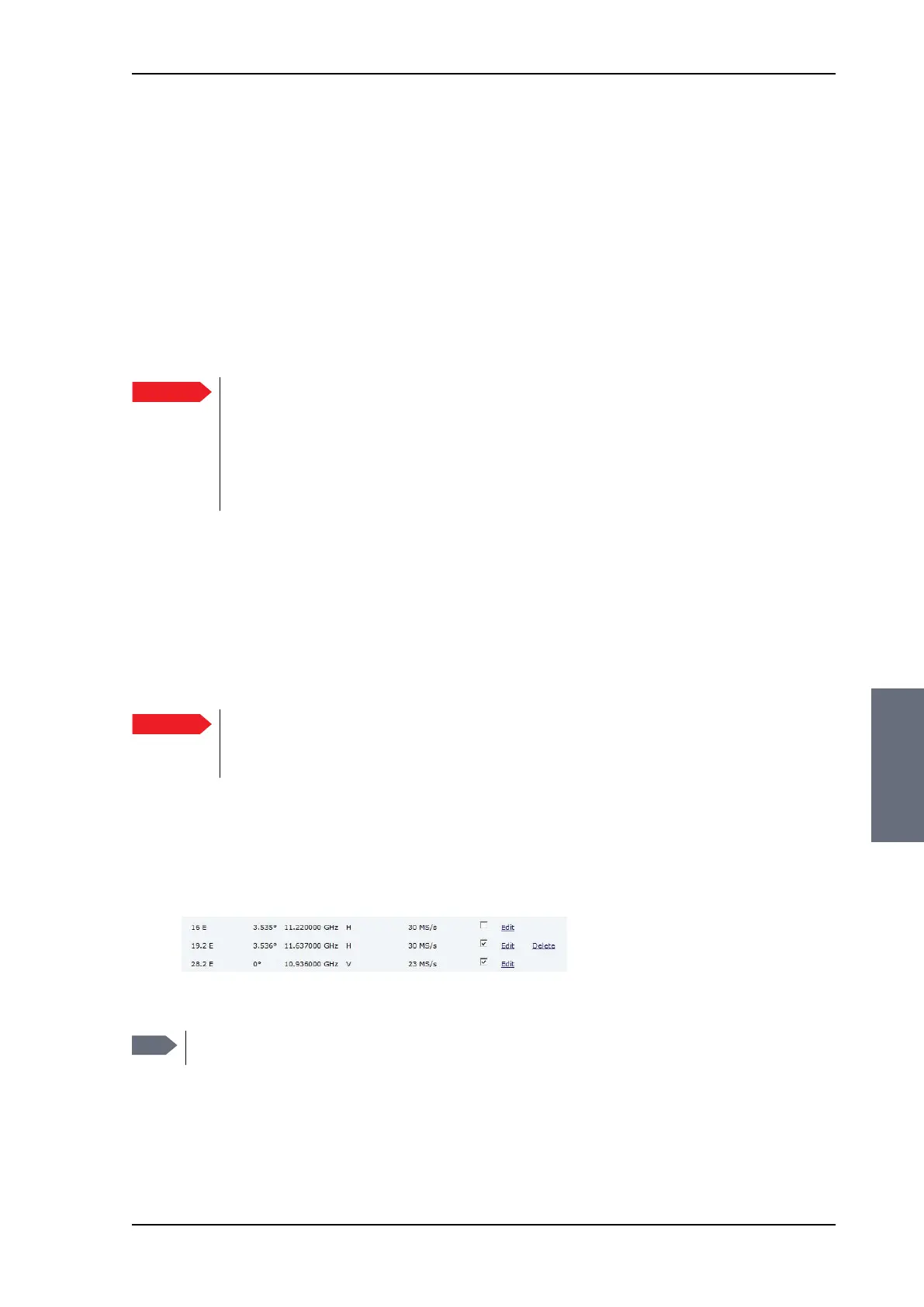
6.3.5.2 Removing and disabling entries
You can only delete user defined entries. Pre-installed entries can
be disabled if they are not needed.
Important
Do not add satellites that are solely intended for
azimuth calibration. If you cannot use any of the pre-
installed Reference satellites for azimuth calibration,
you can manually supply the data directly on the page
SERVICE > Calibration, see Heading and calibration of
azimuth on page 6-4.
Important
For the Azimuth adjustment function to work properly, it is
essential that these data are not edited or new data are
added unless instructed to do so by your service partner.
Figure 6-13: Reference satellite, remove and disable
Note
Only user defined entries have the delete link.
SAILOR100TM.book Page 19 Tuesday, January 29, 2013 2:44 PM



 To Next Page