Configuration with the web interface
6-20 Chapter 6: Configuration 98-137654-A
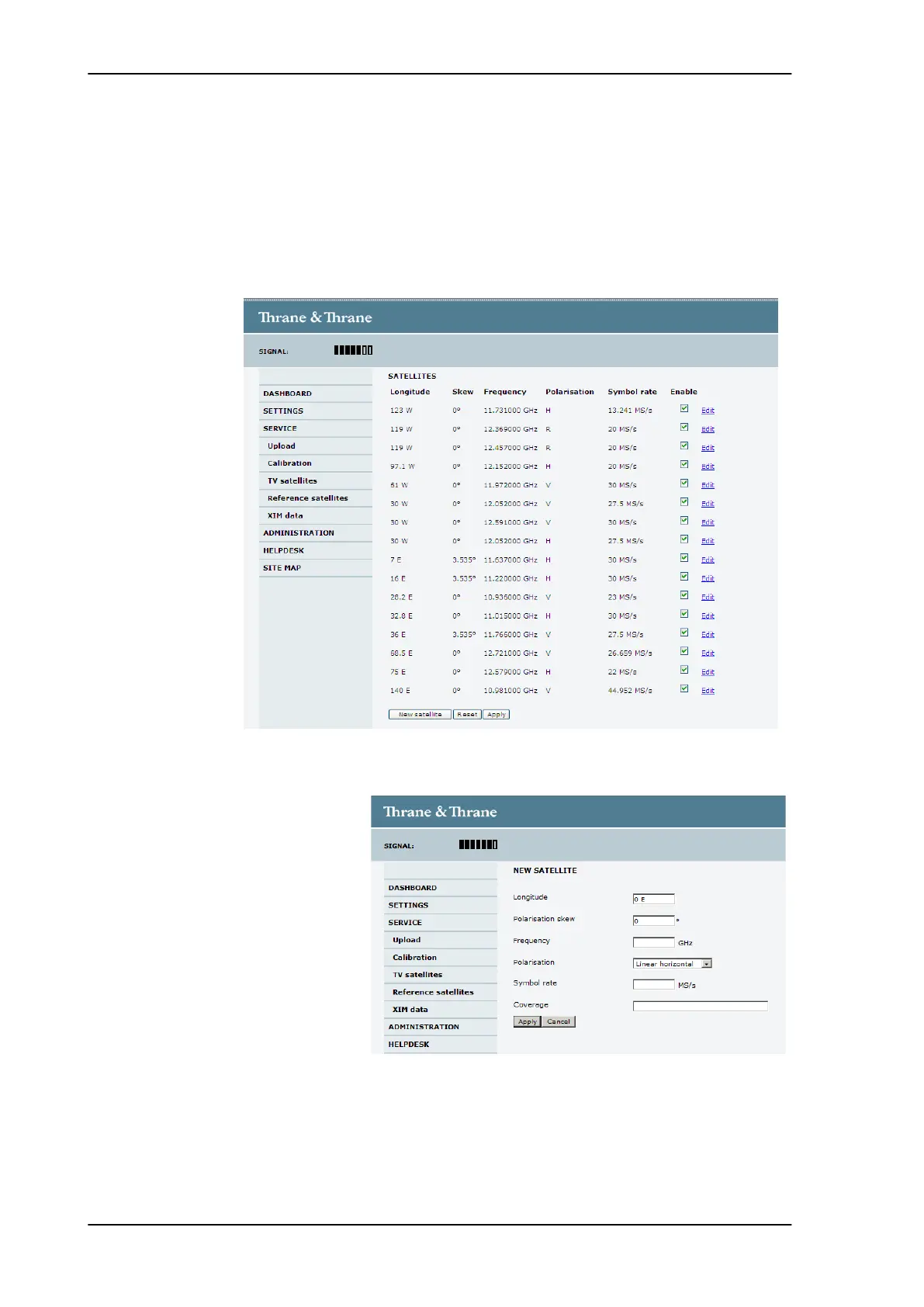
6.3.5.3 Adding and editing entries in the list of reference
satellites
Editing a pre-installed entry will disable that entry and add a new
user-defined entry. The new user-defined entry includes the
changes made. The pre-installed entry remains unchanged and
disabled.
Figure 6-14: Web interface: SERVICE - Reference satellites (example)
Figure 6-15: Web interface: SETTINGS > Satellites — new entry (example)
SAILOR100TM.book Page 20 Tuesday, January 29, 2013 2:44 PM



 To Next Page