Configuration with the Control Panel
6-42 Chapter 6: Configuration 98-137654-A
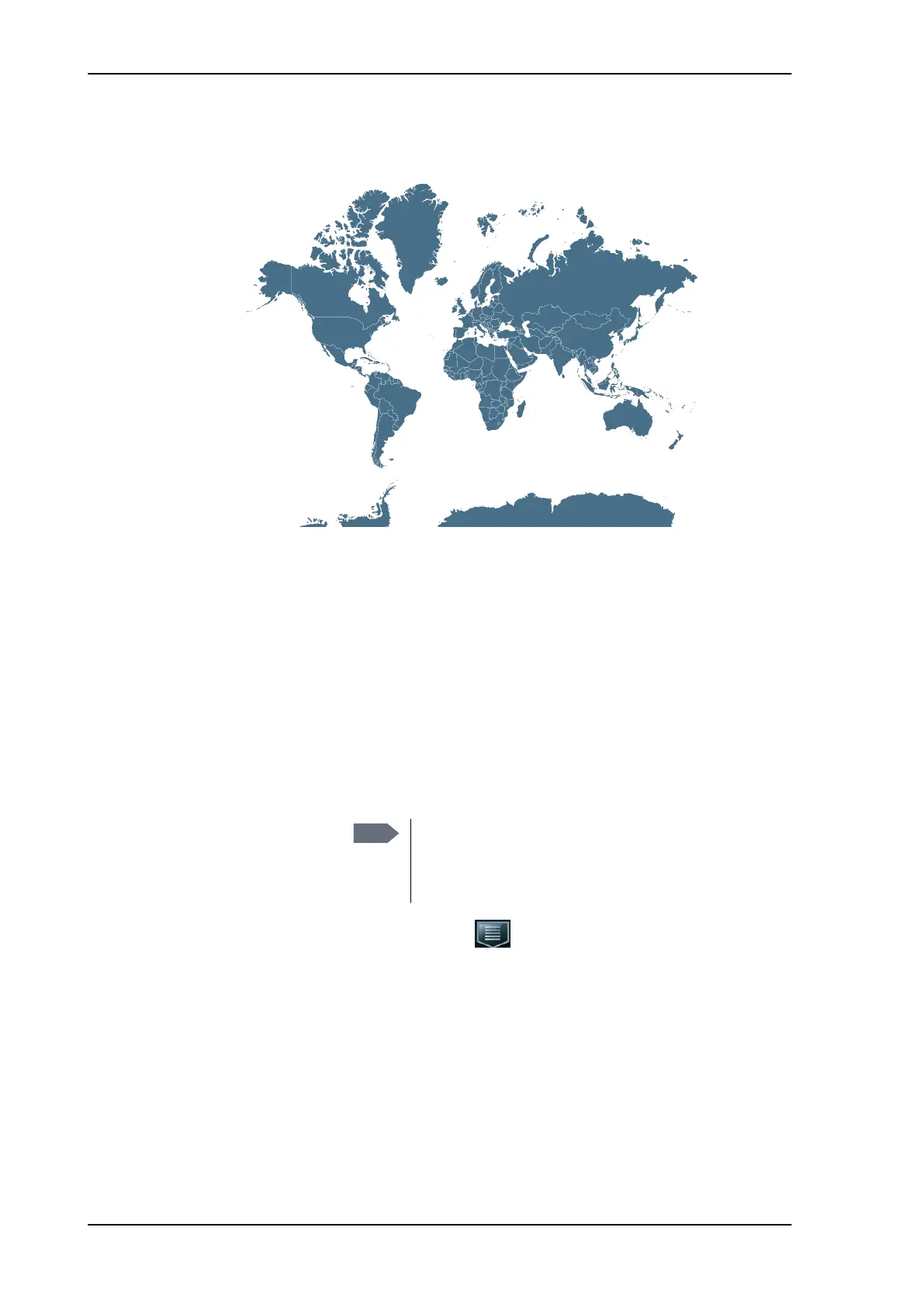
doubt leave this setting at the default value (Universal (10.600
GHz/9.750 GHz)). See also the figure below.
7. Tap Save to save the satellite profile.
8. A confirmation window is displayed. Verify the data for the new
profile and press OK to close the window.
6.4.3 Selecting the active profile
To change the active profile, select another profile from the list of
created profiles.
1. Tap the menu icon .
2. Select Activate Profile.
Figure 6-33: Examples of LNB LO frequencies used worldwide
11.25
GHz
10.5 GHz
R/L
10.678
GHz
11.3 GHz
H/V
10.7 GHz
H/V
9.75/10.6 GHz
H/V
11.25
GHz
9.75/10.6 GHz
H/V
Note
When you select another profile, the antenna
moves to the new position and goes through the
acquisition procedure. This may take a couple of
minutes.
SAILOR100TM.book Page 42 Tuesday, January 29, 2013 2:44 PM



 To Next Page