Removal and replacement of ADU modules
8-58 Chapter 8: Service & maintenance 98-137654-A
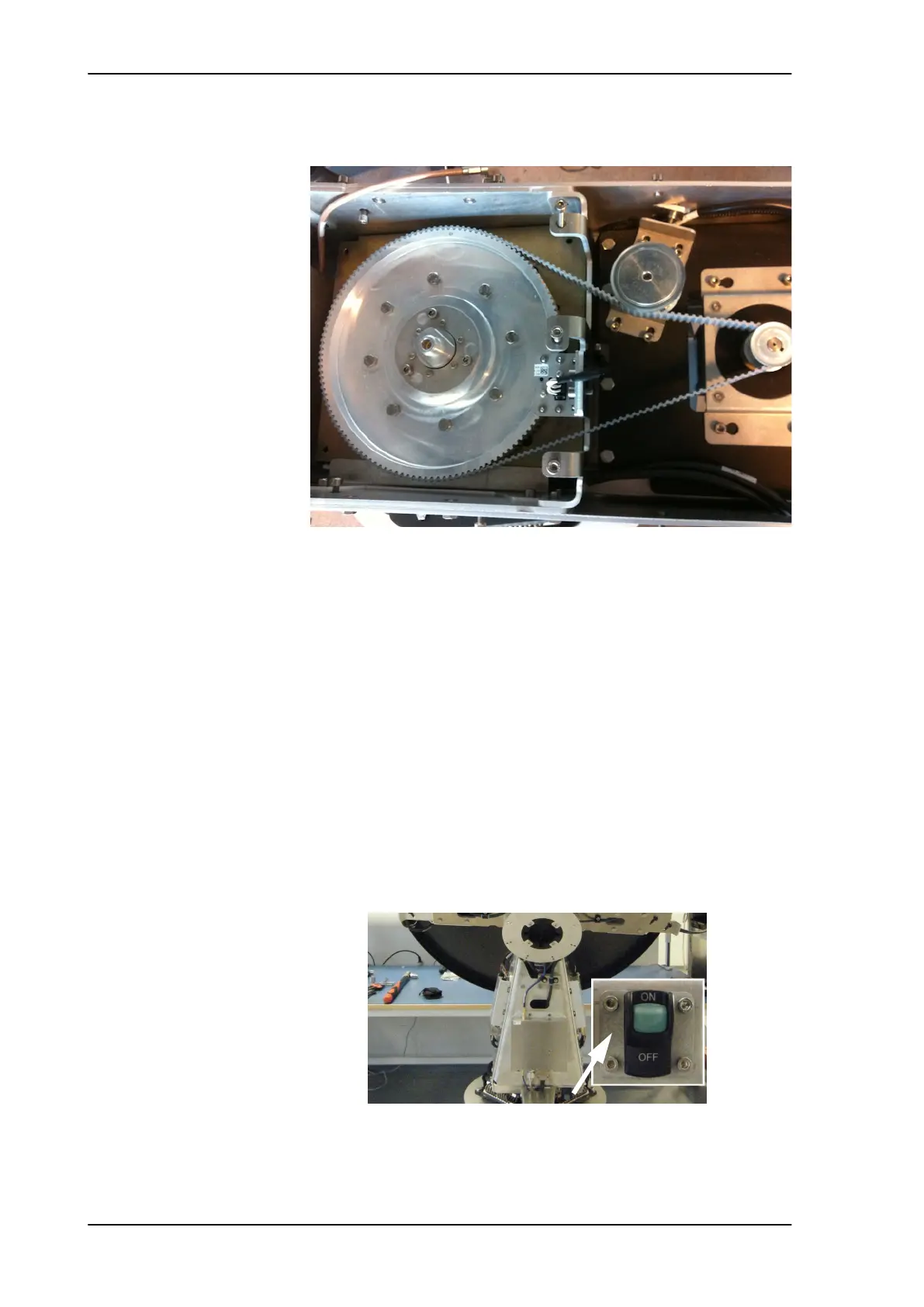
12. Remove the Azimuth Drive Belt.
8.5.7.6 Inserting a new Azimuth Drive Belt
To insert a new Azimuth Drive Belt follow the instructions above in
reverse order - while observing the following guidelines:
Follow the instructions in Inserting a new Azimuth Motor on page 8-
38.
8.5.7.7 Removing the Polarisation Drive Belt
1. Open the service hatch by releasing the two latches with Torx
screws.
2. Switch off the power to the antenna on the service switch.
3. Rotate the antenna dish to 0 degree position.
Figure 8-69: Azimuth Drive Belt
SAILOR100TM.book Page 58 Tuesday, January 29, 2013 2:44 PM



 To Next Page