Keypad and menus of the ACU
6-50 Chapter 6: Configuration 98-137654-A
6.5.5 Resetting the system
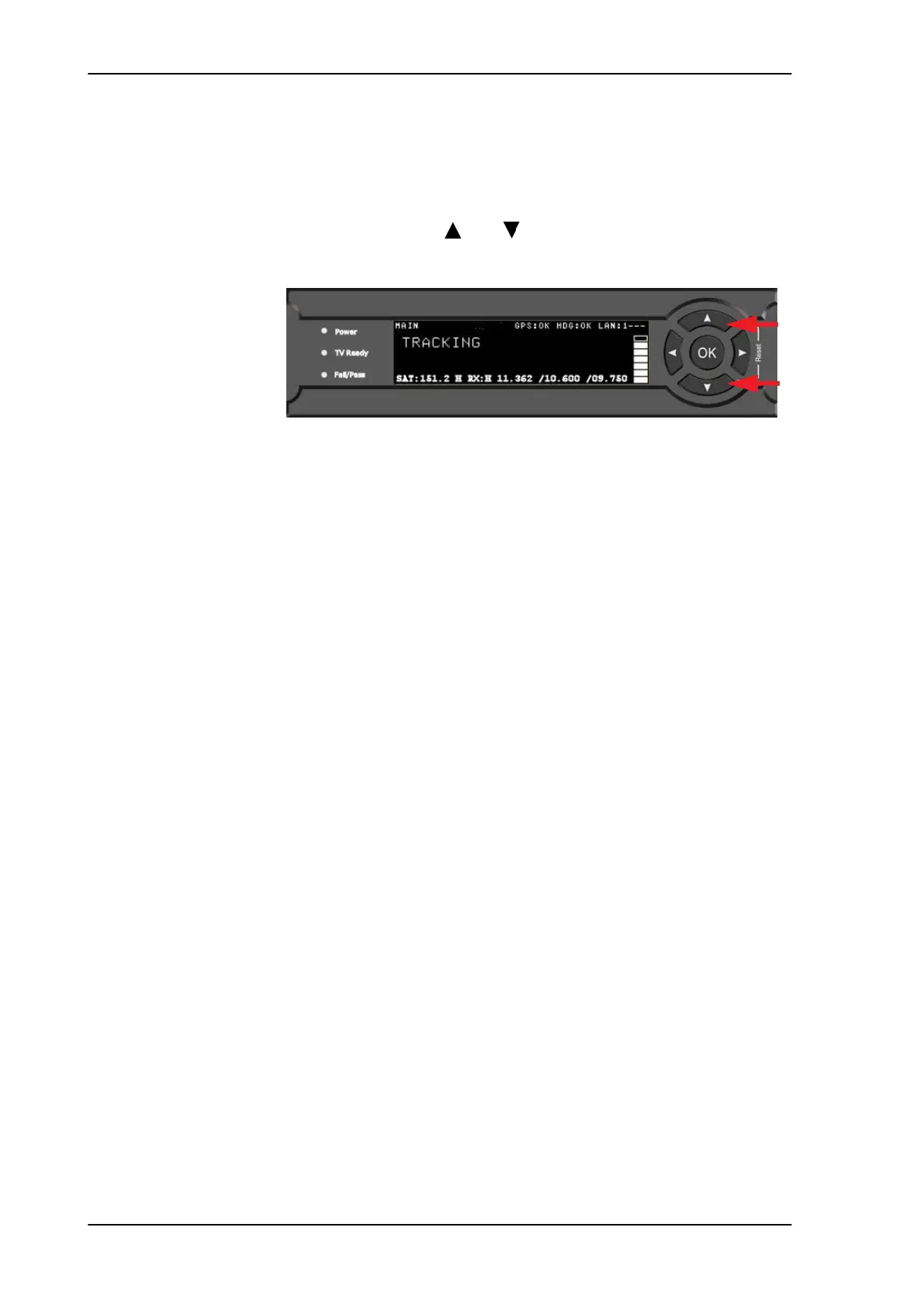
To reset the system do the following:
1. Press and hold and until the ACU display shuts down and
the ACU reboots.
2. Wait until the system has rebooted and is operational again. The
last active satellite profile will be used.
Figure 6-38: Reset the system
SAILOR100TM.book Page 50 Tuesday, January 29, 2013 2:44 PM



 To Next Page