Removal and replacement of ADU modules
98-137654-A Chapter 8: Service & maintenance 8-35
8888
Service & maintenance
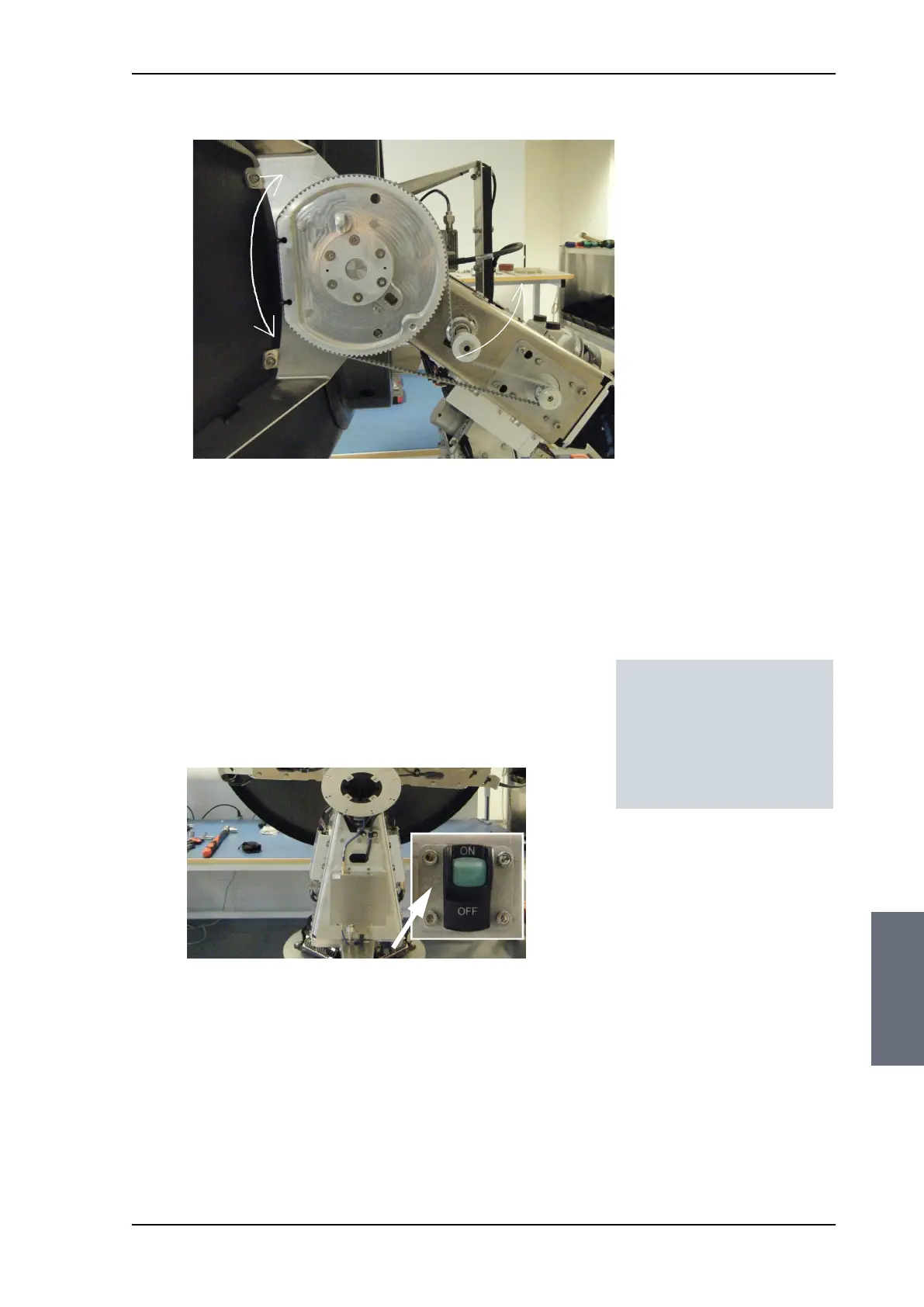
4. Check the belt tension with Optibelt belt frequency measuring
device or similar to ensure a 60-70 Hz belt tension.
8.5.6.3 Removing the Azimuth Motor
To remove the Azimuth Motor, do as follows:
1. Open the service hatch by releasing the two latches with Torx
screws.
2. Switch off the power to the antenna on the service switch.
3. Rotate the Antenna Dish to top position.
4. Press in and turn the elevation locking pin (available in some
antennas) to locked position.
5. Rotate the antenna pedestal so that the Azimuth DDM faces from
the service hatch.
Figure 8-35: Attach belt
Tools needed:
• 4 x 150 mm Allen key
(located inside the
service door of the ADU)
• Acoustic frequency meter
SAILOR100TM.book Page 35 Tuesday, January 29, 2013 2:44 PM



 To Next Page