Vista Digital Mixing System
Date printed: 05.08.03 SW V3.3 Parameters 3-49
3.6.7 Microphone Simulation Tool (MST) – User Pan Mode
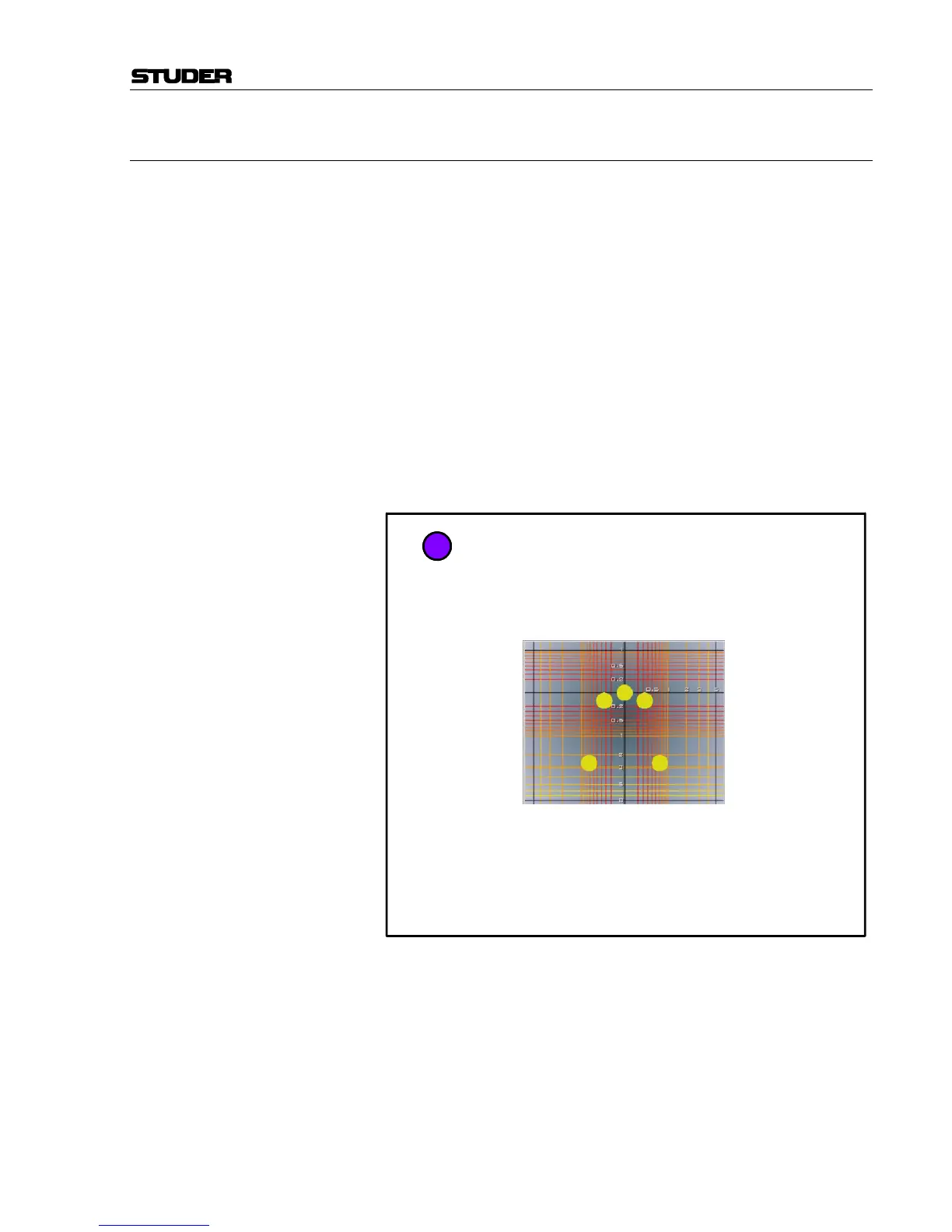
As a further sophistication of the VSP system, a new Microphone Simula-
tion Tool (MST) has been created. This allows the mix engineer to create
his/her own multichannel panning law, by simulating the placement of mi-
crophones in a virtual space.
Overview A user can define how the VSP varies the delays and amplitudes of the
direct sound when panning between speakers. To instruct the VSP how to
generate these signals, commonly known microphone symbols are used.
Each symbol represents the signal that will be sent to one speaker.
For example, if five omni microphones are set up at the same position, no
panning effect will be achieved. Five omni microphones at certain dis-
tances will only create time differences when panning between speakers.
Five shotgun microphones positioned in one location will only generate
amplitude differences. And five directional microphones positioned in dif-
ferent locations will generate both amplitude and time differences between
the speakers (based on the placement of the “microphones”).
The dry signal within a VSP channel is now placed to an imaginary posi-
tion based on the panner positioning within the channel. You can now
imagine that, if each speaker (in your monitoring environment) is fed the
signal based on the placement of the “microphones” in the simulation (in-
cluding the reflections), that a realistic sound space could be achieved.
This is a simplification of what happens within the VSP system.
Each of the Panner modes (ORTF, AMP, AB, etc.) simulates a different
placement of the microphones, and therefore yields a different acoustic
scene.
Sound Source
Based on
Panner Position
and Distance
Control
Simulated Microphone Placement
Virtual Room



 To Next Page