Vista Digital Mixing System
28 Software V4.1 SW V4.1 Date printed: 20.08.09
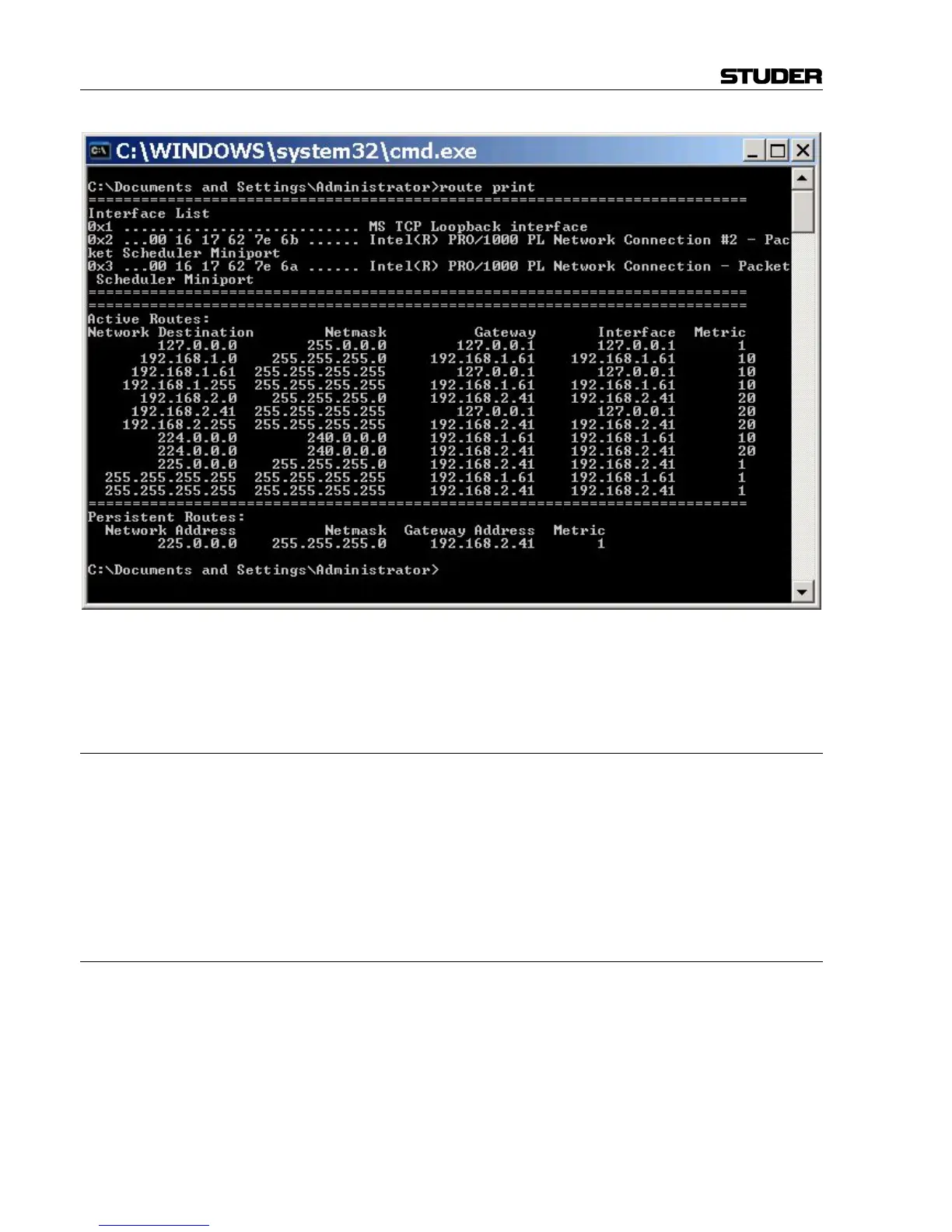
The entered route will now appear under the Persistent Routes header, e.g.
192.168.2.41
B.3 DAW Settings
ipMIDI (to be executed on DAW)
• Install ipMIDI v1.6 (requires DirectX 8.1 or later)
• Deactivate ‘Loop Back’ (un-tick checkbox in the ipMIDI monitor
window)
• Define four ports in the ipMIDI monitor window, as shown in chapter
B.2
• Restart the DAW platform (PC or Mac)
B.3.1 General Recommendations
Startup Order 1 Vista
2 DAW (otherwise the initialization of faders may fail)
Shutdown Order 1 DAW
2 Vista (otherwise all faders on DAW go to zero)



 To Next Page