STUDER 07. Mar. 2005 Release Notes Vista 3.5
11/21
4. Option for muting prefade auxiliaries upon channel mute
A new option has been added in the "User", "Vista Settings" dialog. If selected, all auxiliary busses
are muted if the channel MUTE button is activated. If this option is not active (standard), only the
auxiliary busses switched to postfade are muting upon channel mute.
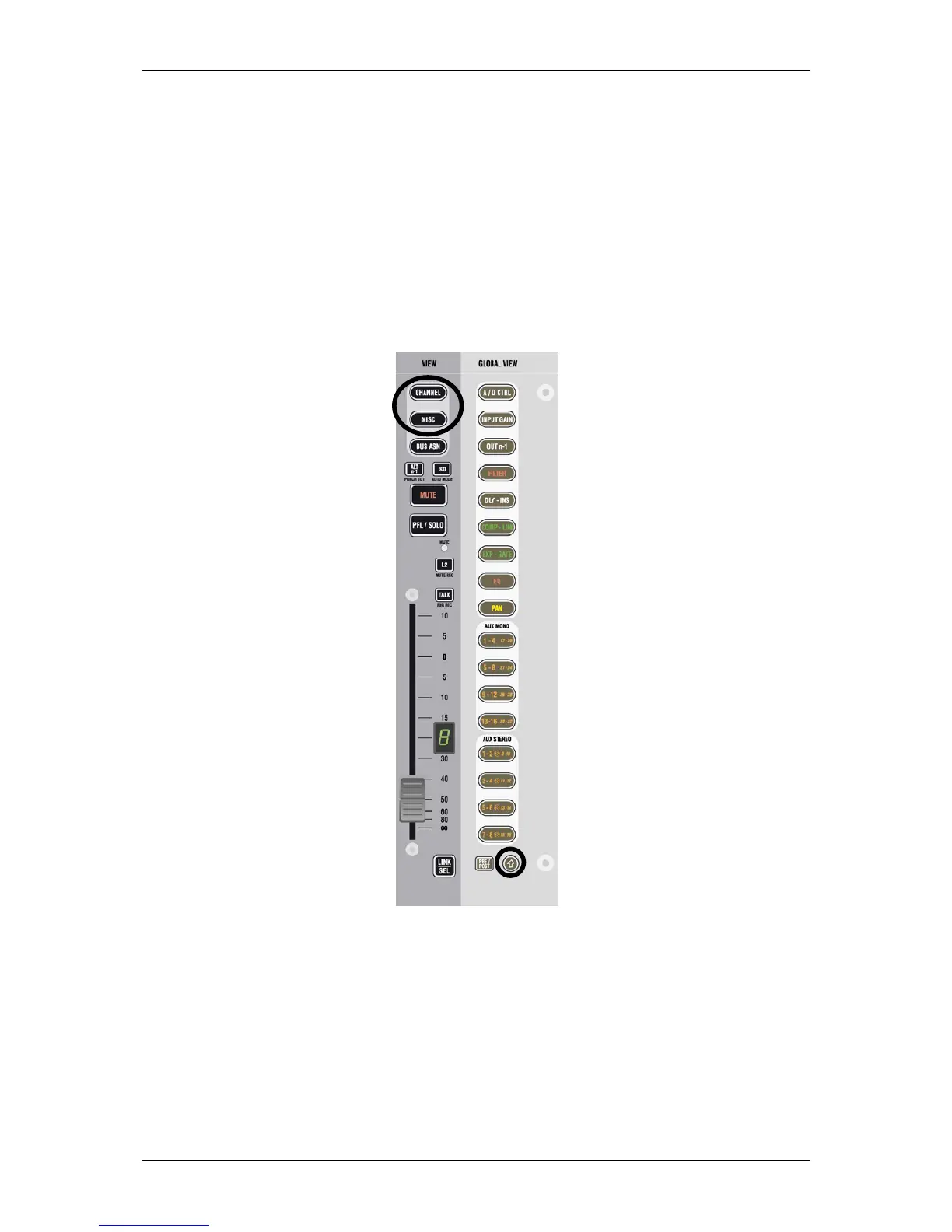
5. View MISC and CHAN with SHIFT key
If the SHIFT key is activated on the fader bays, it is possible to see up to 40 mono and 20 stereo
auxiliaries when pressing CHAN and MISC on a channel strip. This is useful when working with a lot
of auxiliary and matrix busses.



 To Next Page