Vista Digital Mixing System
Date printed: 05.04.2005 SW V3.5 Vista 8 Differences 8-39
8.6.10.3 Setting up the Offline Conference
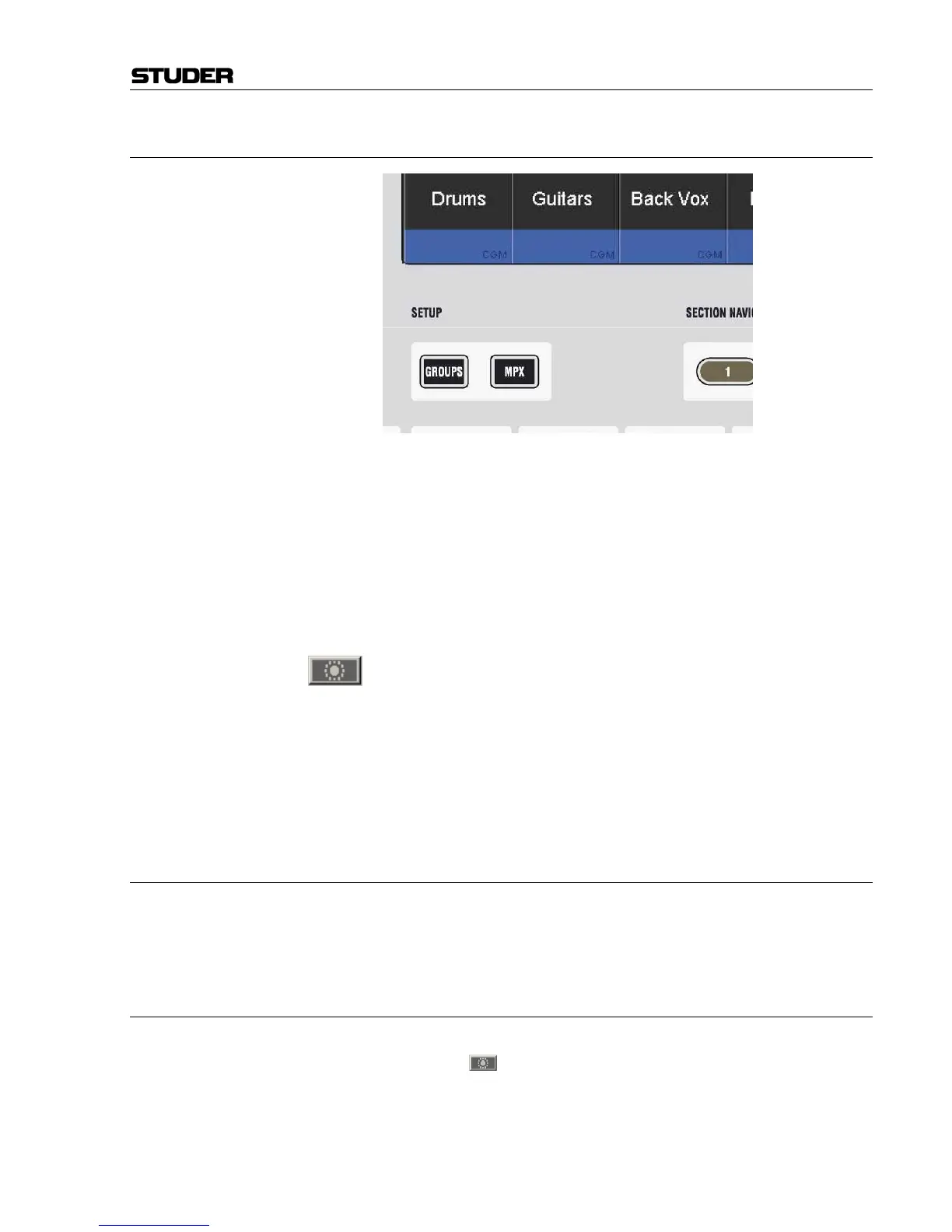
By pressing the SETUP MPX key on the control bay, the console is put into
conference setup mode. The LINK / SEL keys of all possible conference
member channels (all N–X owner channels) are half-lit, and the user may
select any number of them to be members of the conference. If the user
wishes to adapt this setting frequently, he may even stay in this mode dur-
ing a live production, since the channels are instantly added or removed
from the conference when pressing their LINK / SEL key (however, other
features such as ganging will not be available while in setup mode).
All the channels currently defined as conference members are marked in
the strip setup window.
The conference icon in the toolbar has three states:
Grayed out No conference active nor defined
Colored Conference active (if member faders closed)
Colored, crossed out Conference defined, but temporarily deactivated (even if member faders
closed).
Note: In certain circumstances, also an AUX master can be selected as a confer-
ence member (indicated by its half-lit LINK / SEL key). This is intended for
adding e.g. an on-air signal to the conference. See details below.
8.6.10.4 Talk to the Conference
When pressing the TALK key on a channel which is currently conferencing,
the talk function is automatically activated on all members of the confer-
ence at the same time.
8.6.10.5 Deactivate Conference Temporarily
The conferencing may temporarily be deactivated by clicking on the con-
ference icon
in the toolbar or pressing F7 on the control bay. In this
case the conference definition is retained. As soon as the conference is re-
activated globally (by pressing F7 or clicking on the conference icon in the
toolbar again), the previously selected channels may talk to each other
again. Temporary activation of the F7 key is possible as well.



 To Next Page