Vista Digital Mixing System
Date printed: 20.08.09 SW V4.1 Software V4.1 15
# Multicast
# -------------
# If you use IGMP multicasts instead of broadcasts in your network,
# you have to uncomment the lines below. It is possible that a
# container is member of one or more than one multicast groups.
#
# NOTE: For an optimal performance, make sure that all network resources
# (Switches, Routers...) support IGMP.
#
# NOTE: To avoid IP conflicts, check the available addresses for
# multicast groups (www.iana.org). Use preferable addresses from the
# local scope (239.255.0.0/16) described in RFC 2365.
#
# NOTE: If the multicast should reach computers beyond the local subnet
# Set MulticastTimeToLive > 1 (1 is default)
# MulticastGroup = 239.255.0.1 Multicast groups should all be disabled
# MulticastGroup = 239.255.0.2
# MulticastGroup = 239.255.0.3
# MulticastTimeToLive = 10
# Multiple Network Adapters
# -------------------------------------
# When more than one network adapter is enabled on the computer, the MAC Address has to be specified
#
MAC = 00-AA-11-BB-22-CC in case of a Vista 6/7/8 with multiple network adapters, they need to be specified here
A.5.5 D950System.ini
The following entry needs to be added in the D950system.ini file:
IsRelinkActive=Yes
A.5.6 Tie Line Management
On every Vista console, tie lines need to be configured with the OnAir
configuration tool. They may be any type of I/O, the most efficient of them
are HD links giving 96 channels in both directions per Cat5 cable pair. Fur-
thermore, MADI interfaces with a maximum channel capacity of 64/64 are
quite popular for tie lines. MADI tie lines may also be configured to use
less than 64 I/O – any desired number smaller than 64. AES/EBU or Line
interfaces can also be used as tie lines if only a small number of audio
channels needs to be shared, such as for transmission lines.
Tie line management is dynamic, therefore only the maximum number of
audio channels used simultaneously needs to be considered.
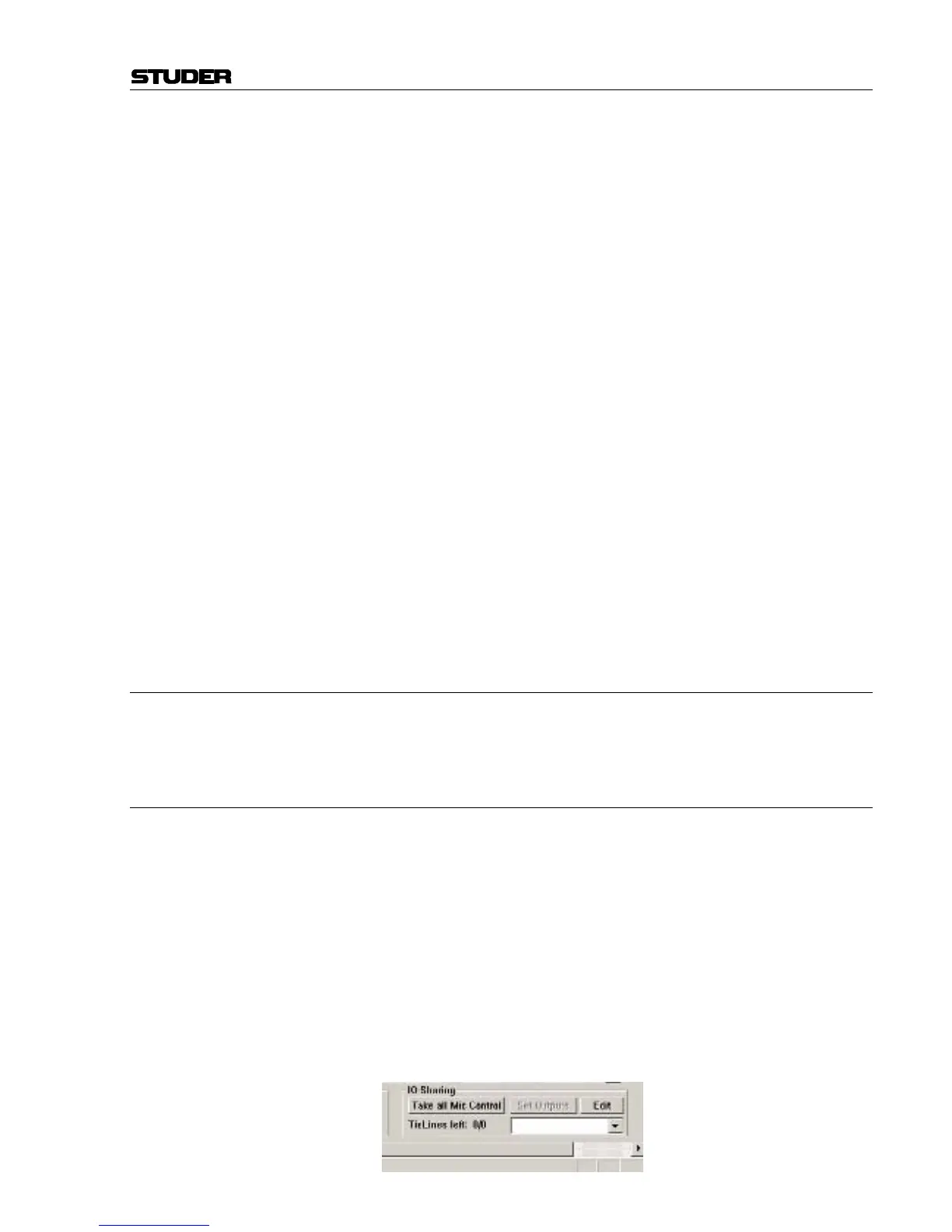
The total amount of configured tie lines is displayed in the I/O Sharing area
of the general patch in the GC, as well as the number of the currently free
tie lines.



 To Next Page