Vista Digital Mixing System
46 Software V4.1 SW V4.1 Date printed: 20.08.09
E GENERAL PATCH
Establishing connections in the General Patch view has been improved and
simplified:
• By keeping the left trackball button pressed while dragging the pointer
across a region in the General Patch view, multiple connections can be
selected now.
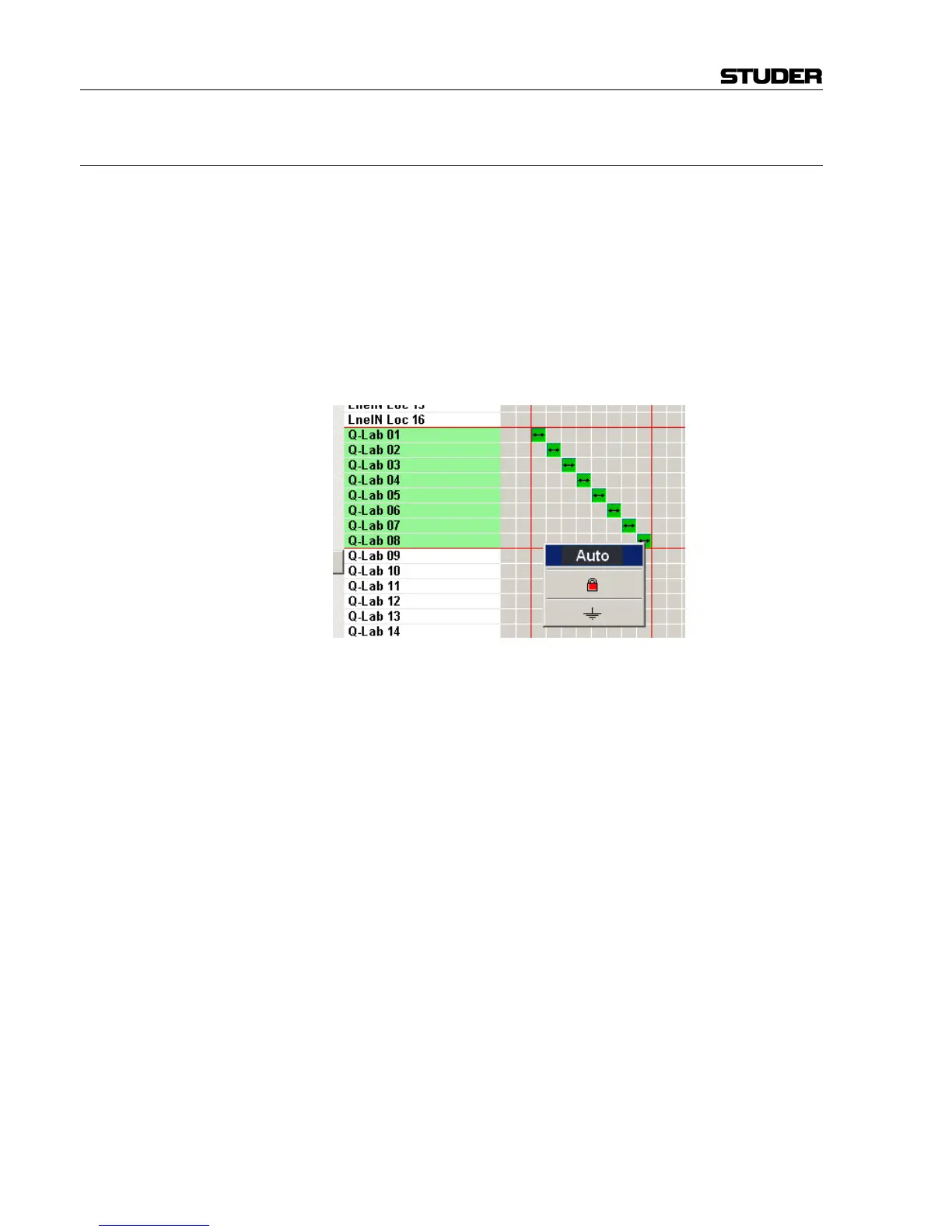
• Once the (multiple) selection has been made as shown in the picture
below, a right-click opens a selection window; when Auto is selected,
any desired number of patch points can be connected at the same time.
• A double-click on a patch point allows either connecting or disconnect-
ing this patch point immediately.



 To Next Page