Vista Digital Mixing System
Date printed: 05.04.2005 SW V3.5 Vista 8 Differences 8-5
8.2.3 Talkback Microphone
Vista 8 allows connection of any 3
rd
-party microphone to its talkback input.
An XLR connector is located within the meter bridge. By using a small
screwdriver the input sensitivity can be coarsely adjusted, while fine-tuning
is done using the corresponding rotary control located in the control bay
(software controlled). In addition, 48 V phantom power can be activated
with a jumper within the meter bridge (see service manual for details).
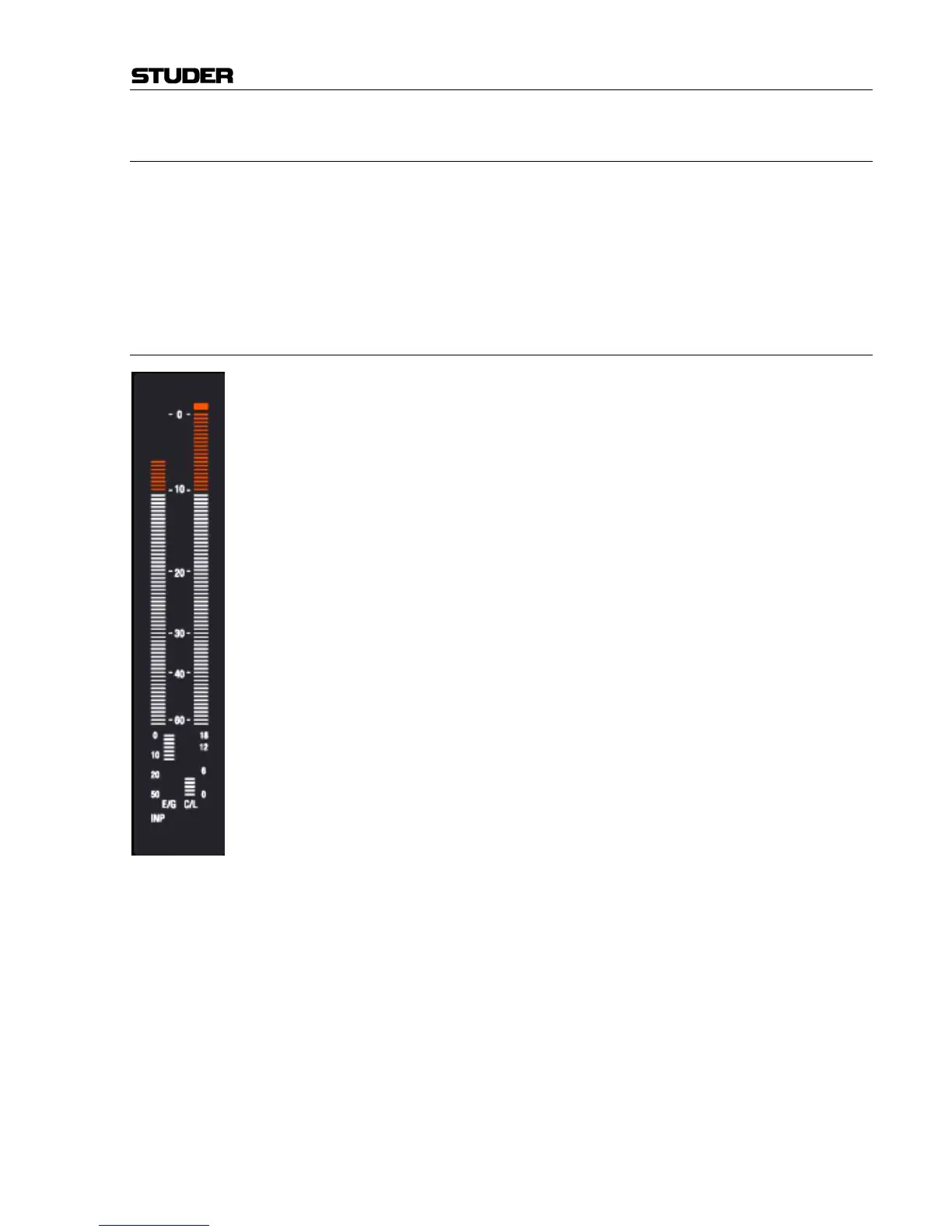
8.2.4 Metering
Vista 8 offers colored metering. The headroom threshold can be set be-
tween –5 dB
FS
and –25 dB
FS
using the “Option: Meter / Generator” menu.
The metering contains dedicated sections for displaying the current gain
reduction of compressor/limiter as well as expander/gate. An indication of
the current metering tap point (input, post fade or direct output) is provided
at the bottom.



 To Next Page