Vista Digital Mixing System
Date printed: 17.06.08 SW V4.0 Software V4.0 19
A.3.12 Global Bus Assignment View
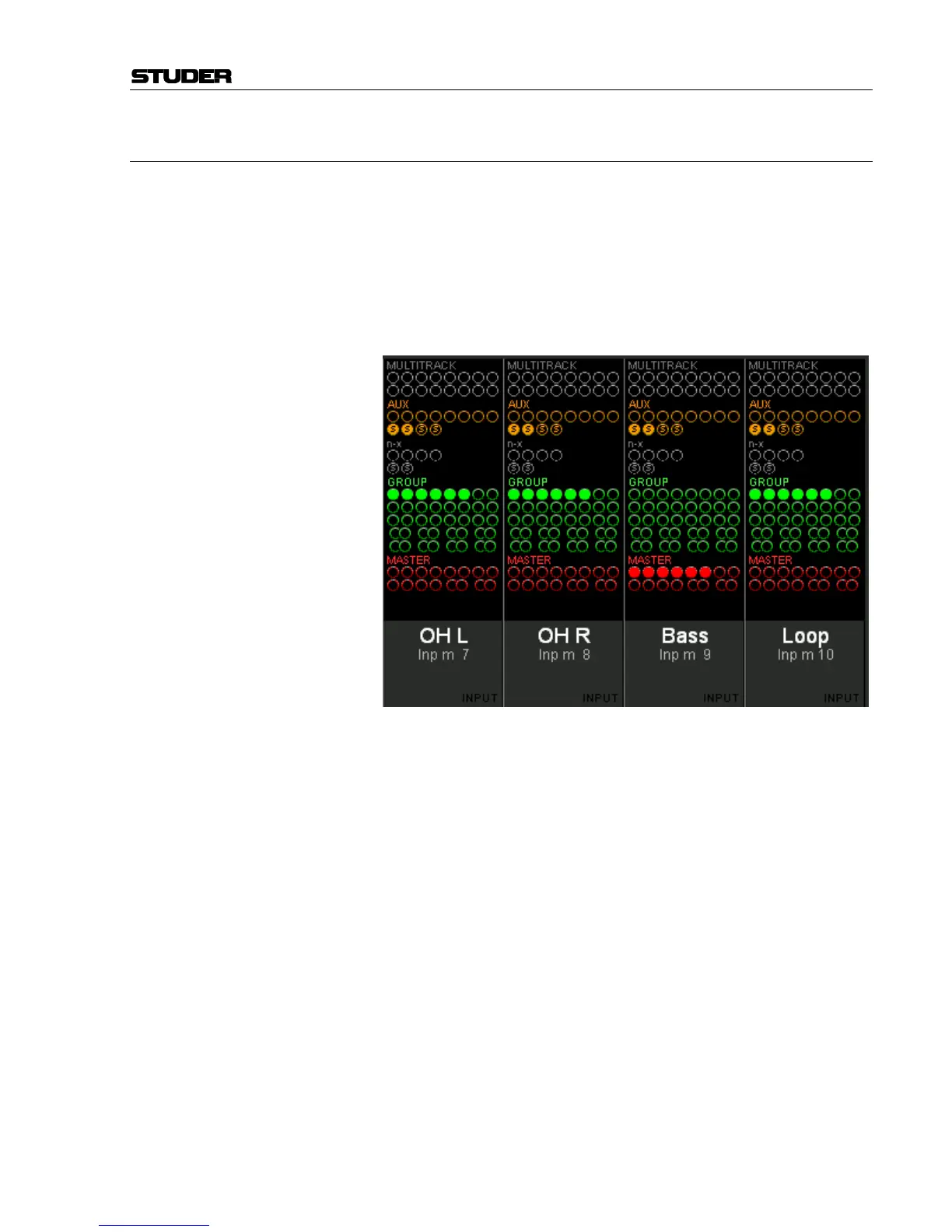
Press GLOBAL VIEW: BUS ASN. This is an On/Off key that can be activated
in addition to other global view keys. The bus assignment overview will
cover the EQ, dynamics and pan curves on the lower part of the TFT; it
disappears when GLOBAL VIEW: BUS ASN is pressed again.
The displayed bus assignment bitmap varies depending on the channel
type. Some channel types may show a part of the bitmap only, depending
on possible bus assignments. Therefore the display may show a blank re-
gion for some channel types.



 To Next Page