Vista Digital Mixing System
Date printed: 05.04.2005 SW V3.5 Vista 8 Differences 8-17
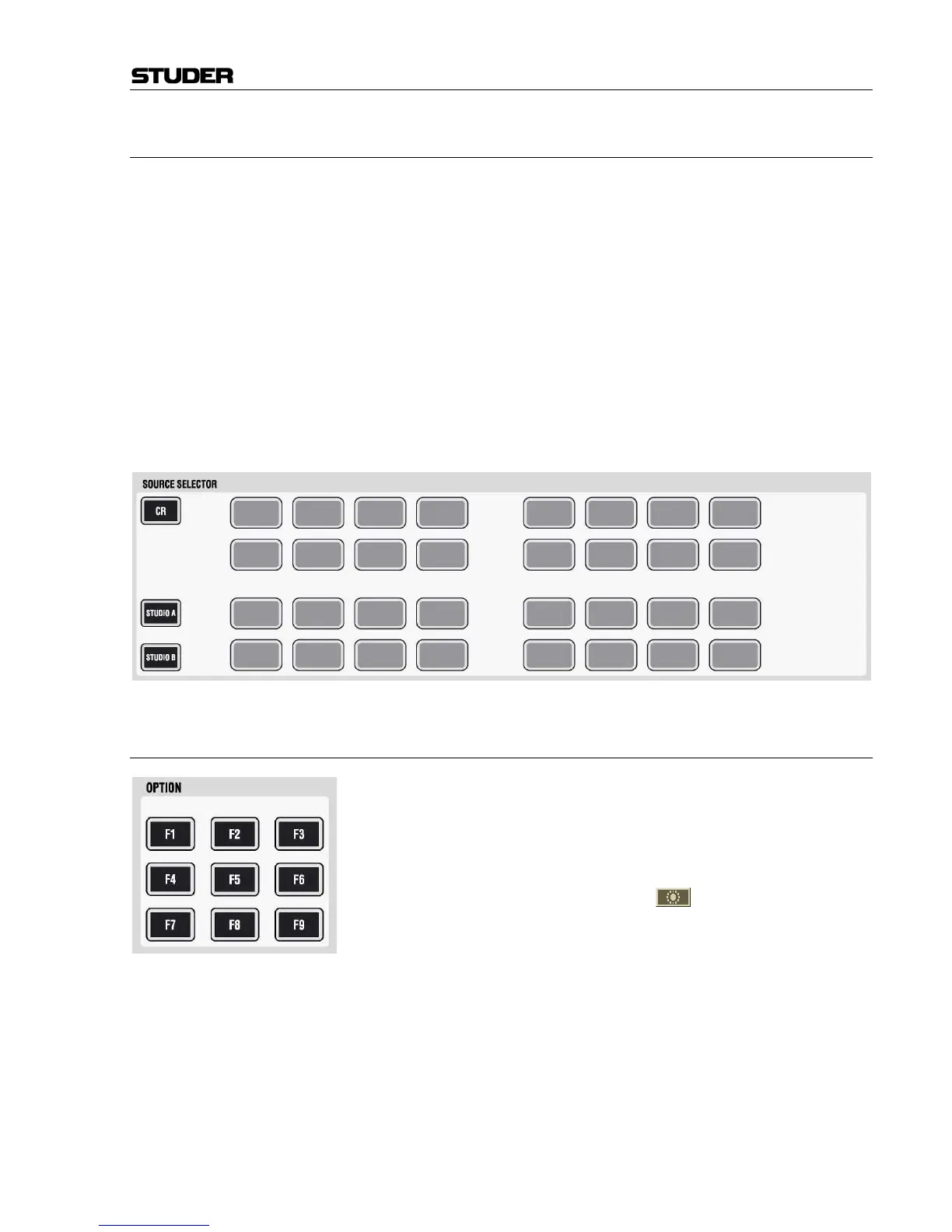
8.4.2.3 Monitoring Source Selector
The 32 available monitoring source selectors act exactly the same as with
Vista 6. First select the target to be changed: Control Room (CR),
STUDIO A, or STUDIO B. Then select the appropriate source key (1…32). All
keys are fully user-definable by using the monitoring setup dialog on the
control screen (accessible to system administrators only). Each key may
independently feed a set of one to eight loudspeakers. It is therefore possi-
ble to have a two-channel stereo source on one key, while another key se-
lects a 5.1 surround source. This makes the use of third-party equipment
for automatic mix-down of a 5.1 surround mix into a two-channel stereo
mix very easy: Feed the mix-down equipment with the 5.1 master mix and
feed its two output channels back to the console. Define one of the source
selector keys to switch these two channels onto left and right loudspeaker.
Note: The keys 1…4 may be used as “sub-selectors”, each opening up a choice of
twelve more sources on the control screen. This functionality is the same as
with Vista 6 and 7.
8.4.2.4 Option Keys
These keys are intended for future software expansion. Current functions:
F3 If the cue list is “armed”, this key switches off/on all console lights.
F7 Used during live broadcasting; by pressing it, it is possible to de- and re-
activate the offline conference temporarily without loosing its member
definition. This key is a duplicate of the
conference icon in the GC
toolbar.
1
or sub-sel.
2
or sub-sel.
3
or sub-sel.
4
or sub-sel.
5



 To Next Page