Vista Digital Mixing System
Date printed: 05.08.03 SW V3.3 Desk Operation 2-15
2.4 Control Bay Details
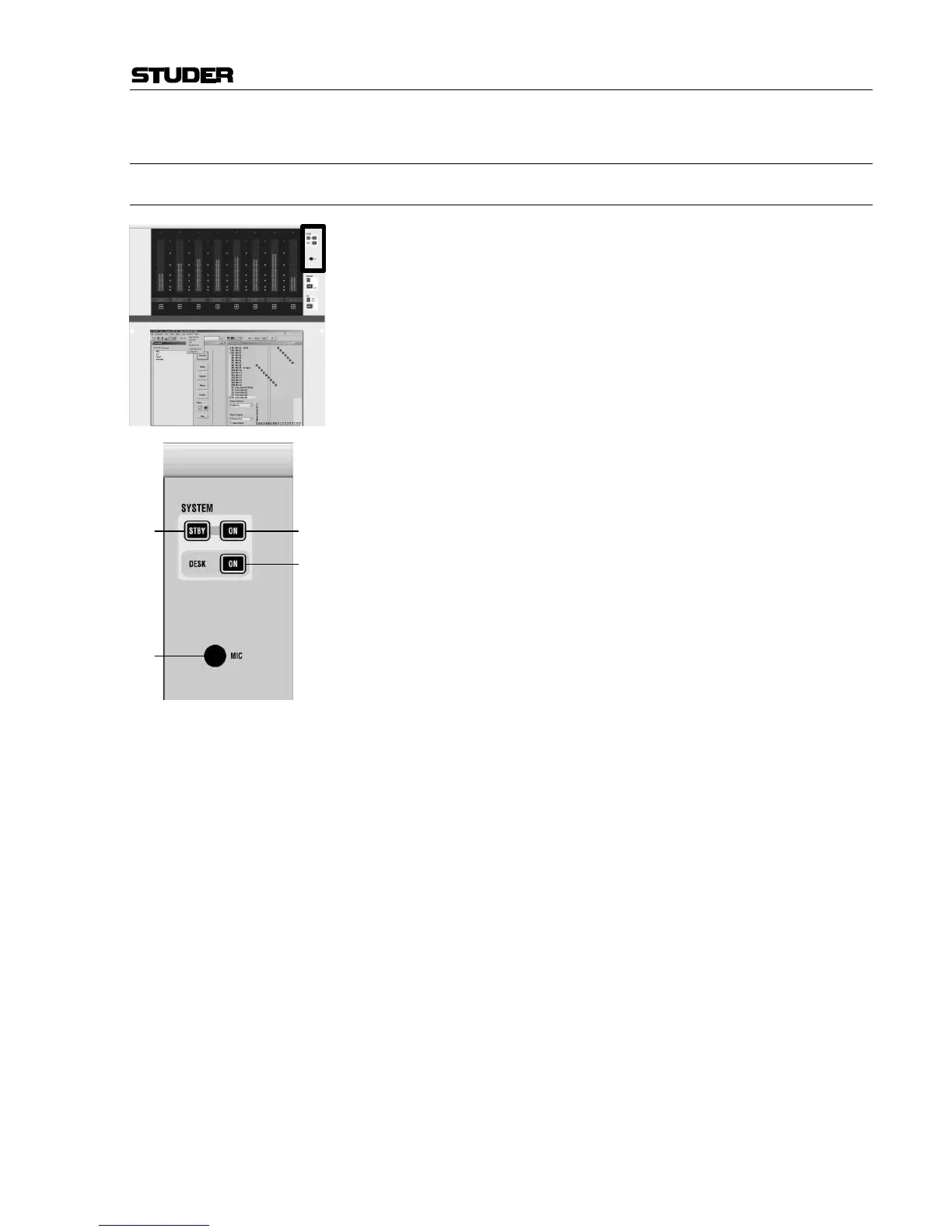
2.4.1 Area 1 – System Power On/Off
[70] SYSTEM: STBY
Indicates that AC power is connected to the desk.
[71] SYSTEM: ON
Indicates that the power for the control system is ok.
Pressing STBY and ON simultaneously will switch the system on. For
switching the system off, normally the Shutdown command in the win-
dows desktop is used. Pressing STBY and ON together for several seconds
will activate an emergency shutdown.
[72] DESK: ON
Indicates that the desk is switched on. Flashes if one of the 24 V
DC
supply
units is defective (also if one of the redundant units is defective).
(For service purposes, it may be necessary to power off the desk part only,
while the control PC remains on. This can be accomplished by pressing
this key for several seconds. Another short press will power on the desk
again. A warning message will be displayed and the GC will be re-started.)
[73] MIC
Internal talkback microphone.



 To Next Page