Vista Digital Mixing System
2-34 Desk Operation SW V3.3 Date printed: 05.08.03
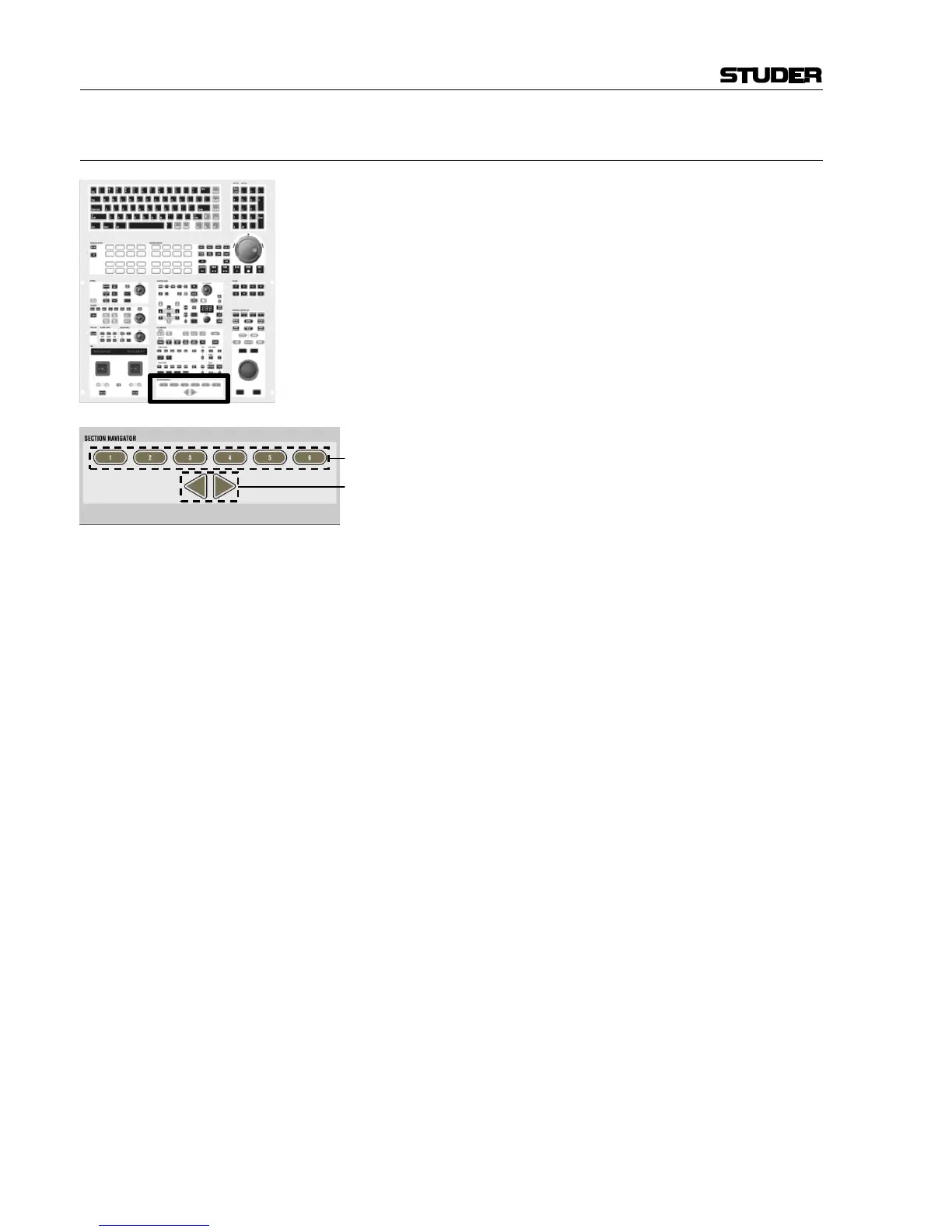
2.4.15 Area 14 – Section Navigator
[230] 1...6
Indication of the current position within all sections. Acts similar to a
scroll bar, the same as the section indication LEDs [62]. Pressing one of
these keys will navigate the desk to the corresponding section directly.
[231] 34 Scrolling Arrow Keys
By pressing one of these arrow keys, the desk will move by 10 faders to
the left/right, similar to scroll keys on a PC. The keys have the same func-
tion as the arrow keys [63] in the fader bay.



 To Next Page