Vista Digital Mixing System
3-28 Parameters SW V3.3 Date printed: 05.08.03
3.4.3.1 Amplitude Panning Parameters
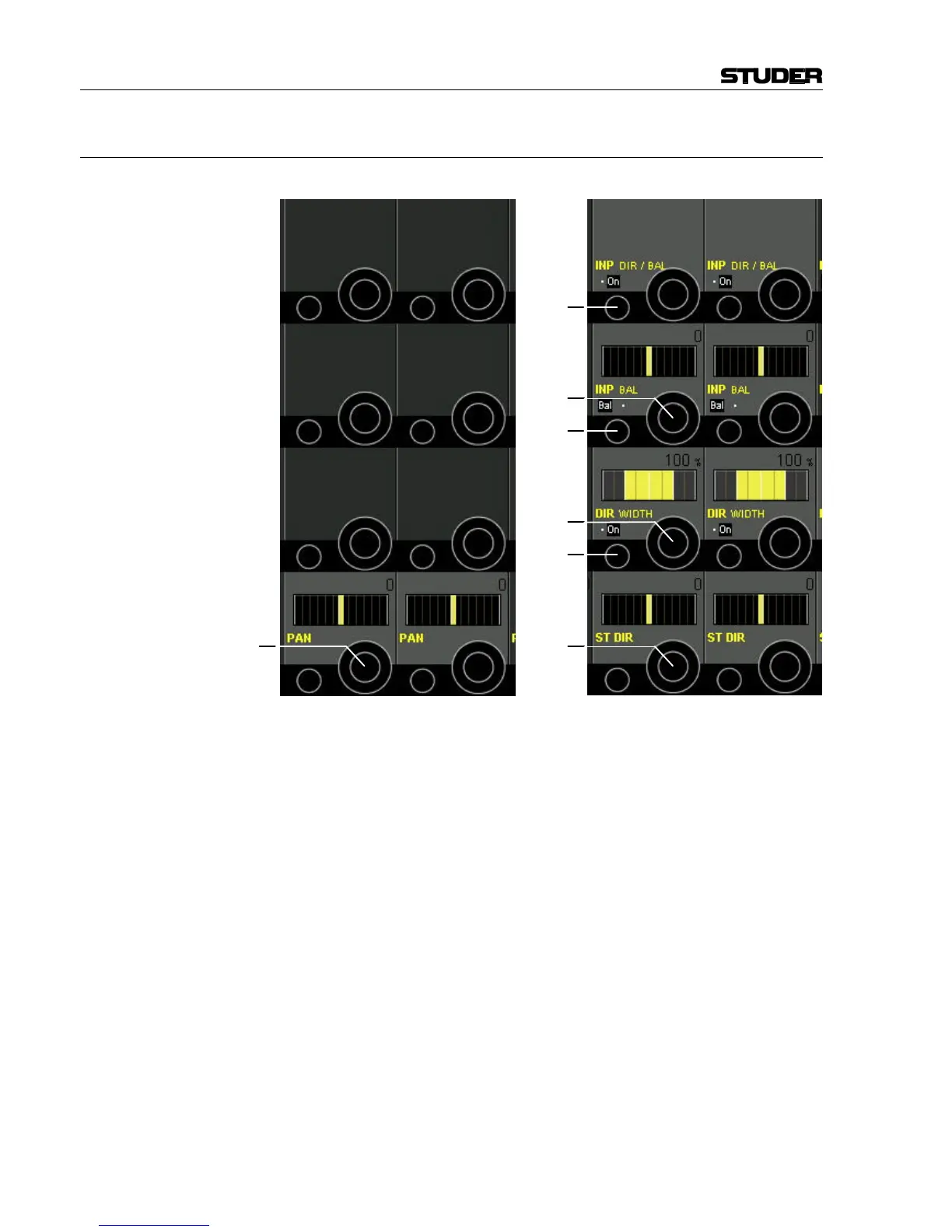
Mono Channels: Stereo Channels:
LR Panning Parameters for Mono Channels:
Mono channel LR PAN has only one panning function: left/right panning.
It is useful for left/right panning to stereo master or group buses, or for
odd/even panning to group or multi-track buses.
PAN On/Off is selected with the PAN hardware key above the Vistonics section.
PAN [68] The rotary encoder provides left/right (odd/even) panning control in 1°
steps from –30° (left) to +30° (right).
LR/Direction Panning Parameters for Stereo Channels:
Stereo channel DIR/BAL PAN is a stereo direction panning function. It is
useful for controlling the direction of stereo signals to master, group, and
multi-track buses.
DIR WIDTH is identical to the DIR pan with an optional width control
added (depending on the current configuration).
PAN On/Off is selected with the PAN hardware key above the Vistonics section.
INP DIR / BAL On/Off [69] To activate IBAL or IDIR, depending on the function that has been se-
lected with INP BAL / DIR [70].
INP BAL / DIR [70] Selection from two input functions: IBAL or IDIR.
INP BAL or INP DIR [71] The INP BAL function is used to control the balance of a stereo input
signal. Turning the rotary encoder to the left attenuates the right channel
[68]
[69]
[70]
[71]
[73]
[74]
[72]



 To Next Page