Vista Digital Mixing System
Date printed: 05.04.2005 SW V3.5 Vista 8 Differences 8-29
8.6.3.9 Event Options
After having attached an event to a cue, various parameters may be modi-
fied, depending on the event. When selecting the event icon within the cue
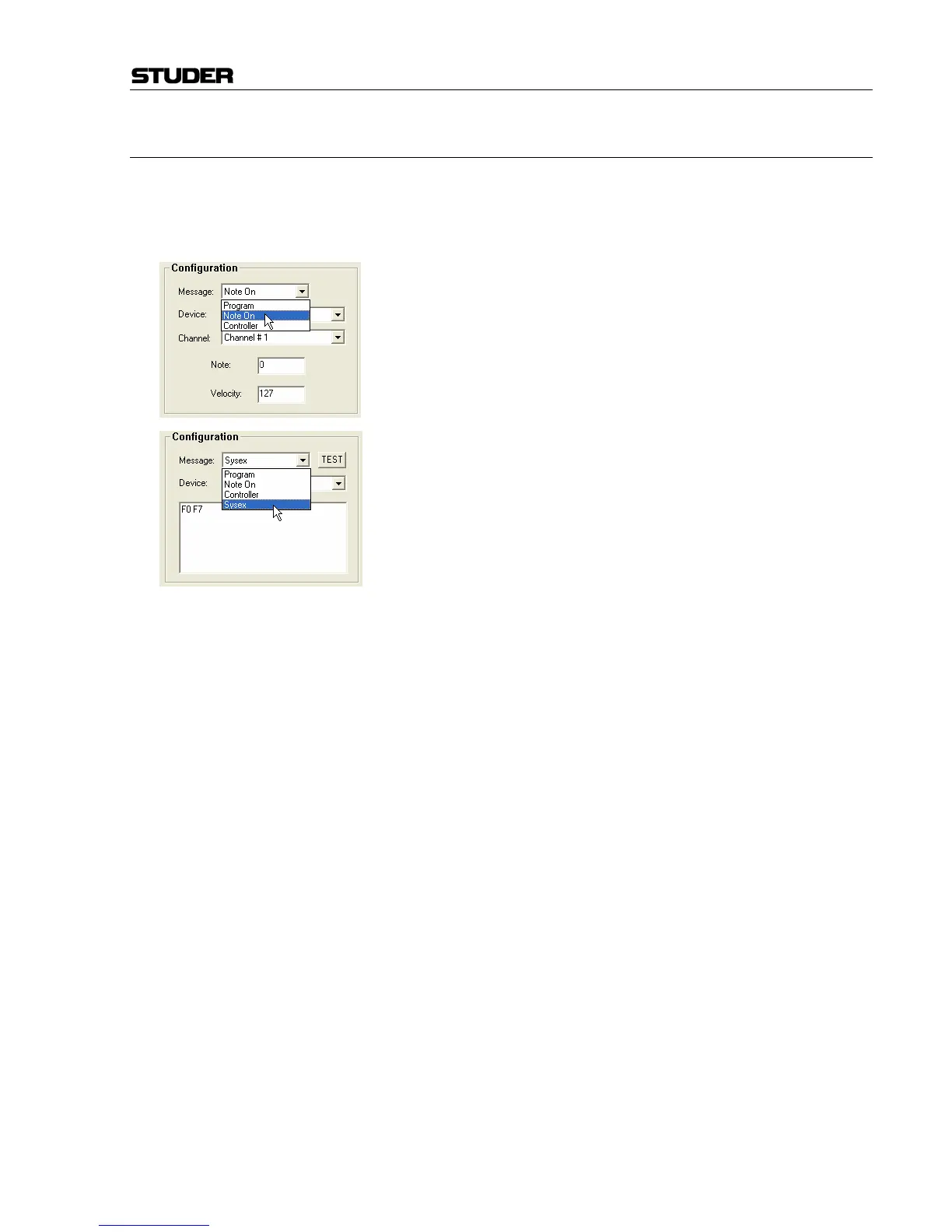
list, the corresponding options are displayed within the Configuration
area of the window (bottom left). The following options are available:
MIDI In: Program change, note change, and controller commands may
activate the corresponding cue.
MIDI Out: Program change, note change, controller, and system exclusive
(“Sysex”) commands may be triggered by this event. A TEST button allows
sending out this parameter during system setup without actually recalling
the cue.
BlackOut: Console lights on/off (see below).
Notes: Enter your notes.
HiQNet: Venue change message sent out from the console to any HiQNet device.



 To Next Page