Vista Digital Mixing System
Date printed: 05.04.2005 SW V3.5 Vista 8 Differences 8-31
8.6.3.13 Preview
The snapshot/cue preview mode can be activated either by a hardware key
or by clicking on the button located in the top right corner of the cue list
window. When in preview mode, the cue or snapshot currently selected
(single click) is compared to the current audio settings. If there is a differ-
ence, Vistonics
®
shows both values at the same time, using a pink graphi-
cal indication. When pressing the dedicated snapshot keys above the track-
ball, the preview mode is automatically activated until the same key is
pressed again.
8.6.3.14 Cue List Options
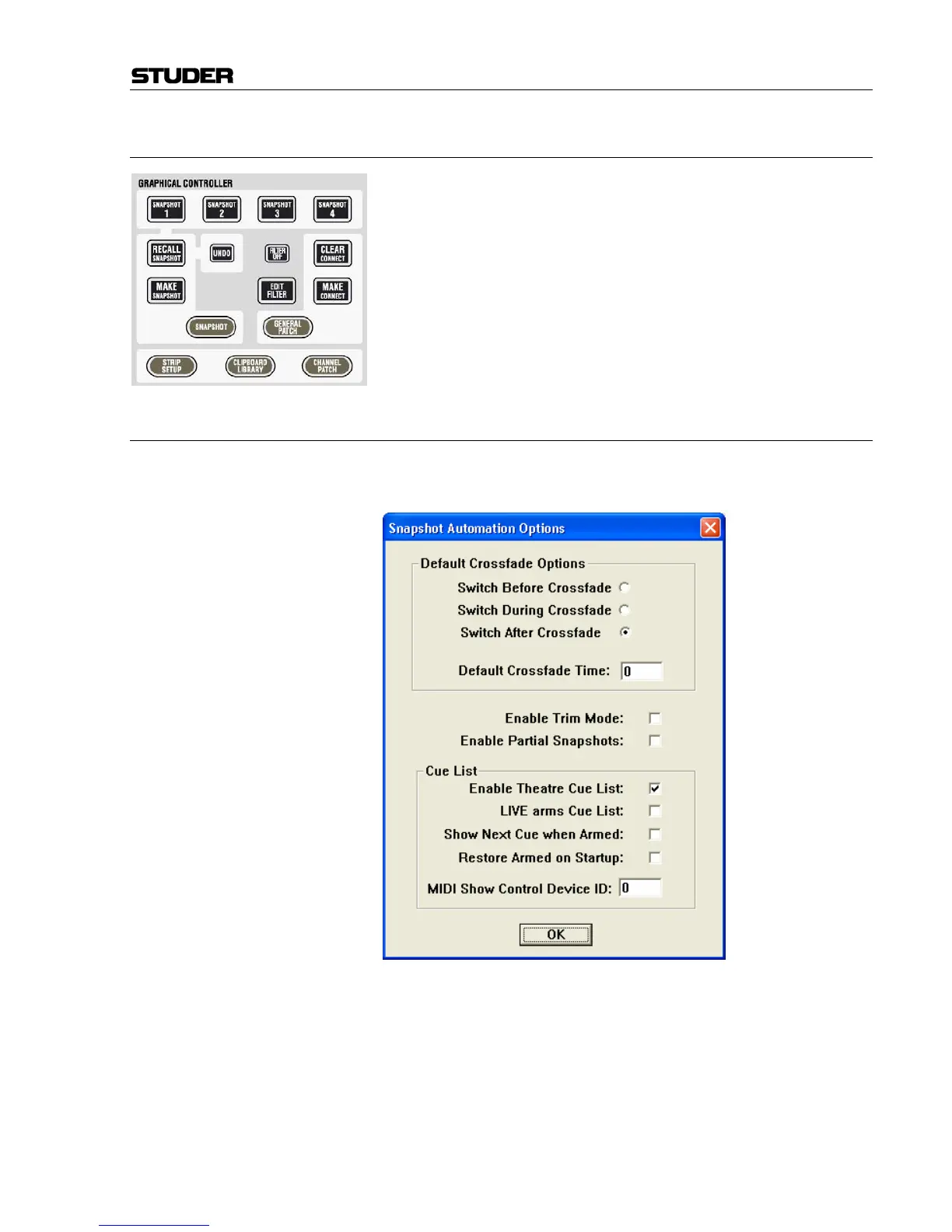
In the “Option: Snapshot Automation Options” menu the following options
are available:
Default Crossfade Options: The system allows cross-fading between two cues. The default cross-fade
values may be defined here. These will be used whenever a new cue is cre-
ated.
Switch Options: Describes the behavior of switches (e.g. MUTE, EQ on/off etc.) when cross-
fading. They apply if a switch changes its state in the next cue. They may
change their state before, during, or after the cross-fade.
Default Crossfade Time: Set default value of cross-fades when new cues are created.



 To Next Page