STUDER 21. Sep. 2004 Release Notes Vista 3.4
9/18
9. Mute Groups
Inherited from the brand new Vista 8, it is now possible to have mute groups available on the Vista 6
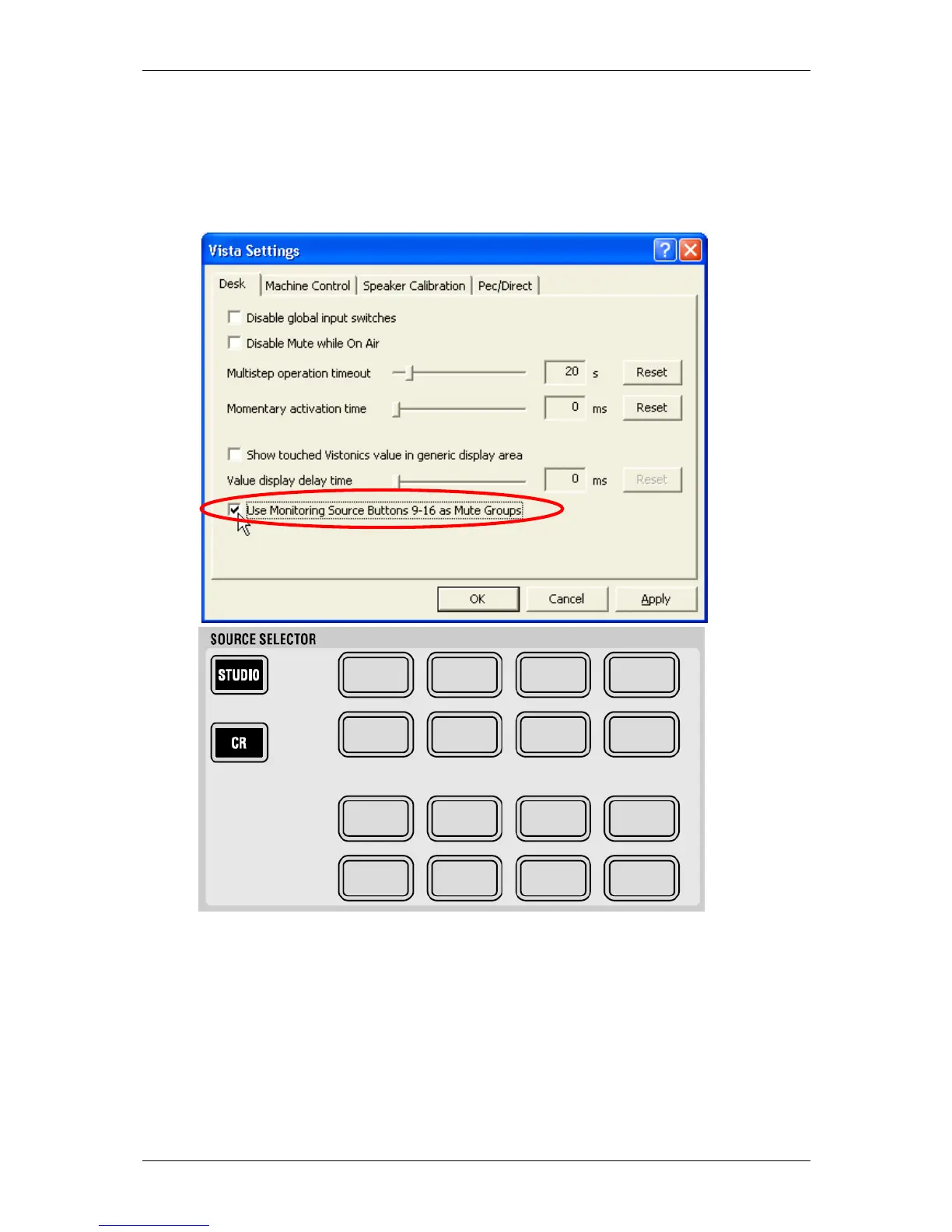
and 7! In order to make use of this feature, the user must decide to use 8 source selector keys of
the monitoring section as mute groups. This can be done in the menu "Vista Settings" in the "USER"
menu of the graphical controller screen. Source selectors 9-16 can alternatively be used as mute
group masters.
M 1M 2M 3M 4
M 5M 6M 7M 8
How to setup a mute group?
1. Activate Option "User Source Selector 9-16 as Mute Groups" in the "Vista Settings" menu
in the "USER" menu of the graphical controller screen
2. Hit the "Ctrl Grp Setup"-button on the control bay. The Mute Group masters (previous
source selector keys) go half lit.
3. Select the mute group you want to setup (one of the source selectors 9-16, representing
mute groups 1-8)
4. A dialog will pop up on the graphical controller screen while you are in this set-up,
allowing you to add all currently muted channels on the console to this mute group with
one mouse click – or clearing all members from the selected mute group. You may also
select or deselect members by the use of their LINK/SEL button.



 To Next Page