Vista Digital Mixing System
Date printed: 05.08.03 SW V3.3 Parameters 3-11
3.3.6 Filter Parameters
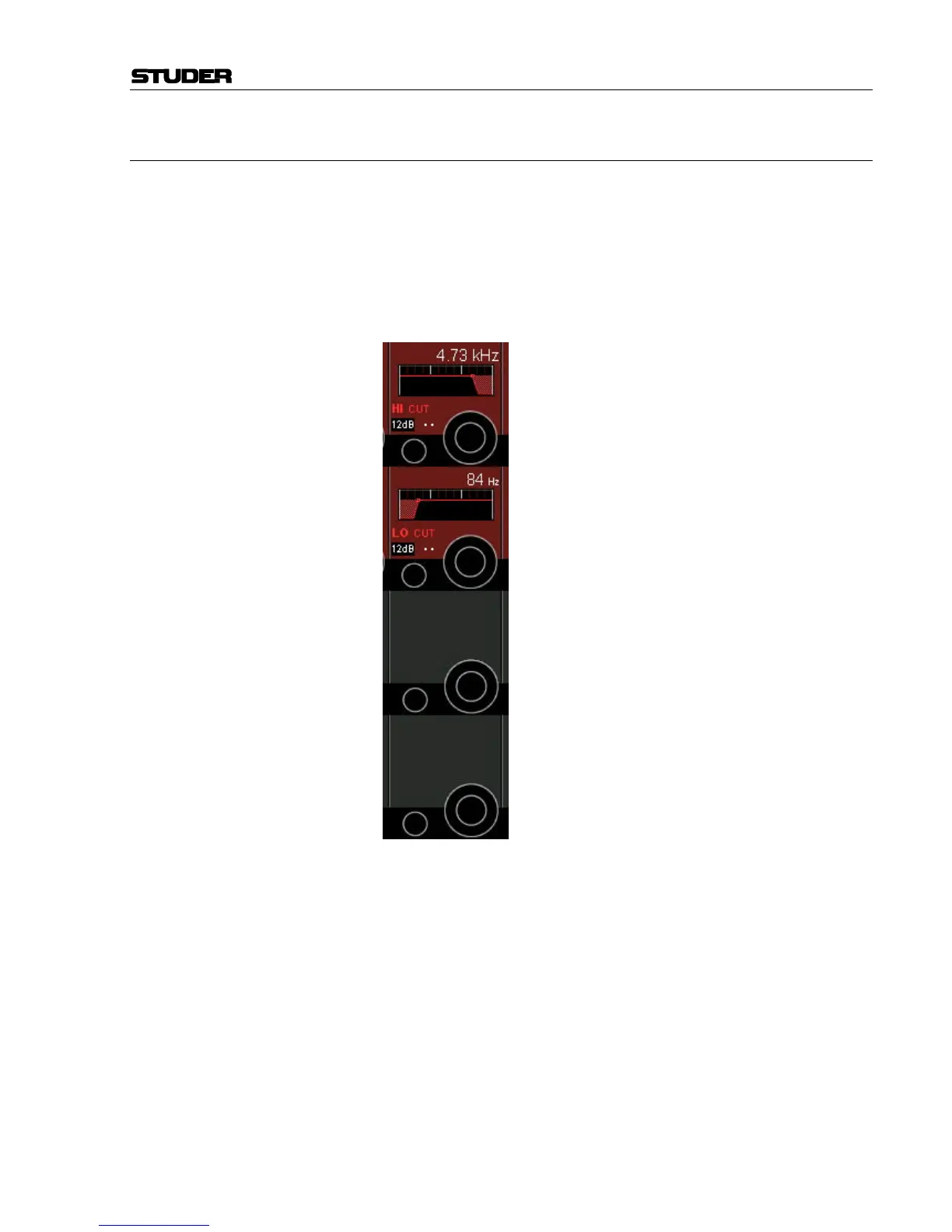
Press GLOBAL VIEW: FILTER.
This view enables the user to control the parameters of the hi- and low-cut
filters. These filters are available on the channel-related EQ view as well,
refer to chapter 3.4.1. In that chapter you will also find the parameter de-
tails.
Please note: The two filter sections are activated with the HI CUT and LO
CUT hardware keys below the channel meters.
HI CUT/LO CUT Slope/Off On/off function for the high- and low-cut filters, and slope setting, select-
able from 12, 18, and 24 dB/octave (toggles Off, 12, 18, 24, Off...).
Frequency Cutoff frequency adjustment for the high- and low-cut filter: 20 Hz
through 20 kHz, in 120 steps.



 To Next Page