Vista Digital Mixing System
22 Software V4.0 SW V4.0 Date printed: 17.06.08
A.4.2 EQ / Filter Parameters
Touch the red Vistonics
TM
EQ field.
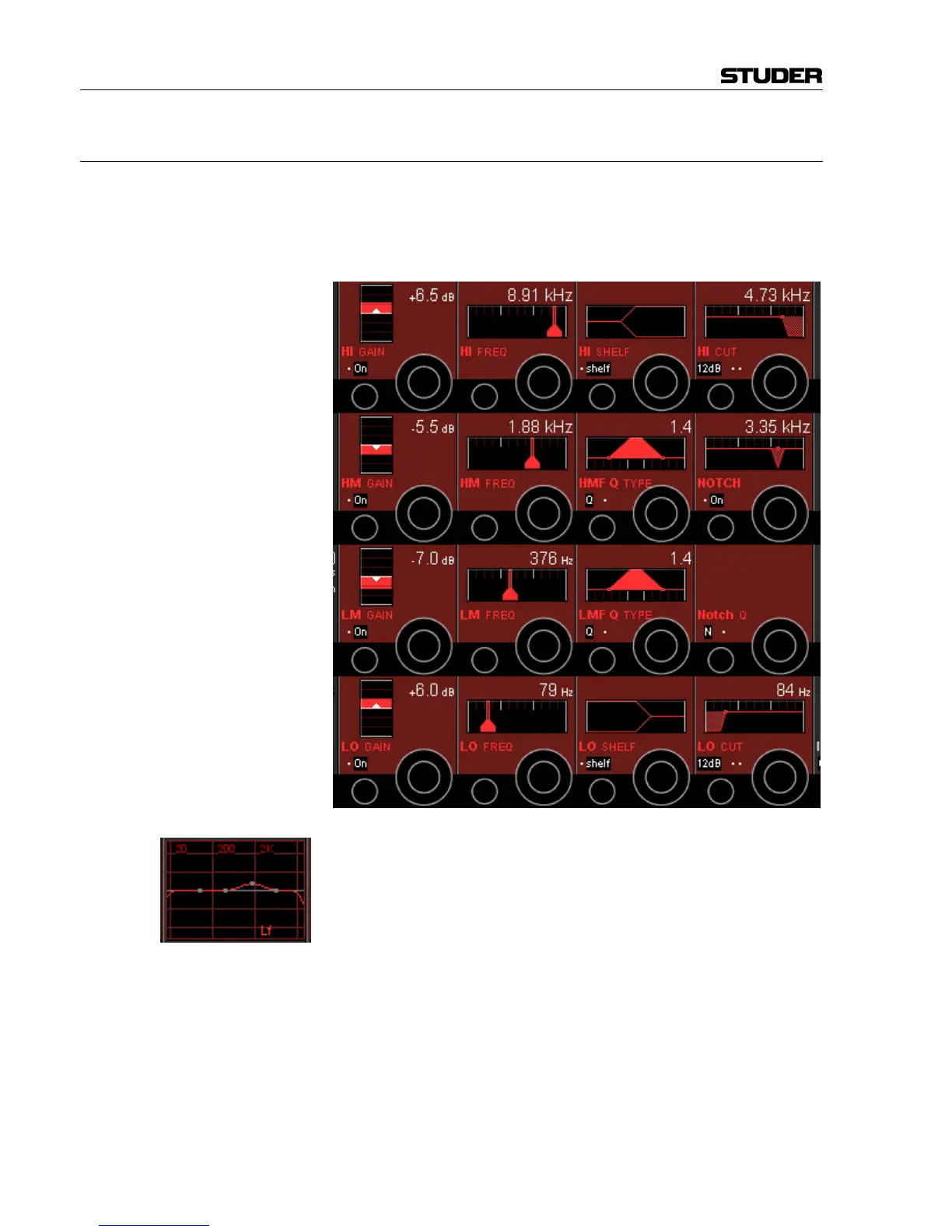
This view is the same as with mono or stereo channels. Please note that the
equalizer settings applied here will be valid for all surround signal legs ex-
cept the LFE.
If such a setting has been made, the normal Vistonics
TM
EQ display shows
in small characters which signal legs are different from the others (e.g.
"Lf"), as shown left.
If one or more of the signal legs must be adjusted differently from others –
such as boosting HF in the center channel only, the CHANNEL VIEW has to
be selected. Then all the separate EQ and dynamics settings for "Front",
"Center", "LFE" and "Rear" are accessible.



 To Next Page