Vista Digital Mixing System
Date printed: 05.04.2005 SW V3.5 Vista 8 Differences 8-15
8.4.2 Other Differences
8.4.2.1 Dynamic Automation “AutoTouch+”
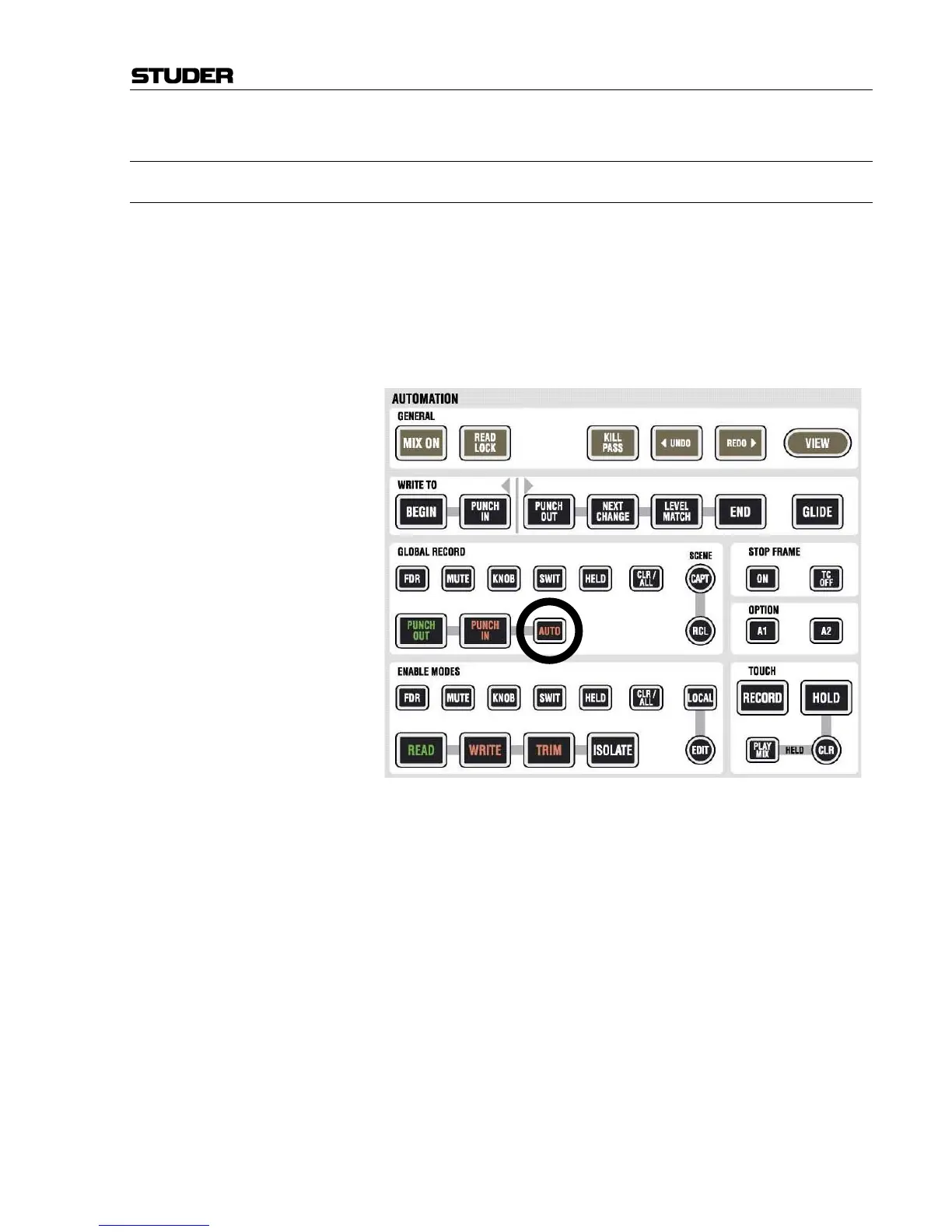
The AUTOMATION hardware panel in the control bay hosts a dedicated
AUTO key for punching the selected objects in and out at the beginning and
at the end of the write zone. This key therefore is a duplicate of the check-
box within the AutoTouch+ window in the control screen but provides di-
rect access for quick changes. This is useful if the operator works with
loops while auditioning certain settings. If the settings are finally adjusted,
this key allows writing these values when playing back the loop for a last
time.



 To Next Page