Vista Digital Mixing System
Date printed: 20.08.09 SW V4.1 Software V4.1 3
A STUDER RELINK (RESOURCE LINKING)
Studer RELINK is an I/O sharing network technology available for all
Studer products (OnAir consoles, Vista consoles and Route 6000) allowing
direct access to sources and targets throughout the entire network – pro-
vided that the desired sources and targets are configured as ‘NetSources’
and therefore available for remote components of the system.
RELINK allows the design of ‘distributed’ audio network systems – ena-
bling Studer products to access all sources and targets of the complete sys-
tem, and therefore enhancing the flexibility of your facility.
Mic control takeover mechanisms are implemented on both the OnAir and
the Vista consoles.
On the OnAir consoles, signaling is coupled with the I/O sharing, this
means that red light, fader start and signaling connections are automatically
following any console where the audio signal is used, and correctly applied
to the source (Studio, CD Player, etc) from anywhere.
RELINK requires version V4.1 of the Vista SW – as well as V3.1 on the
OnAir SW, and V2.0 on the Route 6000 SW. OnAir and Router releases
are also available from now.
RELINK is a software functionality that, on the Vista side, is not depend-
ing on hardware, allowing systems still using a Performa DSP core being
part of the network, too, as long as all the mic preamplifiers are of the
D21m type.
A.1 Input Patching
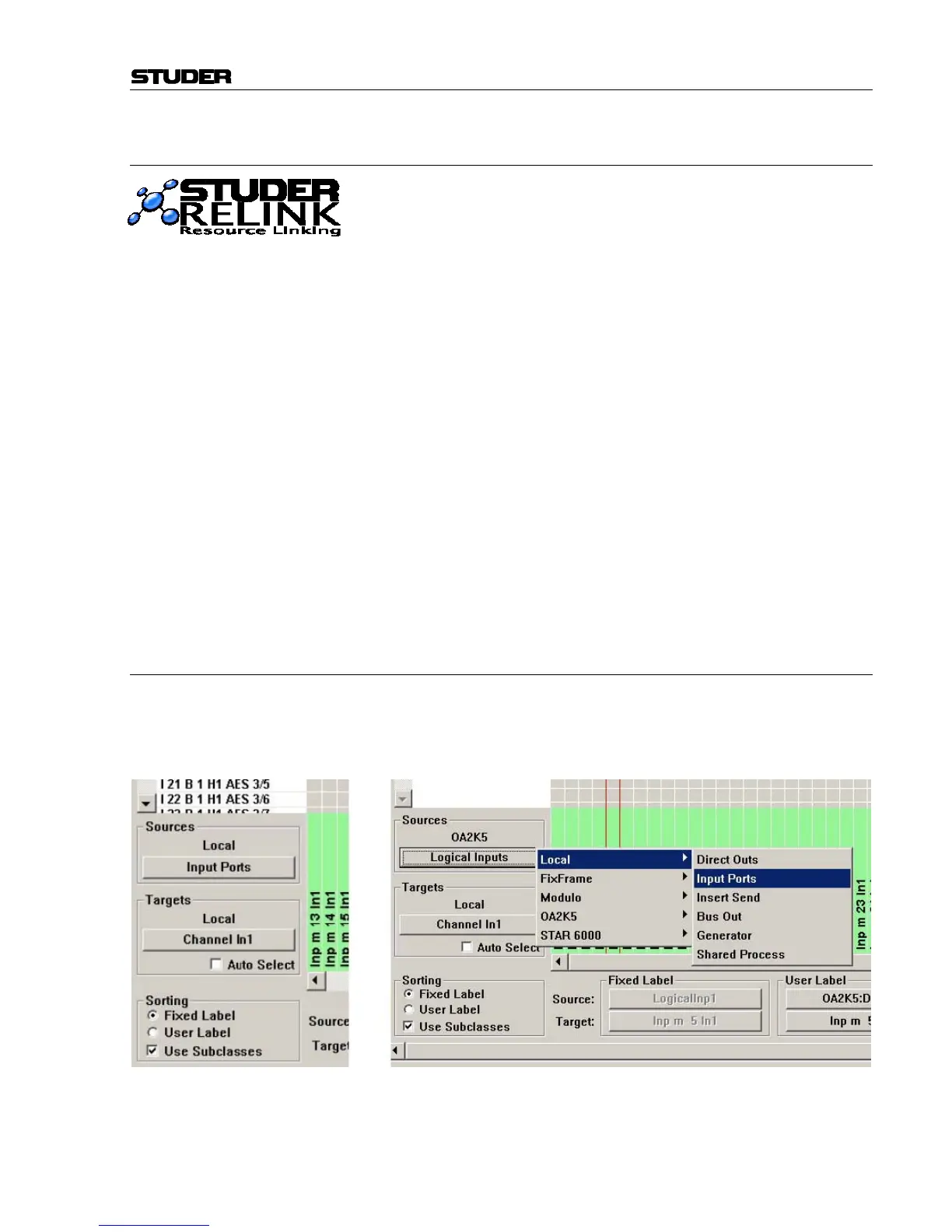
With SW V4.1, a new source and target navigator menu has been introd-
uced. It still is a pull-down menu, but it shows not only local sources and
targets, but also sources and targets of all systems connected via the net-
work.
Shared inputs can be selected directly from any of the displayed systems.
The sources of OnAir consoles – e.g. a DJ microphone – are appearing as
‘Logical Inputs’, and their output signals as ‘Master Outputs’.



 To Next Page