D950/Vista Digital Mixing System
Date printed: 05.08.03 SW V3.3 GC Operation 4-35
How to Proceed: • Switch on the “Use Device Labels” option in the SysAdmin/Device
Labels menu.
• Switch on the “Overwrite Chan. User label with Device Label” option
in the SysAdmin/Device Labels menu.
• There must be a file “__DeviceLabels.pre” present, which holds
your device labels (technical labels), e.g. “Studio 1”, “Mic 1”).
• Type your track sheet into the USER LABEL field of the General
Patch.
• Patch Sources to Channels, and you will see session labels displayed
in the top line of each channel You may have to press the GLOBAL
VIEW: LABEL TYPE key a few times until you see device labels or
fixed labels (the actual channel number) in the second line.
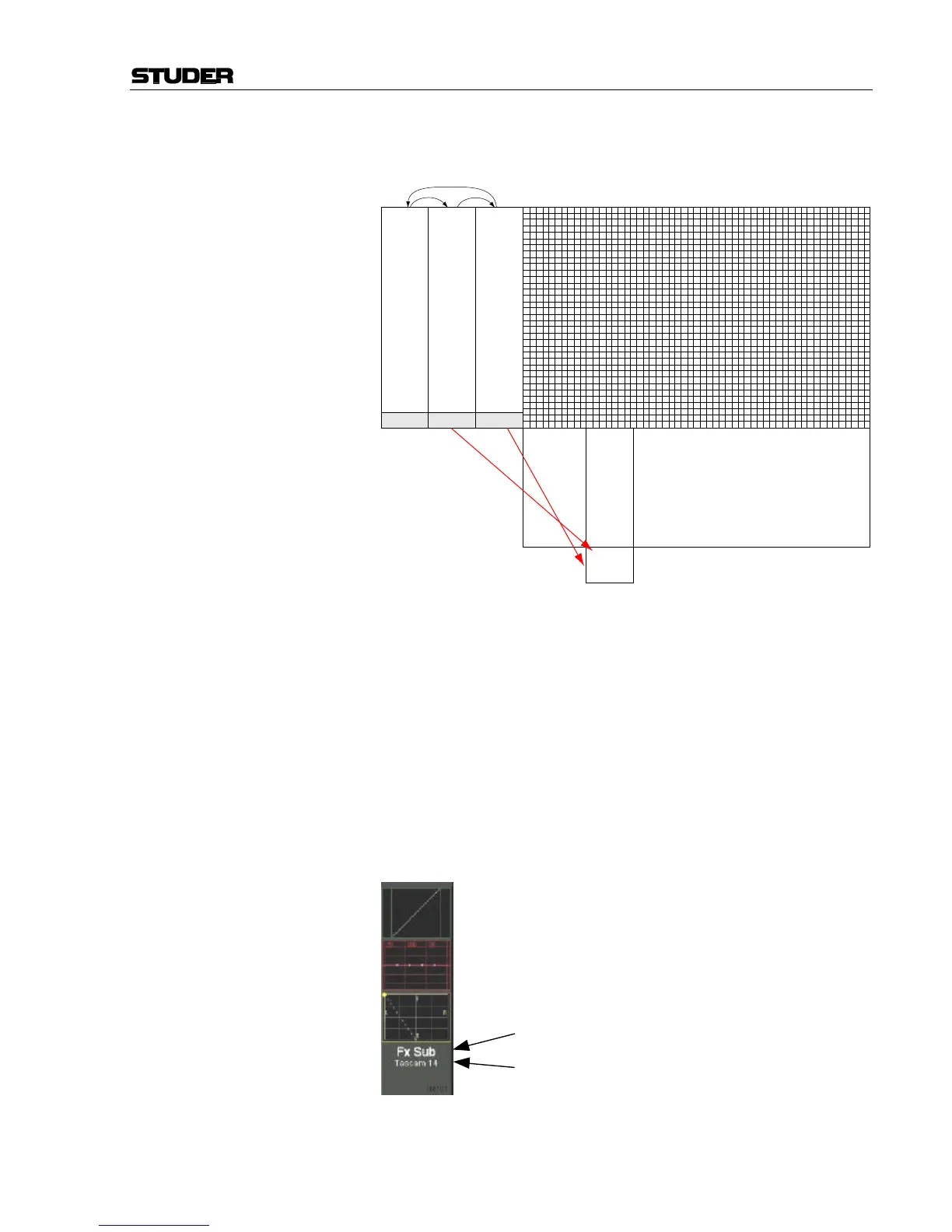
This may look as follows:
Large Label = “Inherited Label”
Small Label = Toggles to show 3 Channel Label Types
User Labels
Device Labels
Fixed Labels
(Targets)
AES #1 Vocal Track 1
e.g. e.g. e.g.
( Sources )
Change View by Clicking
on Label Type Button
in the GC's Toolbar
Channel
Vocal
Track 1
Displays e.g.:
General Patch



 To Next Page