D950/Vista Digital Mixing System
Date printed: 05.08.03 SW V3.3 GC Operation 4-127
Operating an audio parameter on the Control Group Master influences that
parameter on all members (if that parameter has been selected in the Con-
trol Group Filter Dialog Box during Control Group Edit mode). It offsets
the member value by the move amount of the Master. Operating the pa-
rameter on the member influences only that member’s parameter.
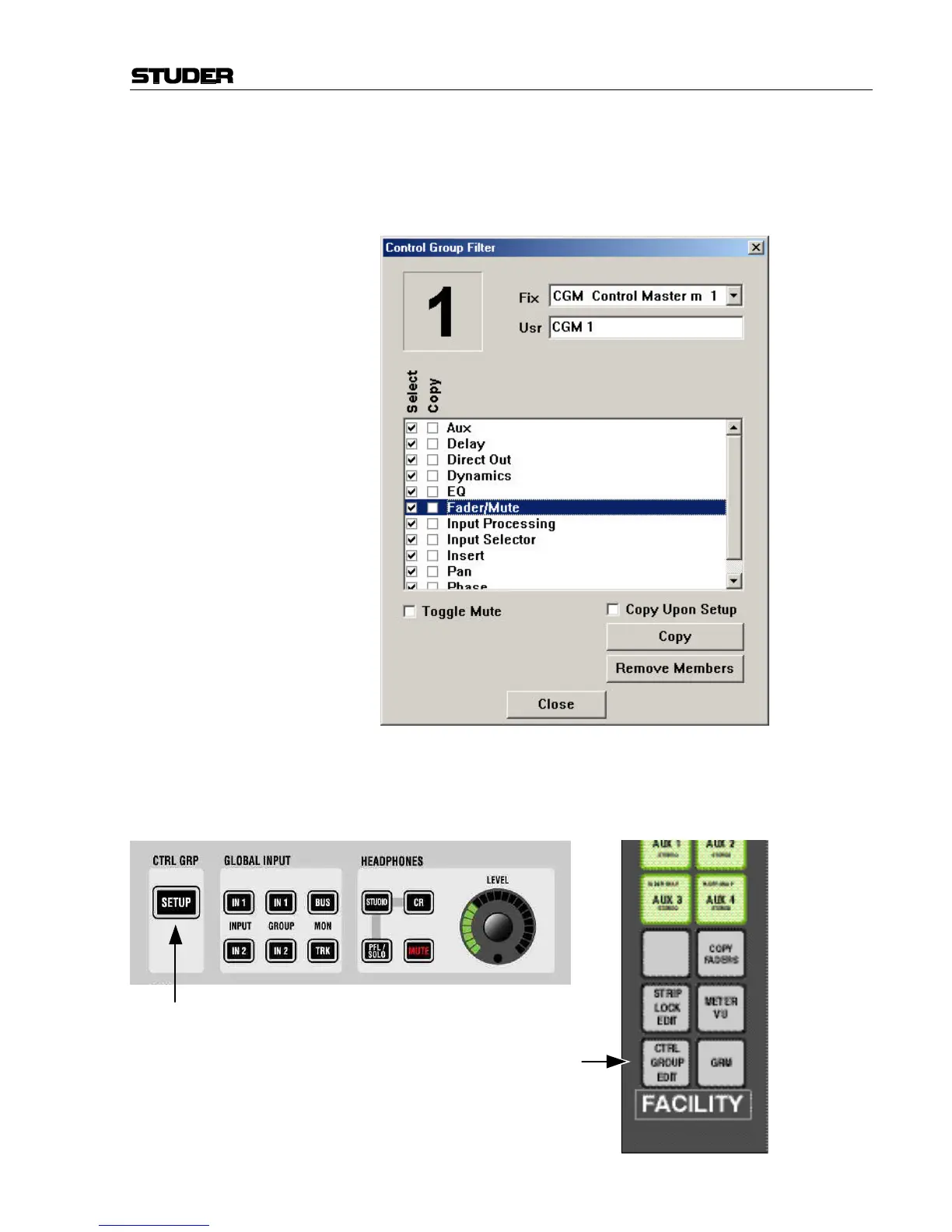
Control Group Setup The Control Groups are edited in the Control Group Setup Mode. This
mode is activated through the CTRL GRP: SETUP key (Vista) or the CTRL
GROUP EDIT key (D950).
Vista: D950:



 To Next Page