Vista Digital Mixing System
1-16 Introduction SW V3.3 Date printed: 05.08.03
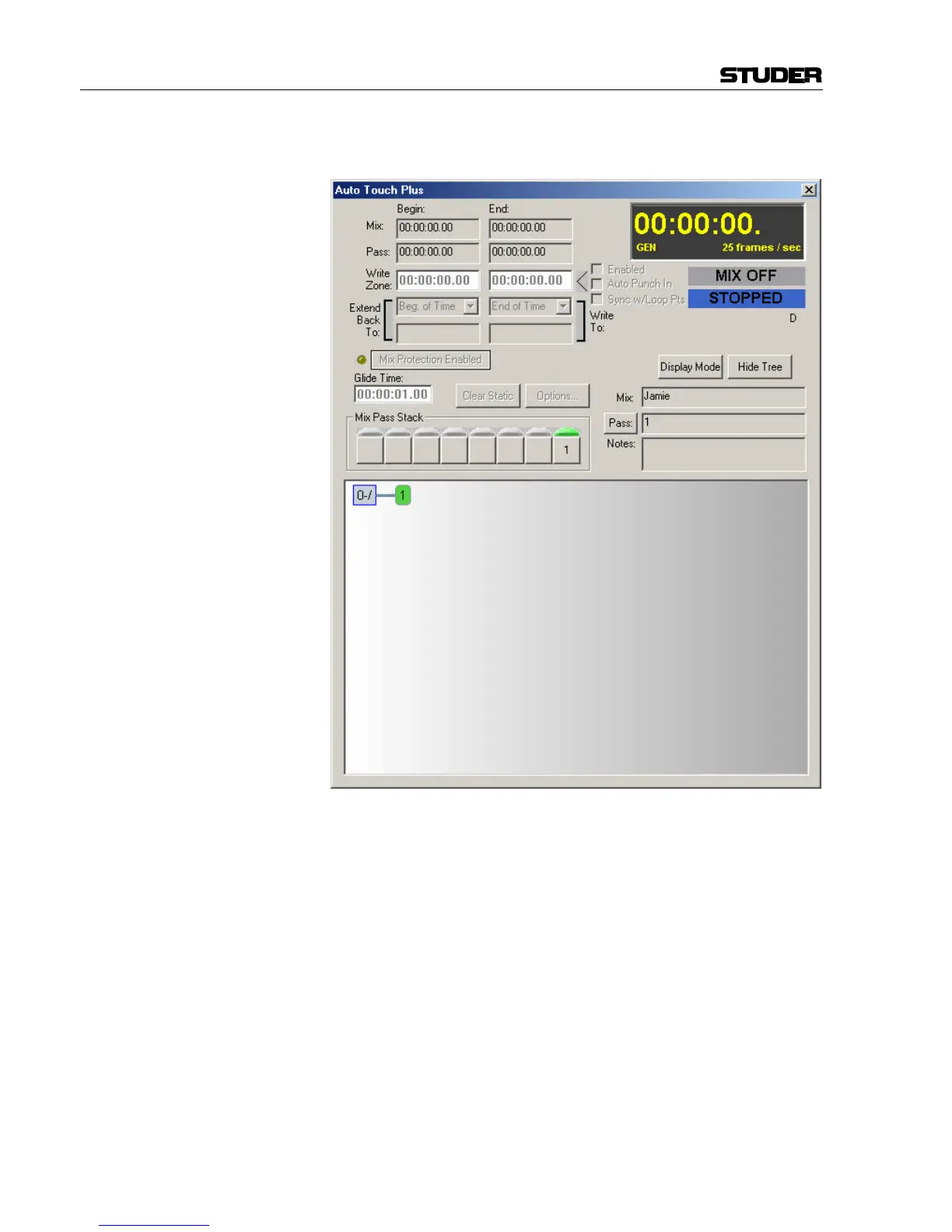
Dynamic Automation Control The AutoTouch+ dynamic automation page contains mix setup and file
management functions.
Administration Functions This menu bar area provides access to the following:
• Title/Mix Management, which contains the book-keeping functions for
organizing the studio work.
• User Preferences administration.
• View and Page menus, which control which screens are displayed.
• Options menu, which contains controls for various system elements
such as the tone generator, meters, mix options, control groups, and so
on.
• Surveyor, which provides a quick and simple status report of the con-
sole for fault analyses.
• System Administration, which accesses a password protected area, and
enables a variety of setup controls and diagnostic functions.



 To Next Page