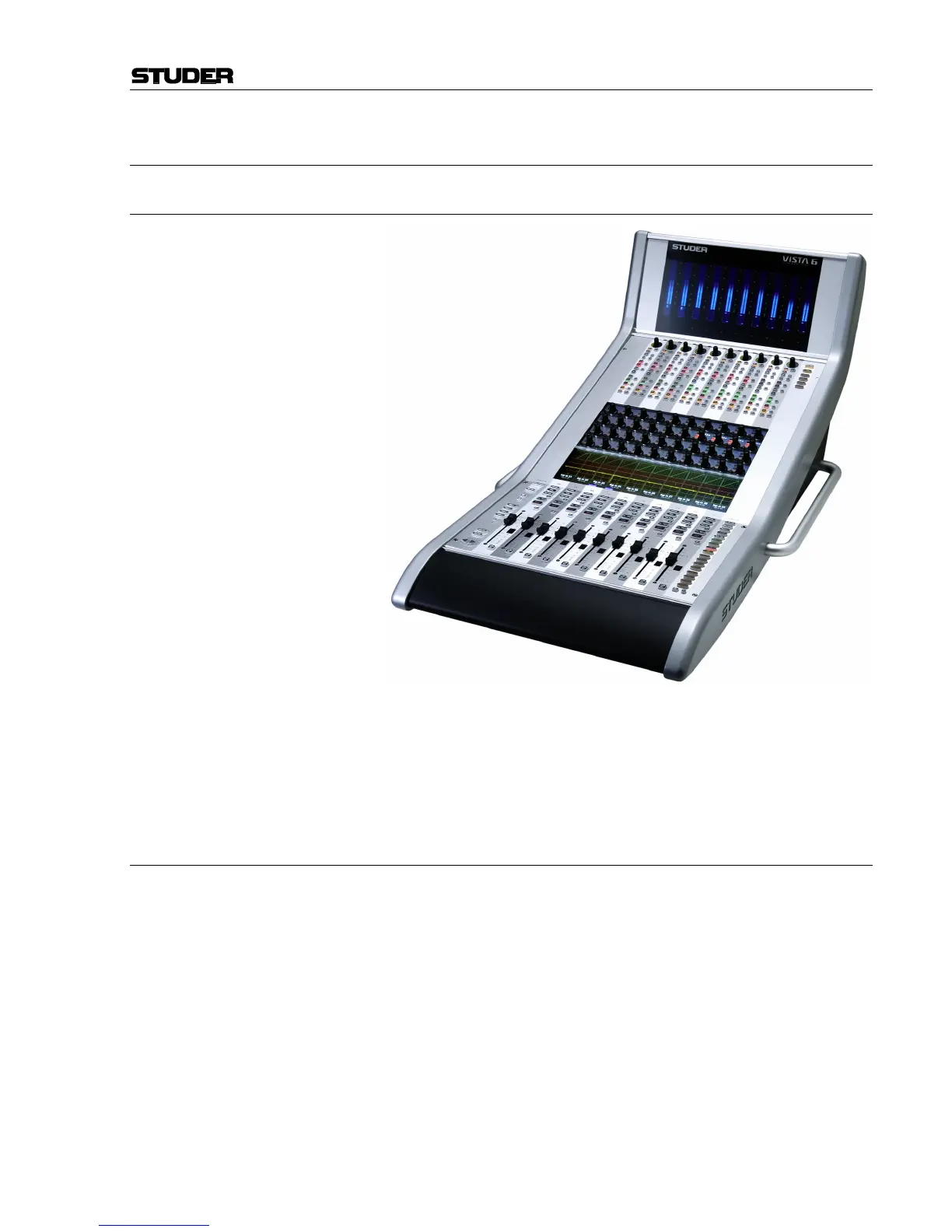
Vista Digital Mixing System
Date printed: 05.08.03 SW V3.3 Remote Bay 6-3
6 VISTA REMOTE BAY
6.1 General
The Vista Remote Bay is one or two Channel Bays that can be placed in
distance to the main operating desk. It provides all features and controls
found in the original Channel Bay and acts just as (an) additional Channel
Bay(s) to the console.
6.2 Operation
The Vista Remote Bay can be operated like the Vista main desk, offering
the same functionality and operating principles. The original operating
concept of the Vista 6/7 is respected, with a few exceptions:
• Copy/Paste and Ganging is allowed once for the whole console. It is
working simultaneously on the main console and on the Remote Bay, thus
might causing operational interference.
• Full Geographical Orientation over the console is not given on a single
Remote Bay. If located next to the main console the Remote Bay acts to-
gether with the main console as one large mixer. The (virtual) position of
the Remote Bay is to the right of the main console (this is important during
system start up and when scrolling).
• For remote operation, the Remote Bay has to be set into Locked Bay mode
to work independently from the main console. The Remote Bay therefore
does not work like a multi-desk configuration as possibly known from the
Studer D950.



 To Next Page