Vista Digital Mixing System
Date printed: 05.04.2005 SW V3.5 Vista 8 Differences 8-9
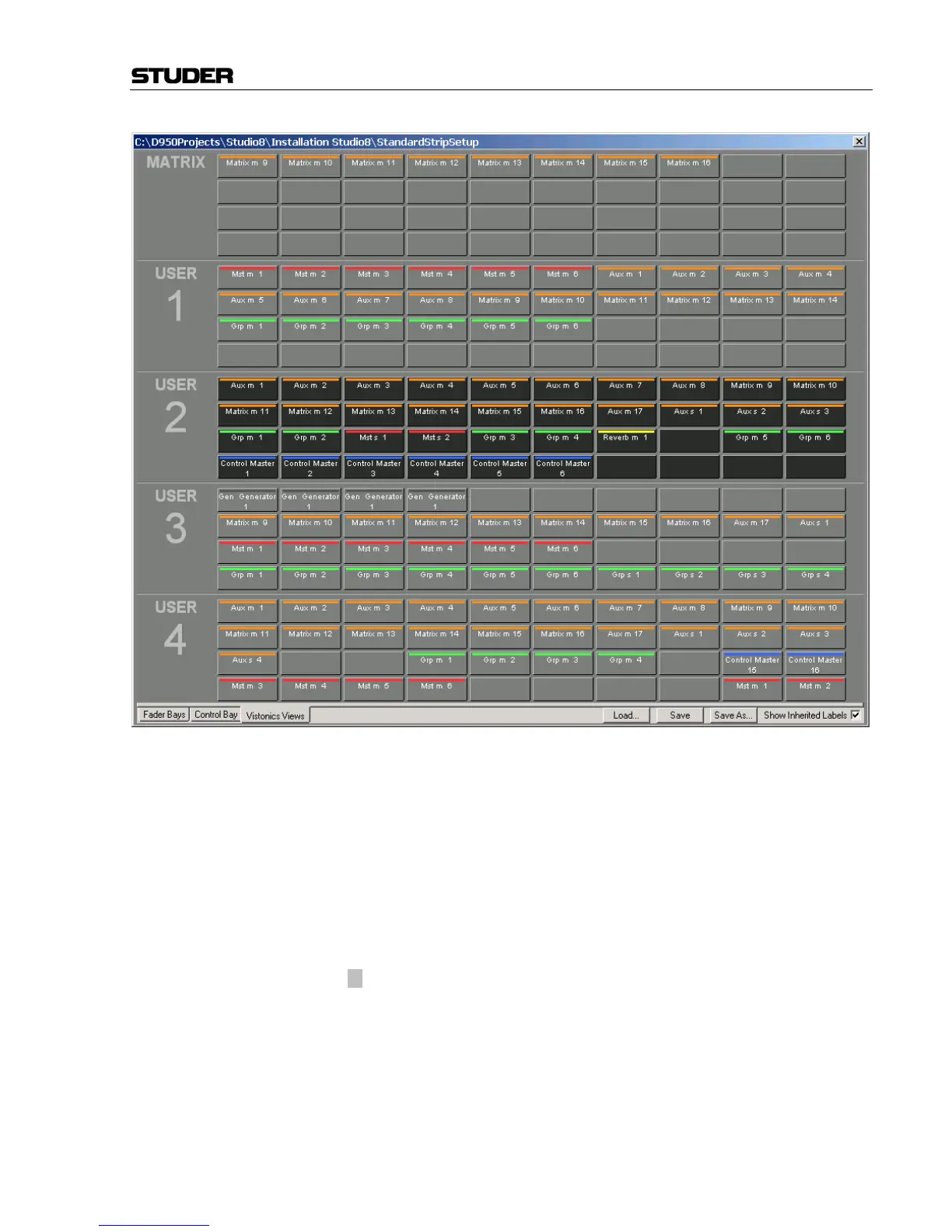
The top user-definable view is labeled
MATRIX. This page is also fully
user-definable and covers the same functionality as the other four
USER1...4 keys. As a standard the user may want to use the MATRIX key to
see the console’s matrix outputs (see chapter 8.6.8).
The function of the Vistonics
®
keys next to each rotary knob on the Viston-
ics
®
screen may be modified by pressing the TALK or MUTE keys. They will
change the Vistonics
®
key from a SOLO/PFL/SIP key (depending on the
current mode) to a TALK or MUTE key.
Note: These functions may not be available on certain channel types.
Apart from displaying meters and set levels, the Vistonics
®
screen also
indicates the label of the displayed channel with the color coding applied
accordingly.
Temporary activation of these keys is possible.
The × (shift) key is reserved for future use and doesn't offer any function
currently.



 To Next Page