Vista Digital Mixing System
Date printed: 05.08.03 SW V3.3 Desk Operation 2-19
[97] CUE – Show Cue List
Opens the cue list on the Graphic Controller.
[98]
¹ REW 7
¹ FWD 8
PLAY4
STOP <
REC l
Standard transport control keys. FWD 8 and REW 7 can also be activated
temporarily (by a long press). Please note that the function of the REC l
key may be modified to sending “Edit On”, “Crash Rec”, or to be deacti-
vated completely in a setup file (accessible for experts only).
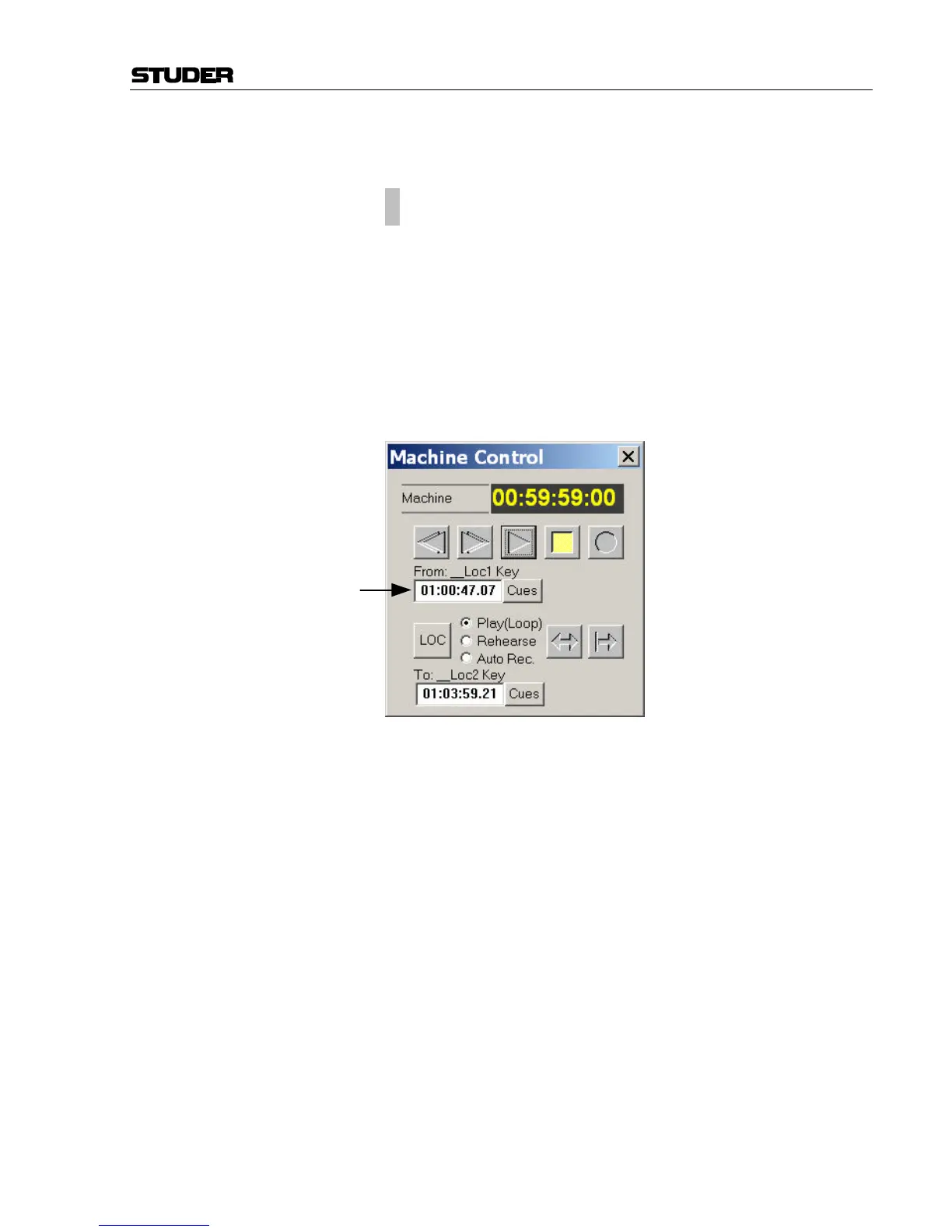
[99] LOCATE 4I3
Locates to the TC visible in the “From:” line of the Machine Control win-
dow, as shown below.
[100] MACHINE CONTROL
Extended keys that are only functional with third-party synchronizers
“Colin Broad Electronics RM-6” or “Soundmaster ATOM”.
Exception: The ROLLBACK key (bottom right) performs a rollback func-
tion if no third-party synchronizer is present. Rollback time is set in the
“Option – TC-Reader/Gen.” menu.



 To Next Page