STUDER 21. Sep. 2004 Release Notes Vista 3.4
13/18
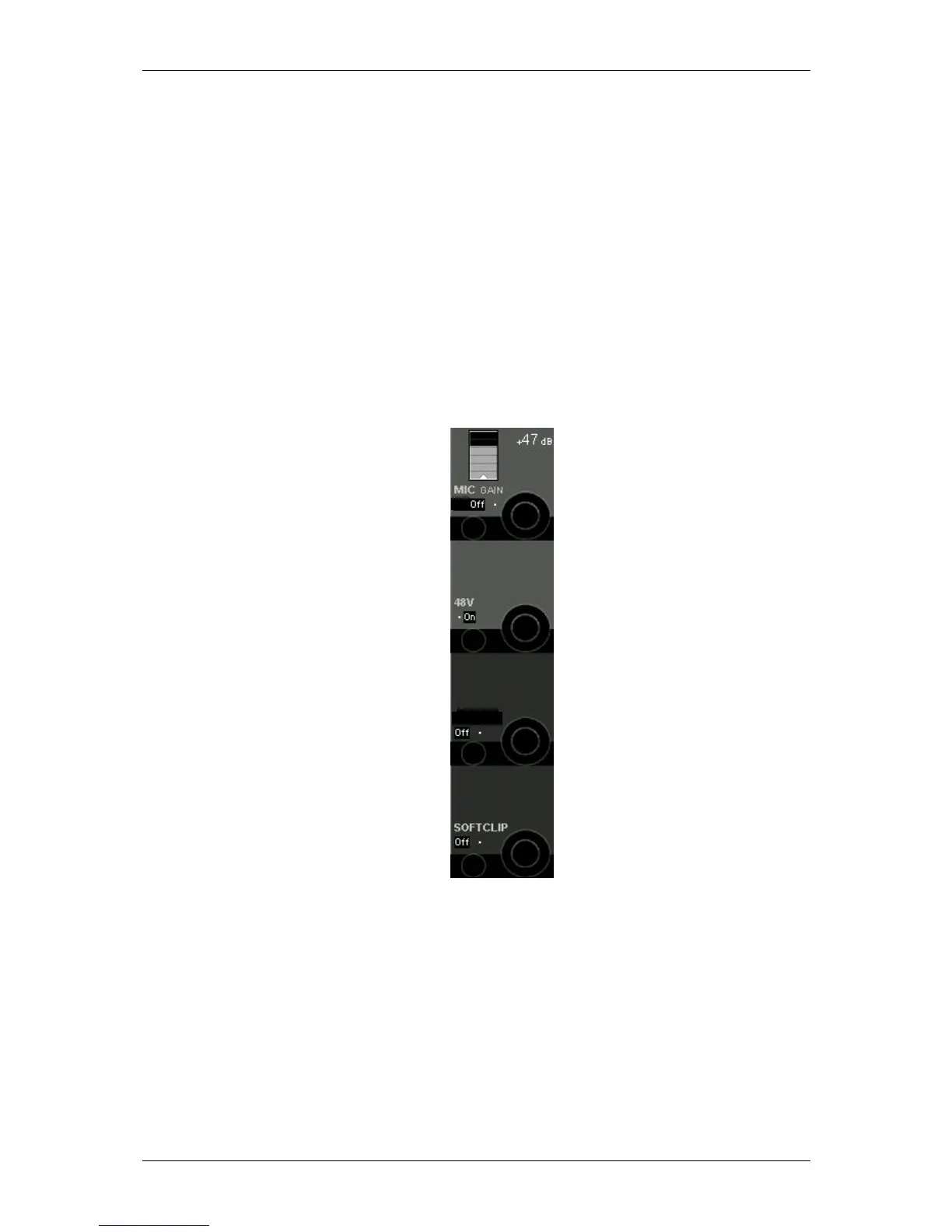
All microphone cards provide an active split output for each microphone channel. This
output may be used to connect a second console to the same microphones. This output is
mainly independent from the mic gain set. However, to achieve maximum audio quality
(signal-to-noise ratio) on these split outputs, it cannot be avoided to attenuate this split
output by -20dB whenever the microphone gain set on the main console is very low (-
11..+25dB gain). This will be graphically indicated on the Vistonics screen. Be aware when
working together with other consoles not to freely change the level over a wide range! The
console may therefore always work in the “microphone range” and doesn’t necessarily have
to switch to “line range”.
A softclip function is available on all channels and can be activated individually. This
“analogue limiter” may prevent nasty clipping noises in case the audio level is going too
high. We recommend you to activate this function when making any live productions, since
audio is not influenced below about –6dB
FS
.
Note: A analogue insert point is also available by inserting an additional „analogue insert
card“. While the send output is always active at line level, the return path may be
activated by the corresponding switch on the console.
HPF
INSERT



 To Next Page