Vista Digital Mixing System
26 Software V4.0 SW V4.0 Date printed: 17.06.08
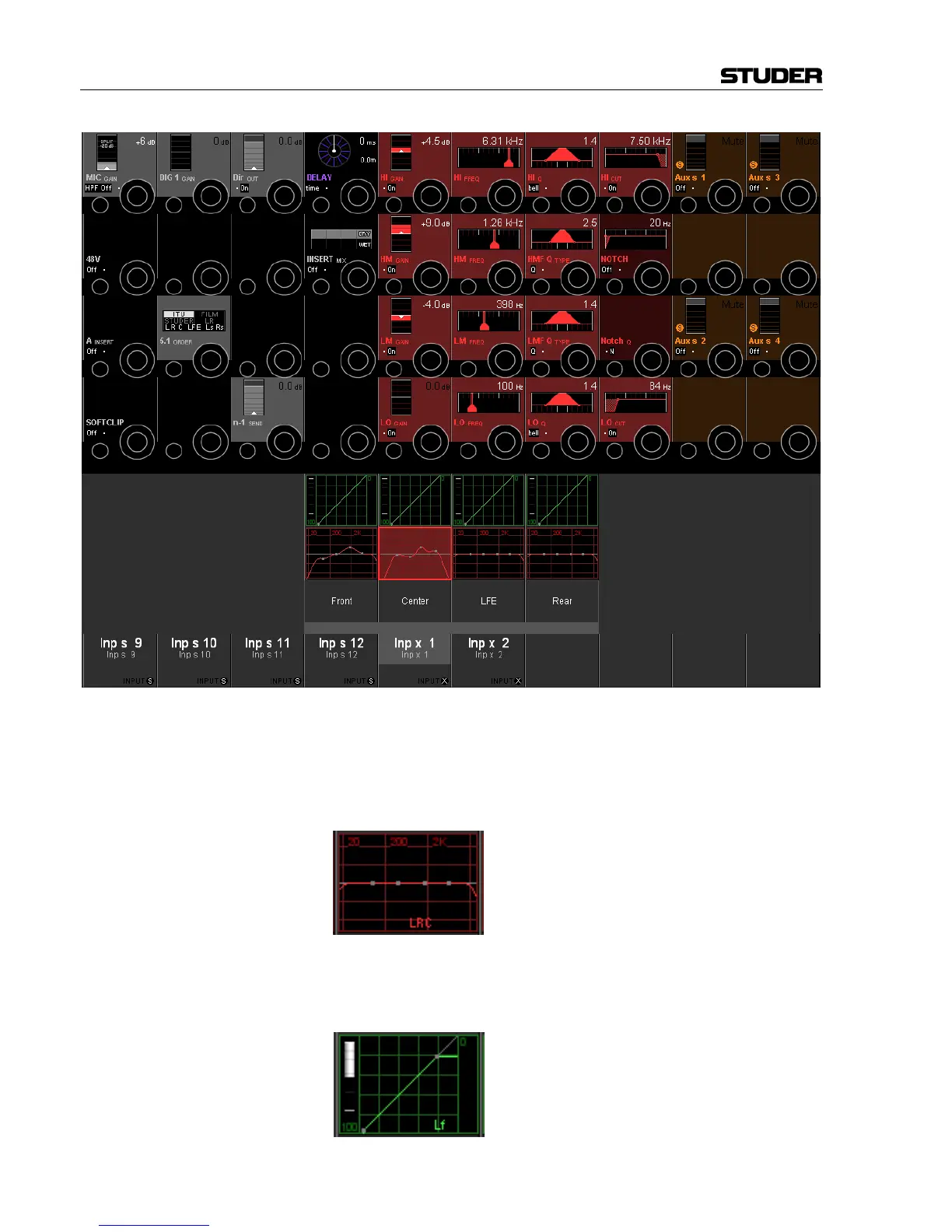
After the individual setting is made, pressing VIEW: CHANNEL again
switches back to the standard channel view. In our case (where the front
and center channels of Inp x 1 have individual EQ settings), the EQ field
then displays the standard EQ curve with supplementary, small L, R and C
characters, indicating that the front and center EQ settings are different
from the displayed curve.
Individual dynamics settings for the different surround signal legs can be
adjusted and are indicated in the same way. Please note that there is a gain
reduction indication at the left of each of the four individual dynamics
icons:



 To Next Page