Vista Digital Mixing System
34 Software V4.0 SW V4.0 Date printed: 17.06.08
[18]
[17]
[19] [20]
[21]
[16]
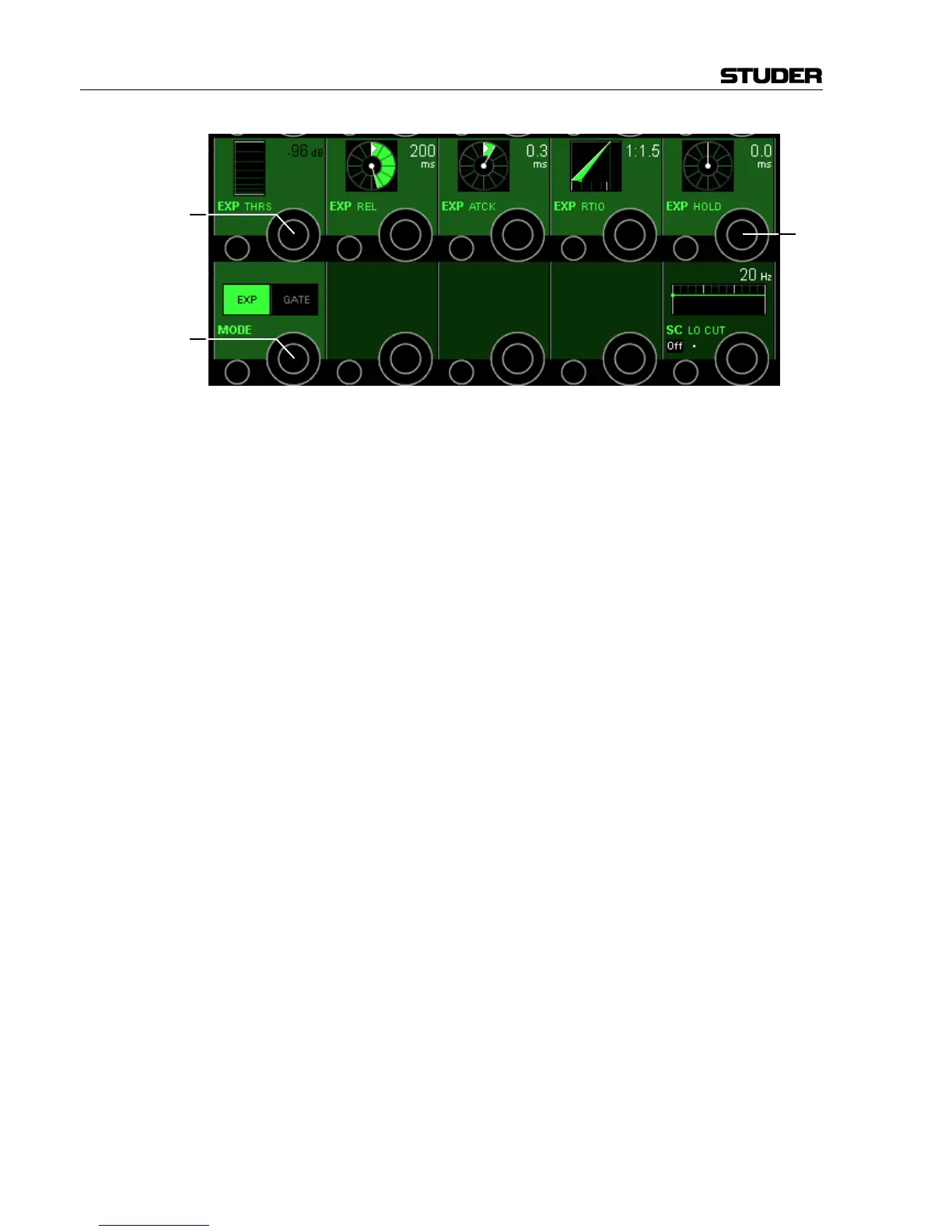
Expander Parameters:
EXP THRS [17] The expander threshold level can be adjusted in 1 dB steps from 0 dB
FS
to
–96 dB
FS
.
EXP REL [18] The expander release time can be adjusted in 64 steps within a range of
5 ms through 5000 ms.
EXP ATCK [19] The expander attack time can be adjusted in 64 steps within a range of
0.2 ms to 5 ms.
EXP RTIO [20] The expander ratio level can be adjusted from 1:1 (no expansion) to 1:40
(heavy expansion).
EXP HOLD [21] In the same way as with the noise gate, the expander hold time can be
adjusted in 64 steps from 0 ms to 2000 ms.
MODE [16] Switches the Expander/Gate section from Gate to Expander and back.
Please note that only one of the two functions can be active at the same
time: either Expander or Noise Gate.
Parameters Shared by the Dynamics Functions:
SC LINK [22] The Side-Chain Link function allows forming a side-chain group from up
to eight channels in order to control their dynamics by the maximum level
of all side-chain group members. Side-chains are defined in the GC’s
Channel Patch window. The rotary encoder switches the side-chain link
function on/off, if it is available for the specified channel.
SC LINK intKey/extKey [23] The key source input can be selected from either intKey (dynamics
processing depends on the channel’s input signal), or extKey (processing is
controlled by a signal connected via the patch).
SC HI CUT/LO CUT On/Off [24] Low-cut and high-cut filters are available within the side-chain key signal.
This facilitates frequency-dependent dynamic processing for creating
effects, such as de-essing. Both side-chain filters can be switched on/off
independently.
SC HI CUT/LO CUT [25] Both side-chain filters feature cut-off frequencies continuously adjustable
between 20 Hz and 20 kHz.
Note: There are COMP/LIMIT and EXP/GATE hardware keys for activating or
deactivating the compressor and expander/gate parts of the vintage
dynamics section; however, as opposed to the standard dynamics section,
there are no individual On/Off keys in the channel-related Vistonics View.



 To Next Page