S820E UG PN: 10580-00343 Rev. H 3-57
Cable and Antenna Measurements 3-10 Measurement Menu
Measurement Menu (continued)
Advanced (continued)
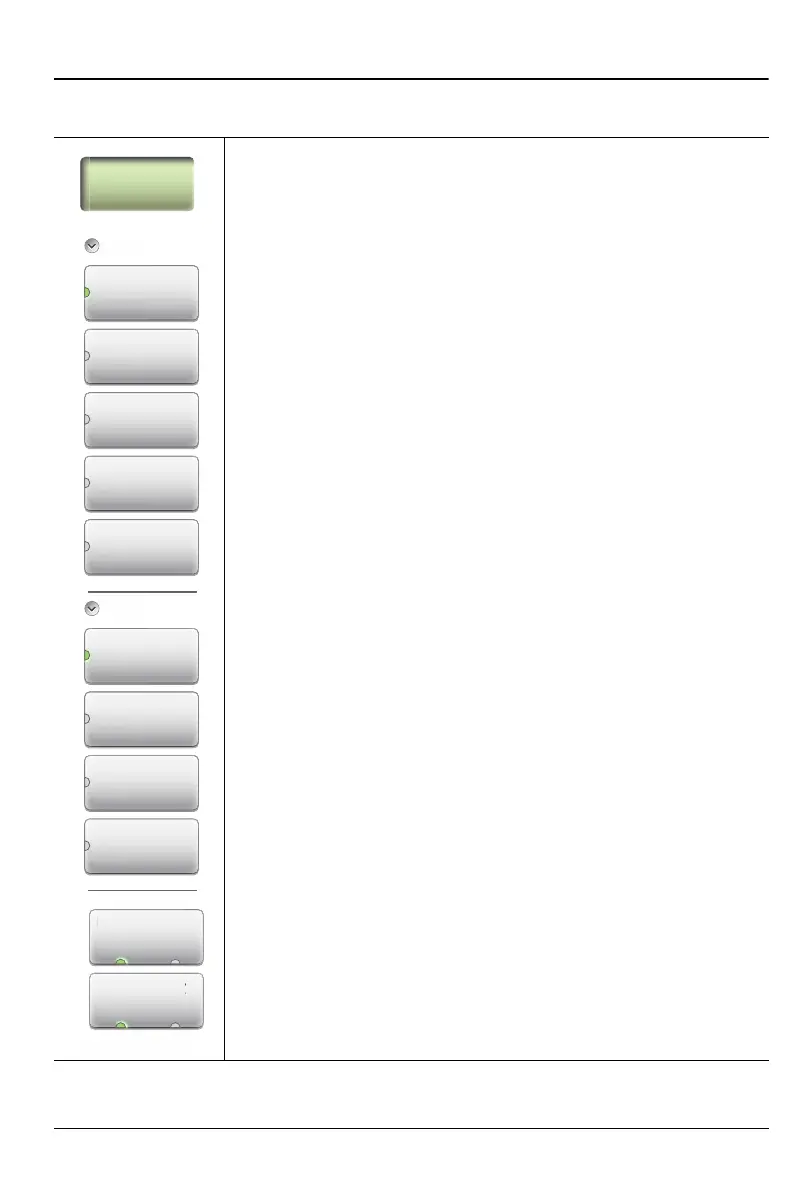
1-Port Phase: Press this submenu key to set the phase of a
reflection measurement. 1-Port phase displays the phase of
the reflection measurement of the device that is connected to
Port 1. The data are displayed from –180° to +180° because
the measurement cannot tell the difference between one
cycle and the next. This display method removes the
discontinuity from the important 0 degrees area that is used
as the phase reference.
The 1-port phase measurement is most useful when making
relative measurements (comparing the phase of one device
to the phase of another) by utilizing the Trace Math function
(Trace – Memory).
Common
Display Format
Single Dual: Press this submenu key to toggle the sweep
window to show one trace (Single) or
two traces (Dual).
Active Display
Top Bottom: Press this submenu key to toggle the setting
of the active trace. You can also touch either trace to make it
the active trace.
Figure 3-36. Measurement Menu
Measurement
Standard
Return Loss
an
rn
DTF
Return Loss
Cable Loss
VSWR
DTF VSWR
Advanced
v
n
Transmission
(Ext. Sensor)
Transmission
(2-Port)
Smith Chart
1-Port Phase
Display Format
Displa
Form
Single Dual
Active Display
Active Displ











 To Next Page