S820E UG PN: 10580-00343 Rev. H 3-61
Cable and Antenna Measurements 3-12 Amplitude Menu
3-12 Amplitude Menu
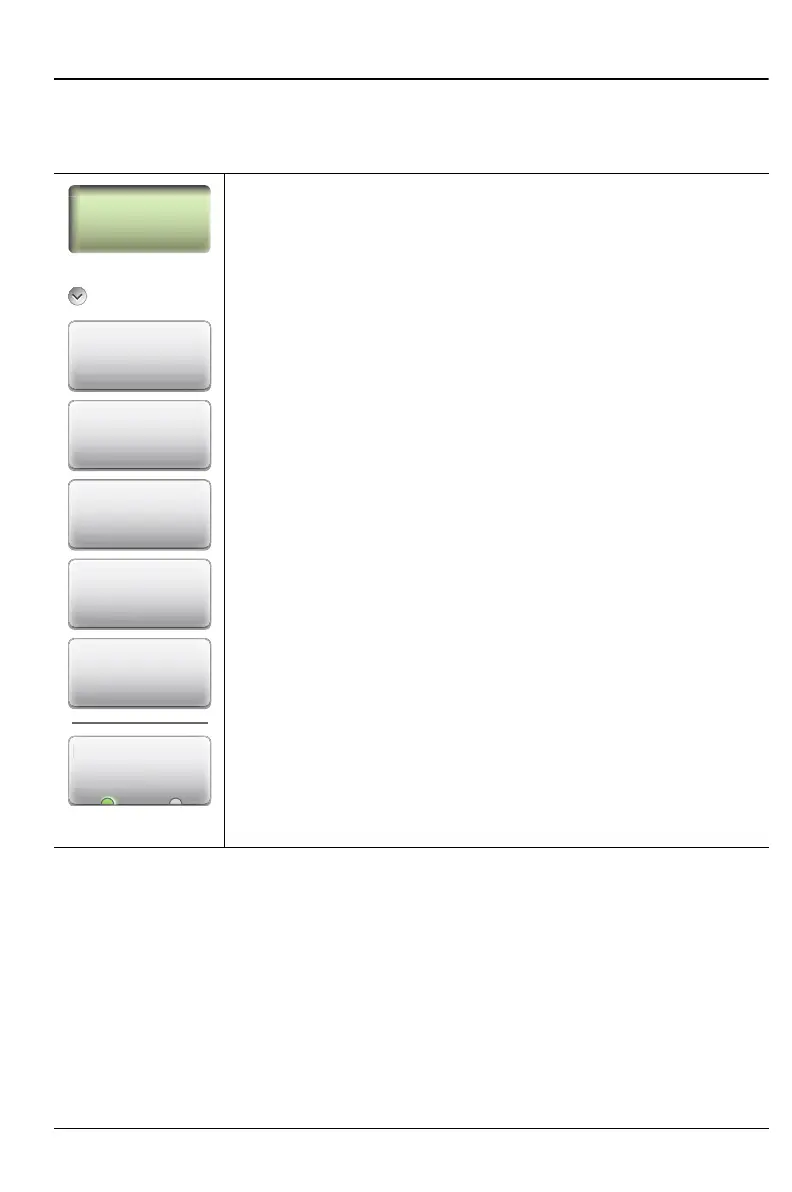
Key Sequence: Amplitude
Amplitude
Top: Sets the top amplitude value using the keypad, the
Arrow keys, or the rotary knob. Press Enter to complete the
entry.
Bottom: Sets the bottom amplitude value using the keypad,
the Arrow keys, or the rotary knob. Press Enter to complete
the entry.
Autoscale: Automatically sets the top and bottom scales to
the minimum and maximum values of the measurement with
some margin on the y-axis of the display.
Fullscale: Fullscale automatically sets the scale to the
maximum allowable setting for each measurement.
Scale Preset: Scale Preset automatically sets the scale to
the default setting: 0 dB to 60 dB for Return Loss
measurements, 0 dB to 30 dB for Cable Loss, 1 to 3 for
VSWR measurements, and +10 dB to –90 dB for
Transmission measurements.
The following submenu key appears only for Smith Chart
measurements, and is then the only submenu key in the
Amplitude Menu:
Ref. Impedance
50 Ω 75 Ω: Sets the reference impedance that is used for
Smith Chart calculations to either 50 Ω or 75 Ω. The
reference impedance determines the value of impedance at
the center of the Smith Chart.
Figure 3-40. Amplitude Menu
Amplitude
Top
Bottom
Autoscale
Fullscale
Amplitude
Scale Preset
Ref. Impedance
Ref. Impedan











 To Next Page