15-14 PN: 10580-00343 Rev. H S820E UG
15-5 VIP Menus Video Inspection Probe (VIP)
File Menu
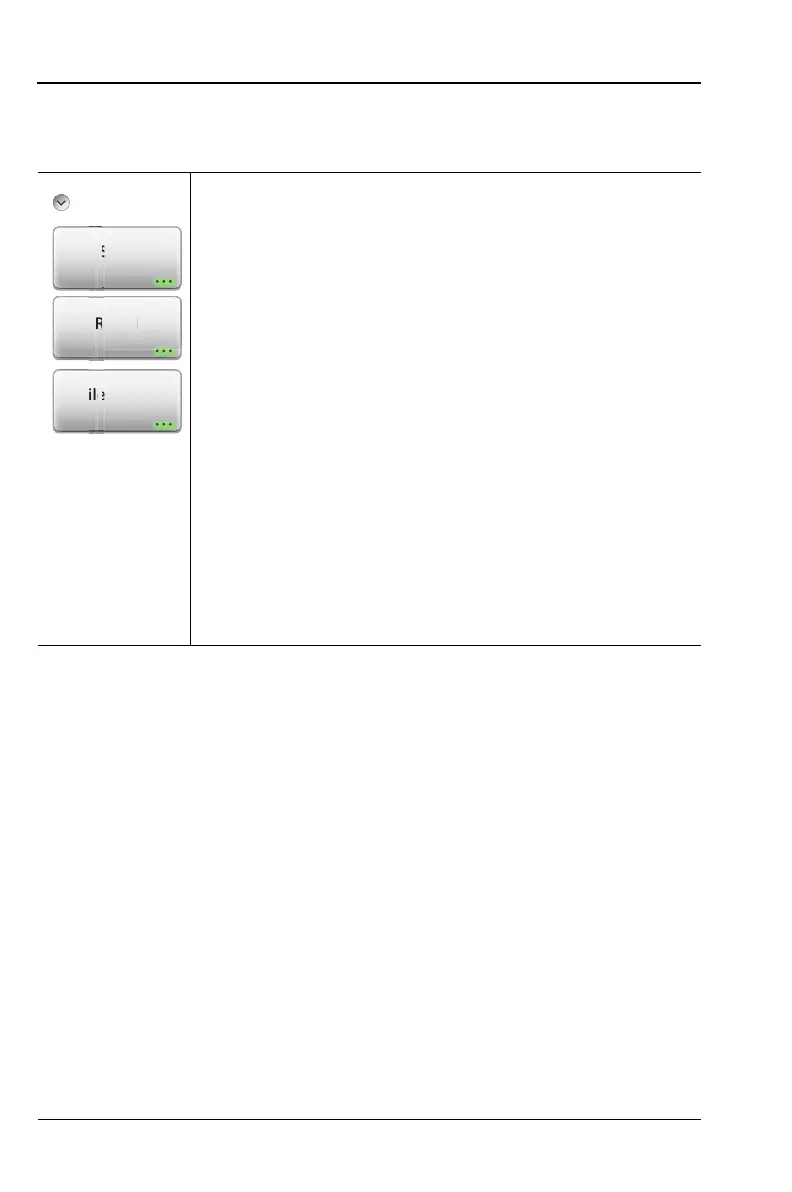
Key Sequence: Save/Recall
Save: Press this key to open the Save dialog (Figure 10-1
on page 10-4). This function is the same as pressing the
keypad menu key
Save (7).
You can choose to save the VIP image and analysis results,
the VIP image alone, or the current display screen. See
Figure 15-7 on page 15-8.
Recall: Press this submenu key to open a previously saved
VIP measurement file (.vipi extension) or VIP image (.png
extension). Refer to “Recall a VIP Measurement (VIP Mode
Only)” on page 10-17. Note that a captured screen shot of
the display cannot be recalled and analyzed.
File Mgmt:
Press this submenu key to display the “File
Mgmnt Menu” on page 10-34. This menu contains basic
file management functions including renaming files or
folders, creating folders, copying, pasting, and deleting
files or folders. Many of the file management functions
are duplicated in the Save and Recall menus for user
convenience
.
Figure 15-14.File Menu
Mgm
ec
v











 To Next Page