S820E UG PN: 10580-00343 Rev. H 10-25
File Management 10-9 Create a Folder
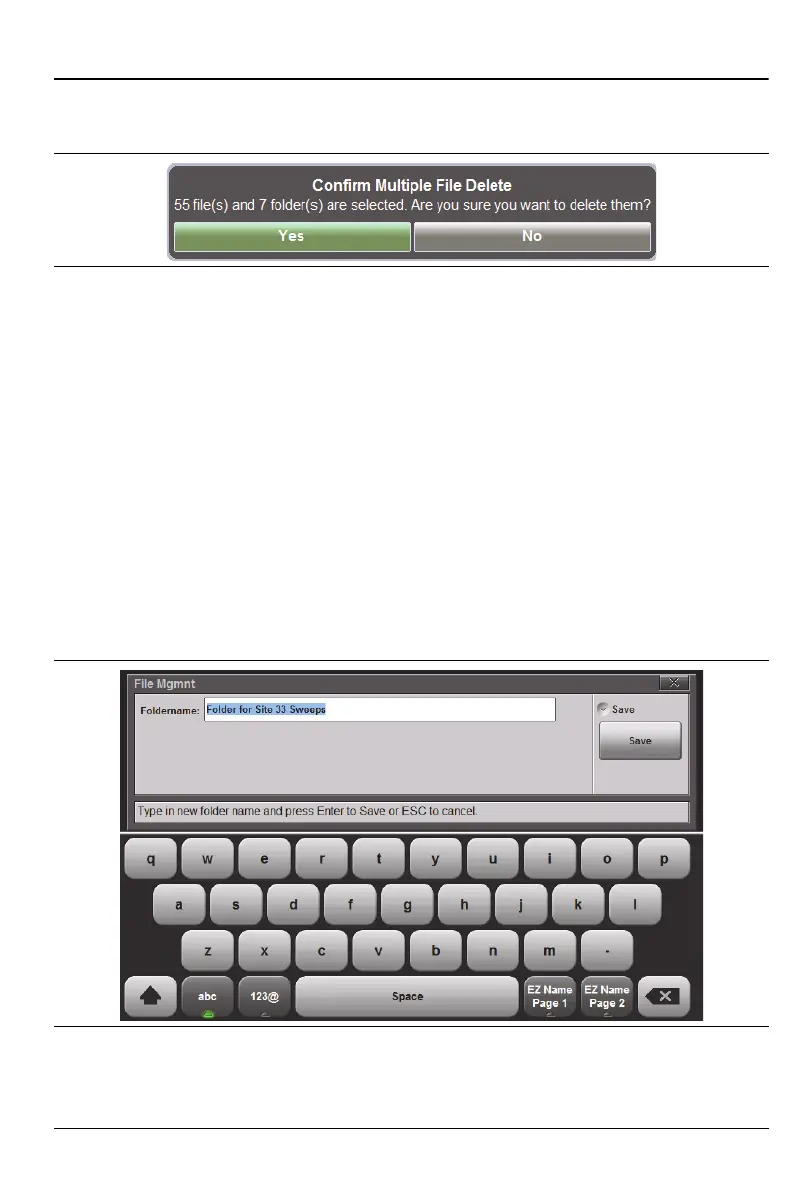
3. Under File Mgmnt select Delete. Confirm that you want the files deleted
by selecting Yes. (The default selection is No.)
10-9 Create a Folder
The Site Master S820E allows folders to be created in either internal memory
or an external USB drive. Multiple subfolders can also be created. This
functionality is helpful in organizing traces by date, technician, carrier,
and/or site location.
1. From the File main menu, press the File Mgmnt submenu key.
2. Navigate to the location where the new folder should be created.
3. Press the Create Folder button.
4. Name the folder using the on-screen keyboard. Refer to “Choose the File
Name” on page 10-9 for additional information (Figure 10-25).
Figure 10-24.Confirm File Deletion
Figure 10-25.Name the Created Folder











 To Next Page