S820E UG PN: 10580-00343 Rev. H 9-33
High Accuracy Power Meter 9-16 Average Menu
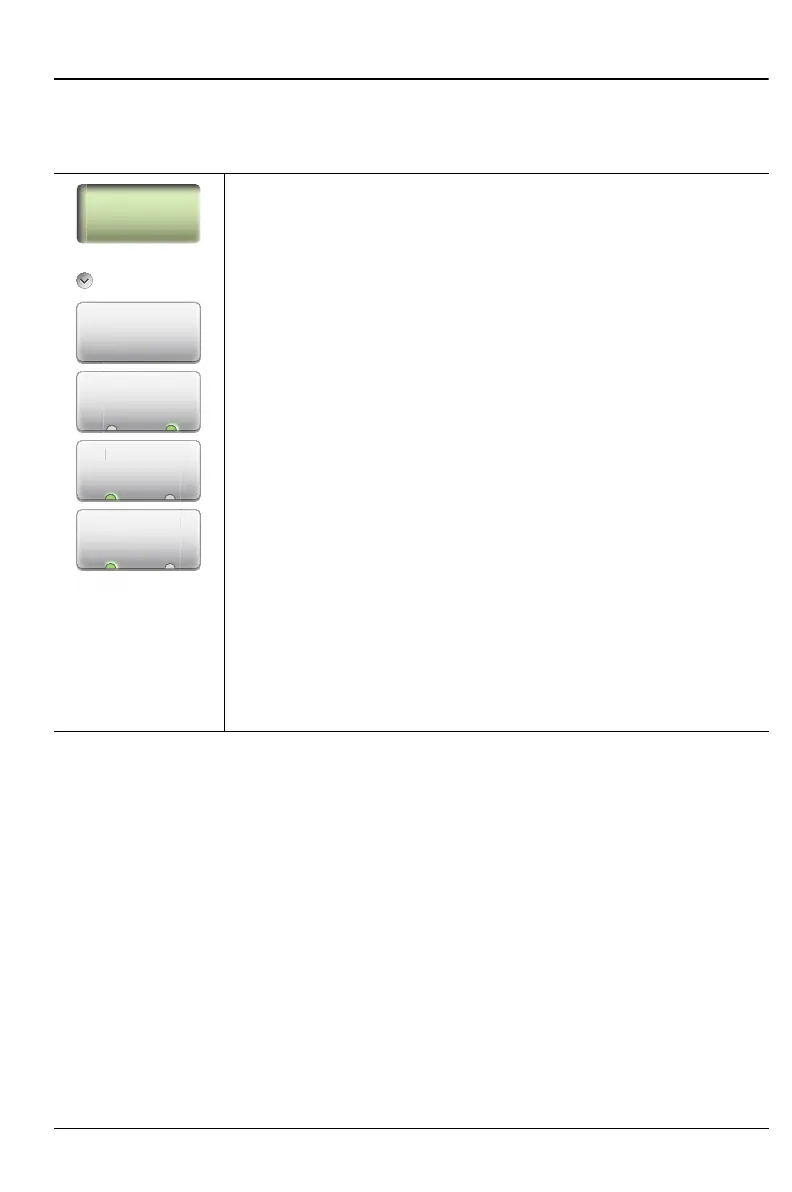
9-16 Average Menu
Key Sequence: Average
Average
Running Average: Sets the number of measurements used
in calculating the average. Also sets the number of
measurements made when Average Mode is set to Single,
and when Run/Hold is toggled from Hold to Run. The default
setting is1 measurement, and the maximum setting is
60 measurements. Enter the desired number by using the
keypad, the rotary knob, or the Up/Down Arrow keys. Press
Enter to set, or press Esc to restore the previous setting.
Max Hold: Setting Max Hold to On will display only the
maximum power level. Turning Max Hold Off will display the
current power level.
Run/Hold: Toggles between Run and Hold. When in Hold
mode, pressing this key starts the measurements and
provides a trigger. When in the Run mode, pressing this key
pauses the sweep.
Average Mode: Toggles between single measurement and
continuous measurements. In Single, each measurement
(or series of measurements if Running Average is greater
than 1) must be activated by the Run/Hold key.
Figure 9-28. High Accuracy PM (MA24105A) Average Menu
M
x H
l
On O
Running
Average
Average
Run/Hold
Run/Hol
Average Mod











 To Next Page